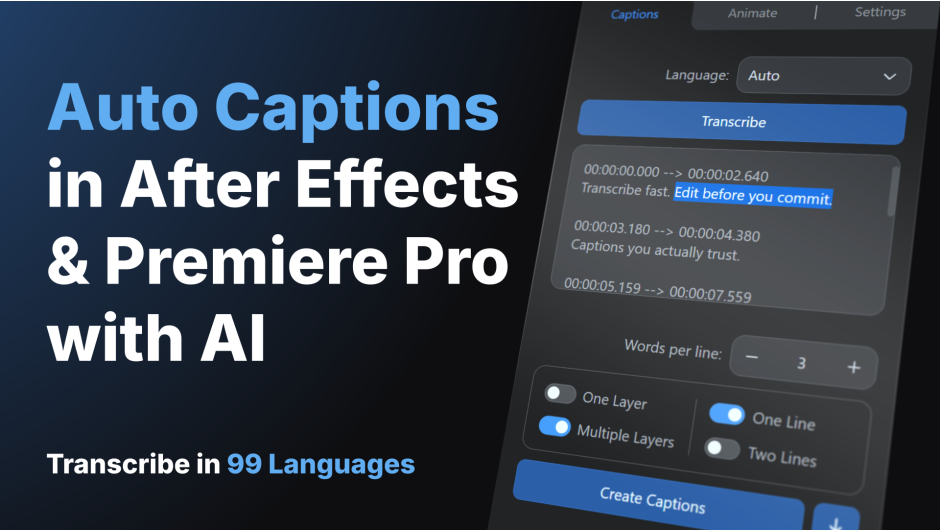
AutoCaption turns speech in audio or video into captions in After Effects. It creates native After Effects text layers, so you can change the font, color, spacing, timing, animation and expressions in the composition. It suits editors who want to transcribe and style subtitles in the same motion graphics project.
Choose how captions break up
Choose one, two or three words per layer for different pacing. Smart Parts groups two to five words using speech rhythm, pauses and meaning. Sentences splits text around pauses and logical sentence structure. You can generate one text layer or multiple layers, which changes layer complexity, performance and how you animate the captions.
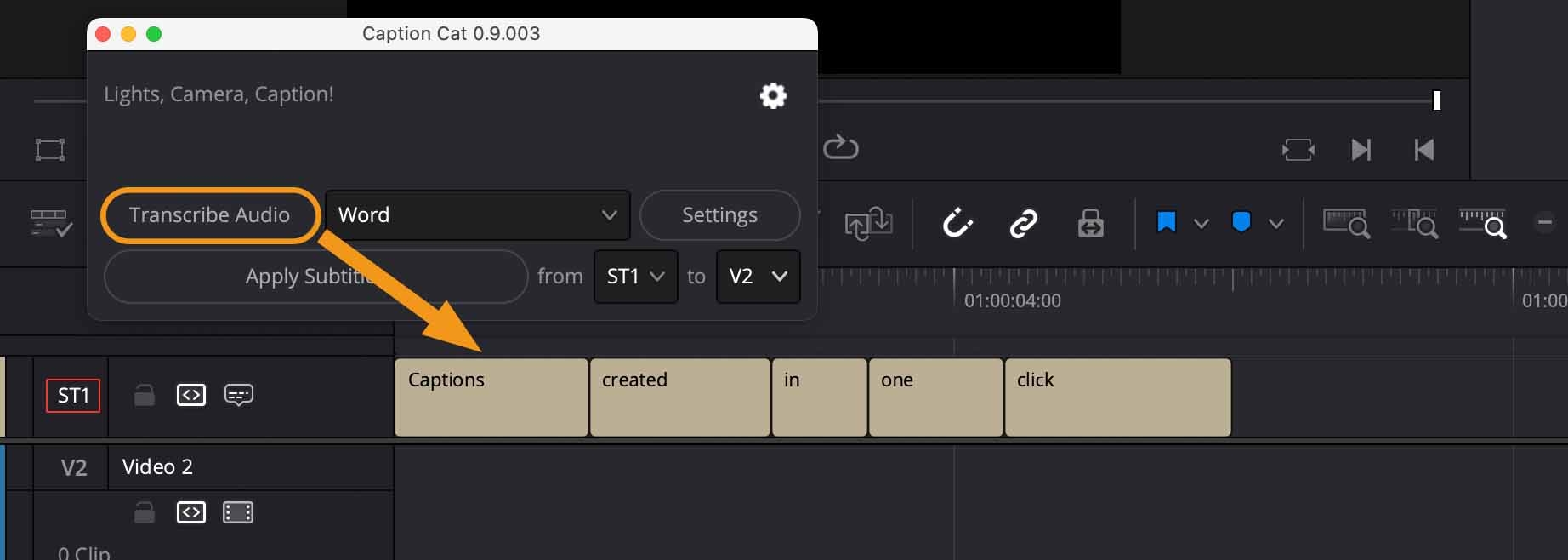
AutoCaption accepts common video and audio formats, including MP4, MOV, MKV, WebM, MP3, WAV, M4A and FLAC. The product listing states there is no file-size limit, while noting that processing time scales with clip length.
Style and refine the result
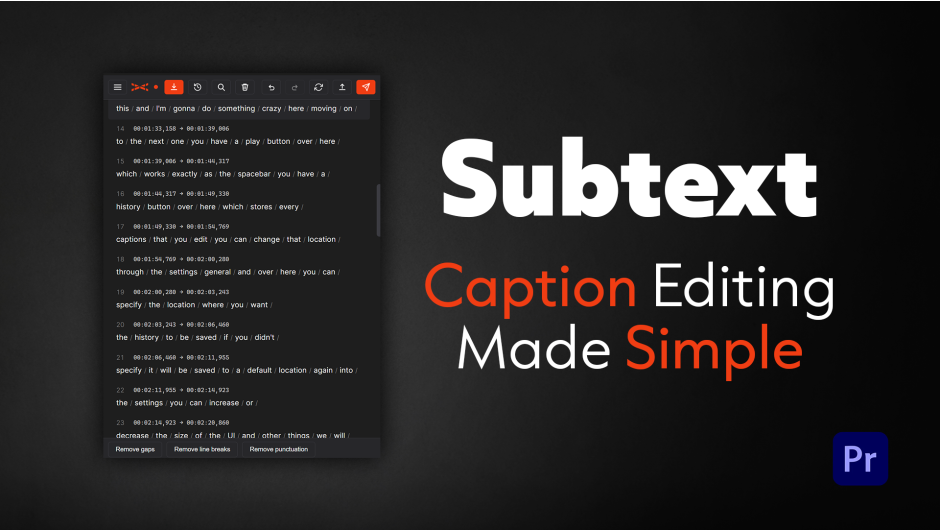
Caption presets are editable. Adjust fonts, colors, timing and animation parameters, or use built-in animation presets such as Typewriter, Wiggle, Pulse and Float. You can also change animation speed and motion settings. Word-by-word highlighting syncs to the speech.
Transcription and language support
You can transcribe online through the product's servers or offline on your computer. Audio is extracted locally; the listing says offline audio is not uploaded. Styling, animation and editing take place locally in After Effects. The product requires no external API key or account after activation.
Automatic language detection covers a broad language list. The listing specifies right-to-left support for Arabic and Hebrew, plus per-character animation for Chinese, Japanese and Korean text. Transcription accuracy depends on audio clarity; heavy background music or noise can reduce it.
Requirements and license options
The listing has two different compatibility statements: its compatibility field lists After Effects 2020 through 2026, while its requirements text says After Effects CC 2019 or later. If you use After Effects 2019, confirm compatibility before purchasing.
The USD listing shows a seven-day full-feature trial with no credit card, plus monthly, yearly and perpetual licenses priced at $8, $80 and $150 respectively. The perpetual option is a one-time payment. The product EULA grants a license for one copy and restricts use to one computer at a time; multiple copies or users require appropriate licenses for each.