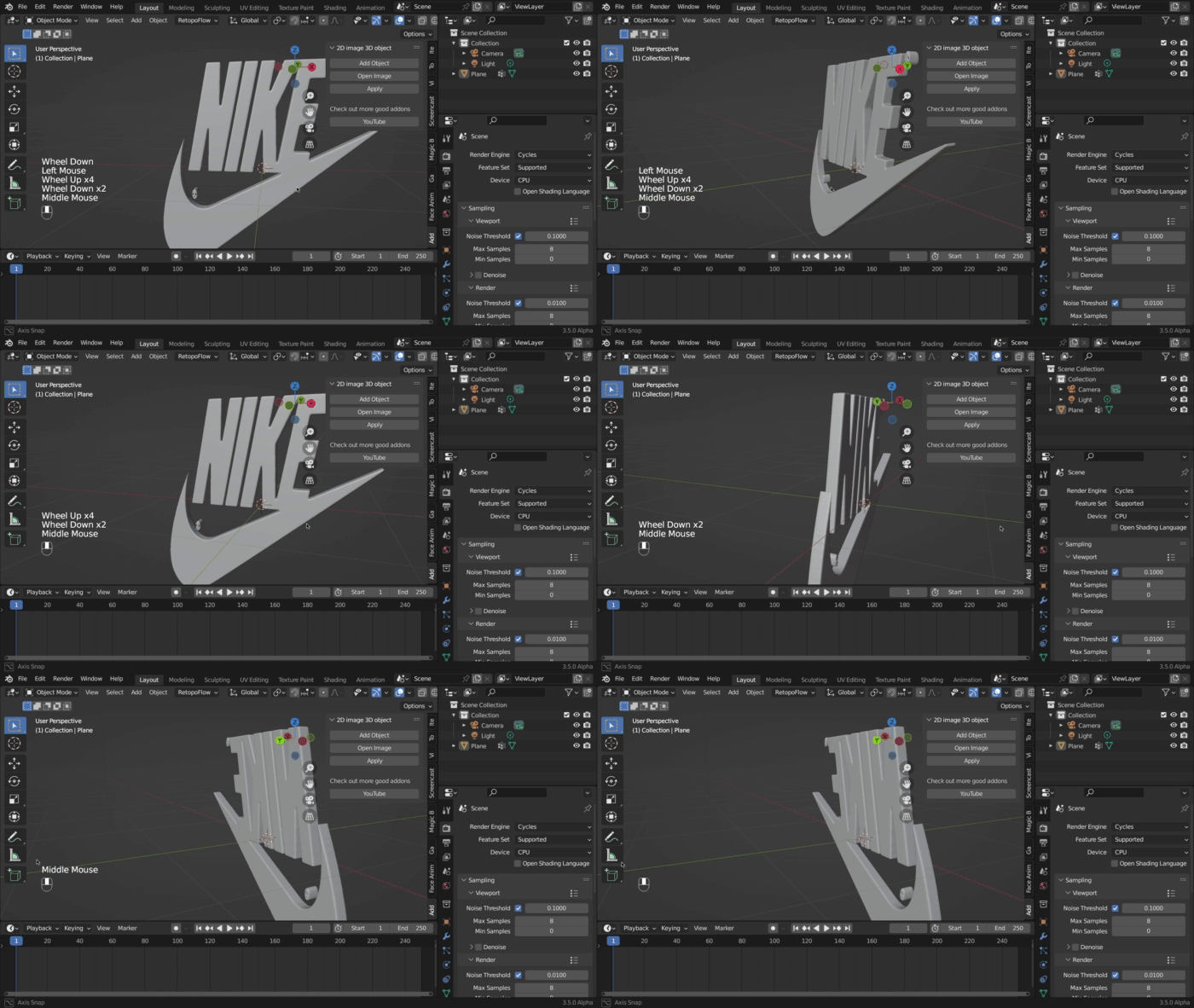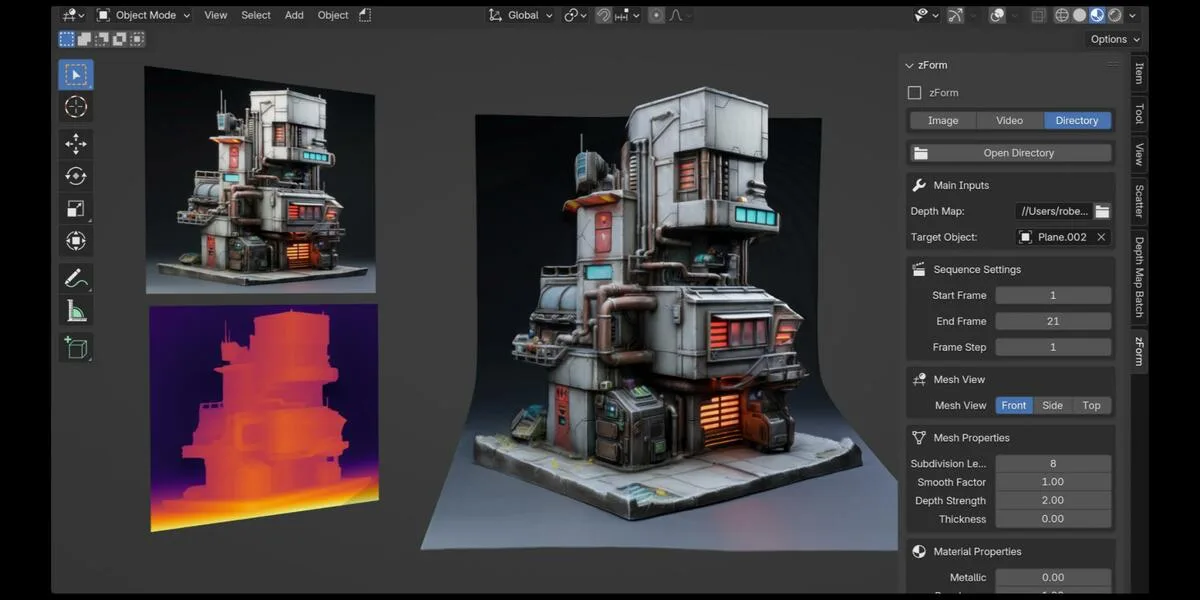
AutoDepth AI is a Blender add-on that turns a 2D image into a depth map, then uses that map to create displaced geometry. It can also generate a 3D model from the depth map. The workflow suits image-based terrain, architectural visualization, and digital art.
From image to displaced geometry
In Blender's 3D Viewport, open the sidebar with the N key, choose AutoDepth AI, and select “Import Image to Generate Depth.” The add-on creates the depth map locally and automatically displaces a plane. You can then work with the result in Blender, including with the Cycles or Eevee render engines listed on the product page.
The add-on also includes an optional text-to-image feature. You can enter a prompt to create an image inside the add-on, but that feature uses an online service and needs an internet connection.
Depth maps run locally in version 2.0
Version 2.0 includes the Depth Anything V2 model and processes depth maps on your computer. According to Blender Procedural's product page, this part works offline without an account, internet access, extra installation, or Python packages. The maker says GPU processing takes about half a second and that the add-on can fall back to the CPU.
The offline detail applies to depth generation. Text-to-image remains online, so that feature has a different connection requirement.
Installation and platform notes
The current installation instructions specify Windows 10 or 11, 64-bit. Download the ZIP file without unzipping it. In Blender, go to Edit > Preferences > Get Extensions, open the menu at the top right, choose Install from Disk, and select the ZIP. Then open the AutoDepth AI panel in the 3D Viewport sidebar to import an image. The product page gives the version 2.0 installation steps .
The product's version 2.0 instructions name Blender 4.2 or newer and say it was tested on Blender 5.2. The marketplace compatibility field separately lists Blender 4.3–5.3, so check the current package details for the version you plan to use. The product page directs macOS users to version 1.1.3, an online release. Linux support is not specified in the current listing.
If you are updating from version 1.x, the developer says to remove the old add-on, restart Blender, and then install the new ZIP.