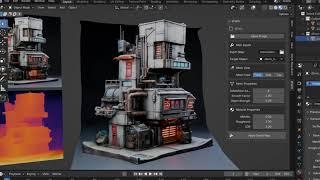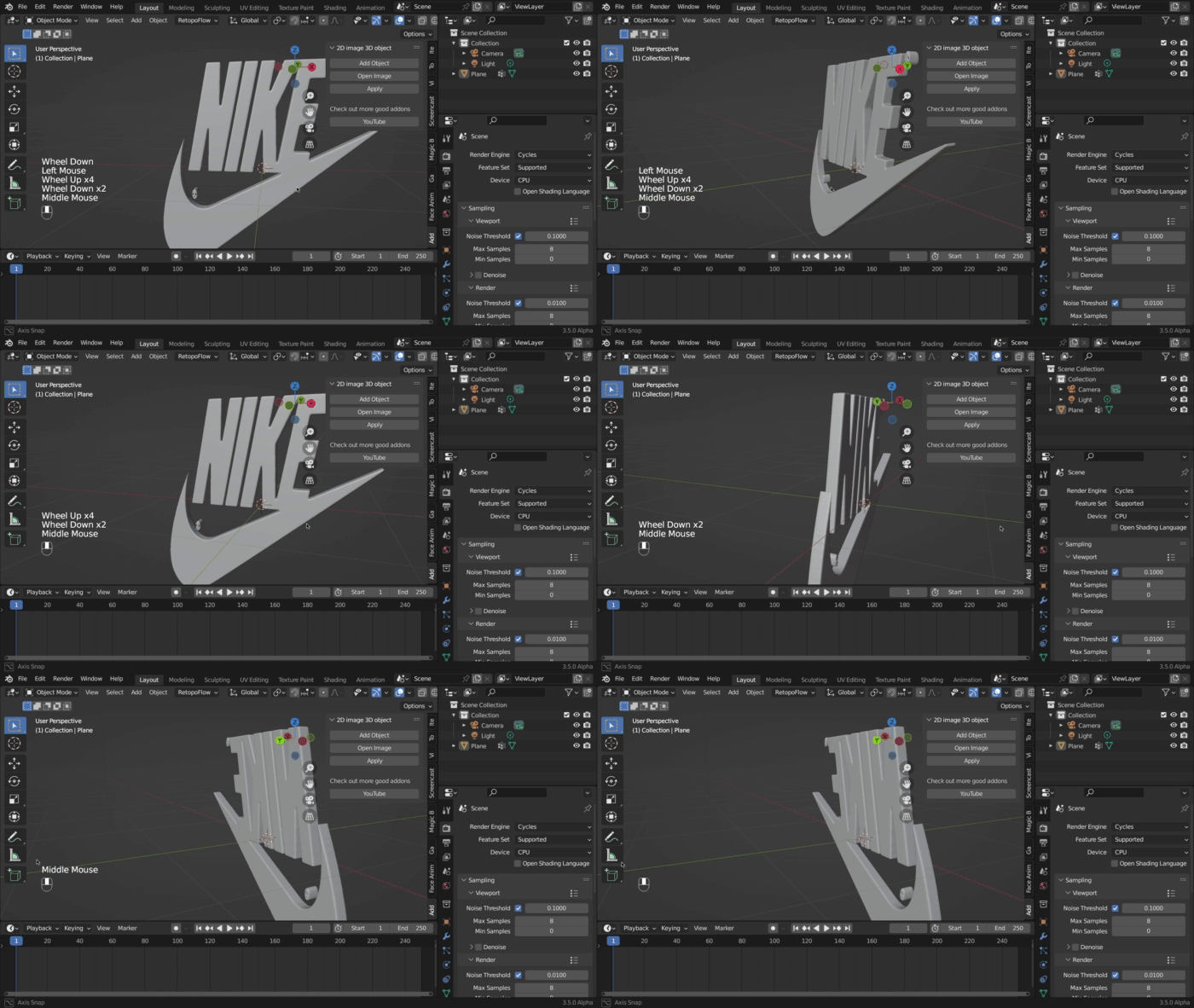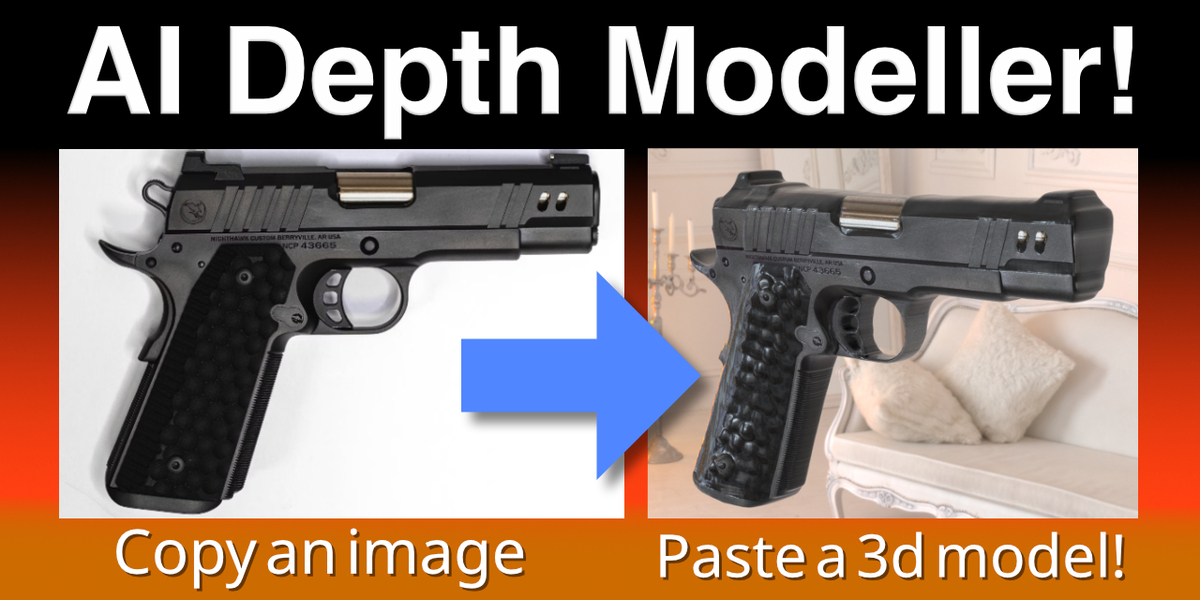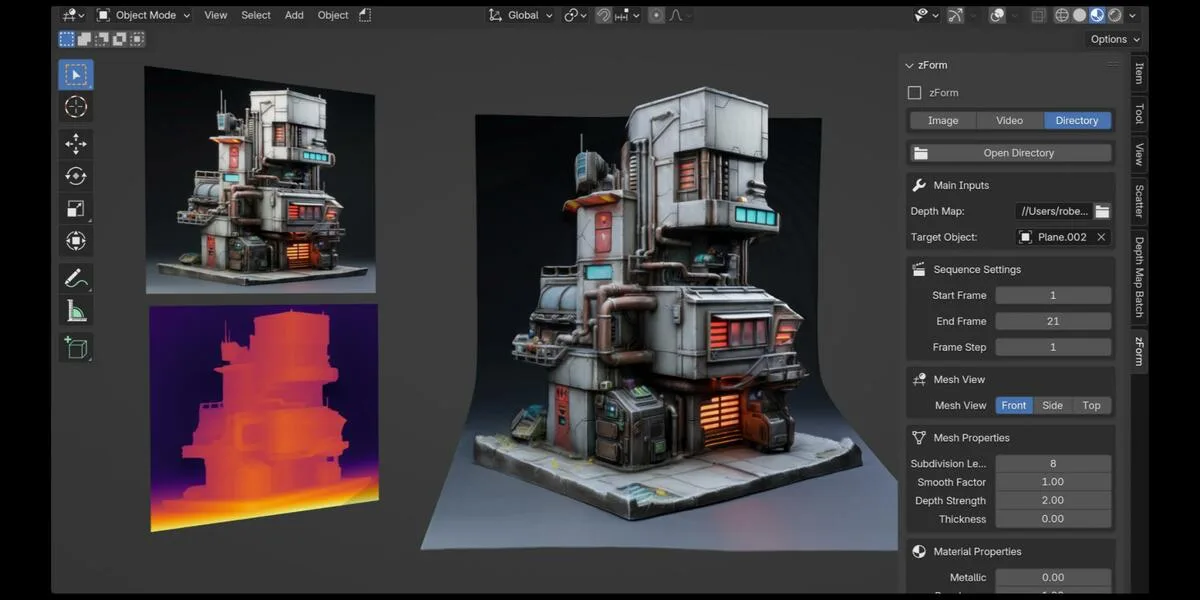
zForm is a Blender add-on for converting single images, image sequences, and video frames into 3D meshes using matching depth maps that must already exist. Its controls appear in Blender’s 3D View, where you can create a mesh, adjust its shape and surface, then continue working in the same project. Explore 360 uses one 2D image to create a 360° world you can explore in Blender without a depth map.
Choose an input for your workflow
The standard image-to-mesh workflow requires a depth map you have already created. zForm does not generate depth maps for this process, so prepare a matching image and map first. The product overview lists PNG, JPG, and JPEG inputs; its FAQ names PNG and JPG for images and their corresponding depth maps. Check the official zForm documentation for current input details.
For a sequence, zForm supports image and video workflows. The documentation’s Directory feature guide says each depth map should use the original image filename with “_depth” added. Blender’s Timeline can then move through the frames. Explore 360 works differently: it uses a single image, with skybox or equirectangular images recommended for the best results.
Adjust the mesh and its surface
Mesh controls include subdivision level, smooth factor, and depth strength, so you can tune detail and surface smoothness. Material settings cover metallic, roughness, and index of refraction (IOR). The texture tools let you paint a depth map, adjust its contrast and brightness, and use Shadow Box or Box presets. Deformation tools bend, twist, taper, or stretch the mesh. Front, side, and top views help you inspect it from different angles.
Export and plan for further work
Utility tools export animations as GLB or GLTF, split objects into pieces, and create laser-cut slices with adjustable thickness and optional flattening for 2D workflows. You can continue editing the generated geometry with Blender’s modeling tools. The developer says zForm is not optimized for 3D printing, so plan on additional work for print projects.
Version and documentation
The product listing identifies version 2.4.5 as updated for Blender 5.1 and lists Blender compatibility from 3.5 to 5.3. Check the listing and developer updates for current version information. The documentation covers installation, the interface, feature guides, tips, and tutorials. If Generate Mesh produces no result, the product FAQ recommends confirming that the image and depth map imported correctly and have compatible dimensions, then checking Blender’s console for errors.
zForm suits Blender users who already have depth maps and want to turn them into editable meshes, or who want to explore a 360° scene from a single suitable image.