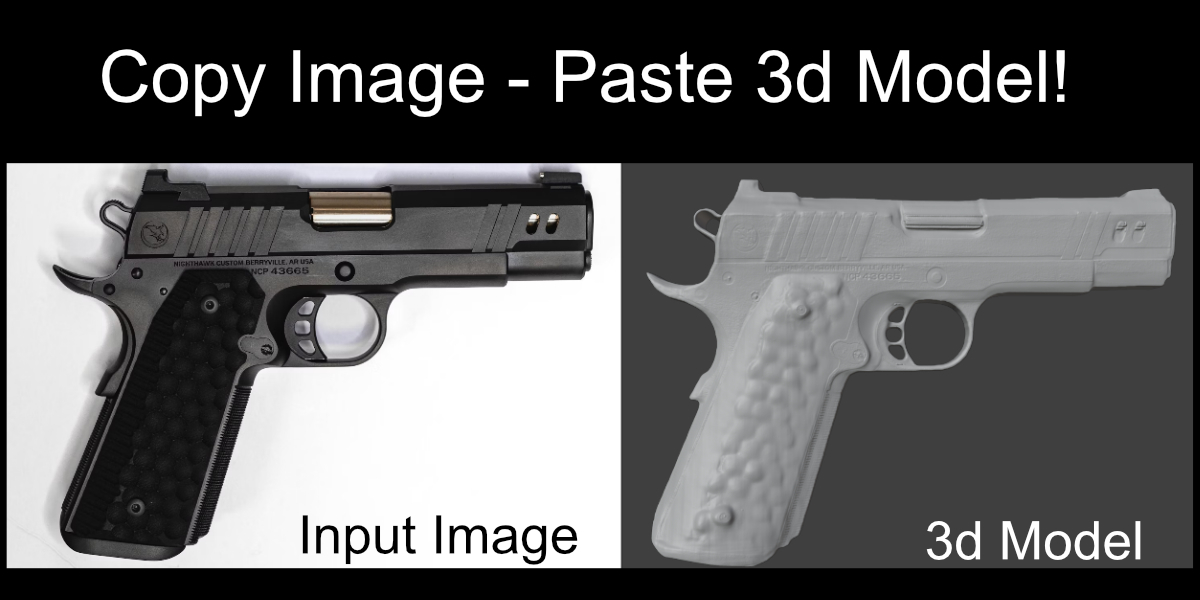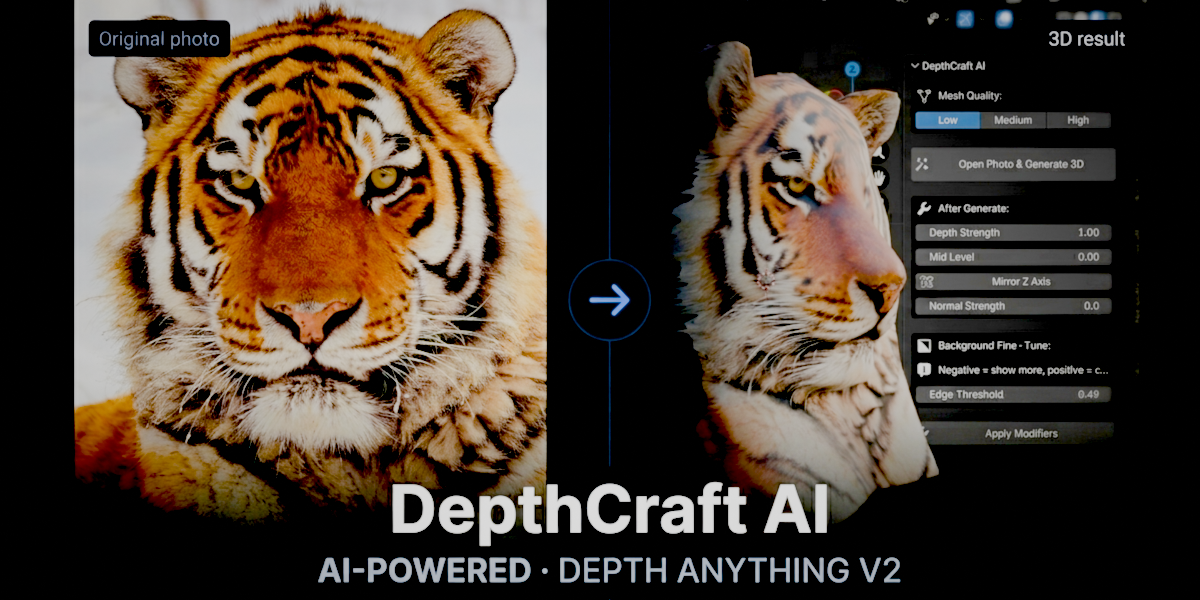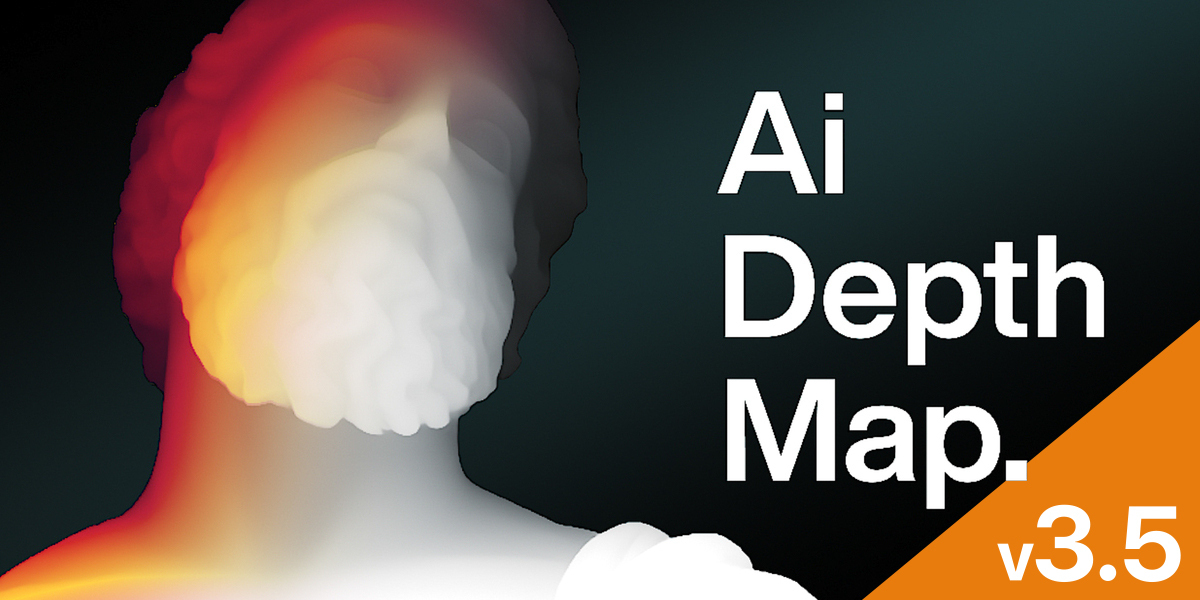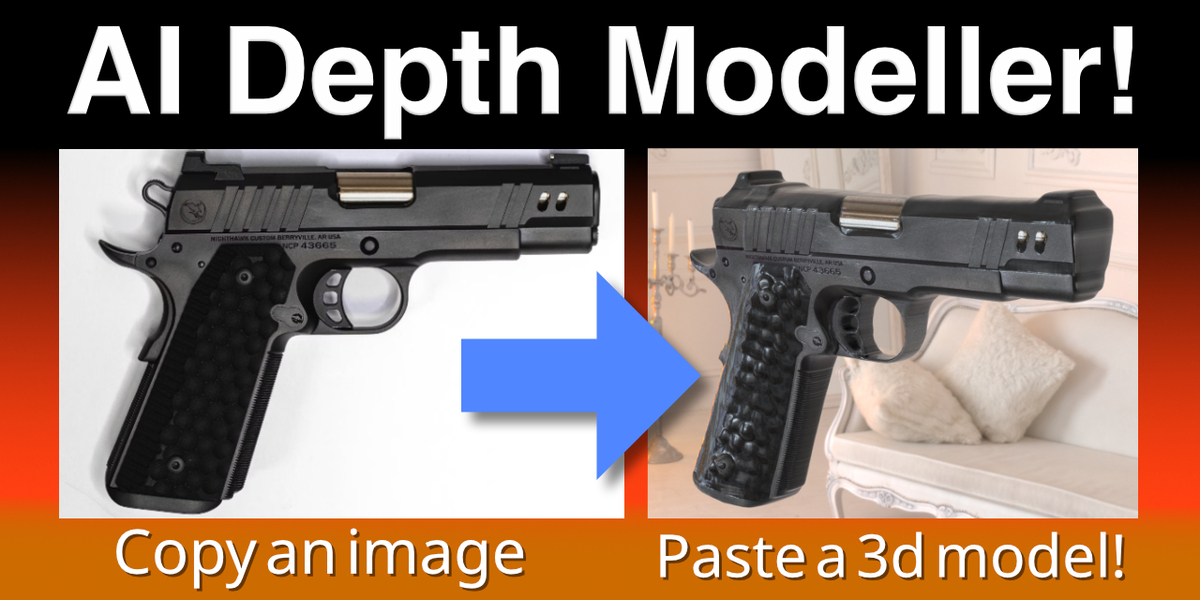
Ai Depth Modeller is a Blender add-on by 3d illusions that turns an image into a depth-based 3D object. It can generate a depth map with a supported AI model or let you create maps by painting in Blender’s 2D image editor. The developer says depth generation runs on your computer inside Blender without tokens or external server calls. You can then shape the result with controls and painting tools.
From image to Blender object
Choose an image from the clipboard, a file, or a Blender image, then generate the model. You can also start with a blank canvas and paint the depth, colour, or bump map yourself. The add-on creates depth, colour, and 3D bump textures, assigns materials, and generates UVs and vertex colours. The developer’s documentation recommends an image that faces the subject directly for the best results.
Shape and clean up the model
Sliders adjust depth, thickness, perspective, and the shape of the front and back. Blender’s texture painting tools let you edit the maps, and symmetry controls can help create balanced forms. Cleanup options remove unwanted background or transparent areas. If anti-aliasing blends background colour into an object’s edge, the developer recommends shrinking the silhouette or cleaning the colour map with the alpha erase brush.
A geometry rebuild creates quads for smoothing and beveling, with separate controls for front and back bevels. Voxel remeshing can repair overlaps while retaining UVs and vertex colours. Adaptivity can reduce the vertex count for distant background objects; the developer recommends Blender’s Decimate modifier for close-up hero objects.
Rendering and 3D printing
The developer describes generated models as solid and watertight, suitable for rendering and 3D printing. Extreme settings can create overlapping geometry, though, so inspect the result before printing. Remeshing can help repair overlaps, but it does not replace checking the finished mesh and print settings.
Setup and AI model choices
The add-on is listed for Windows, macOS, and Linux. On Linux, clipboard image import requires xclip for X11 or wl-clipboard for Wayland. Its documentation describes installing it through Blender Preferences under Add-ons. AI modules and model files are separate downloads; the module installer is about 1.4 GB. In a creator post dated August 1, 2026, 3d-illusions instructs users updating to version 1.5.2 to uninstall the previous version, restart Blender, reinstall the add-on, select an empty AI modules folder, install or update the modules, and restart again. Once set up, the developer says depth generation runs locally without tokens or external server processing.
Model choice affects usage rights as well as results. The developer recommends Depth Anything V2 Large for results, but its documentation says it is limited to non-commercial use with attribution under CC-BY-NC-4.0 unless you obtain permission from the model authors. The docs recommend Depth Anything V2 Small, listed under Apache 2.0, for commercial use. They also list MiDaS models under MIT licenses. Check the current model terms before using a model in commercial work.
See the developer’s product listing for the overview and its documentation for setup, model requirements, and control details.