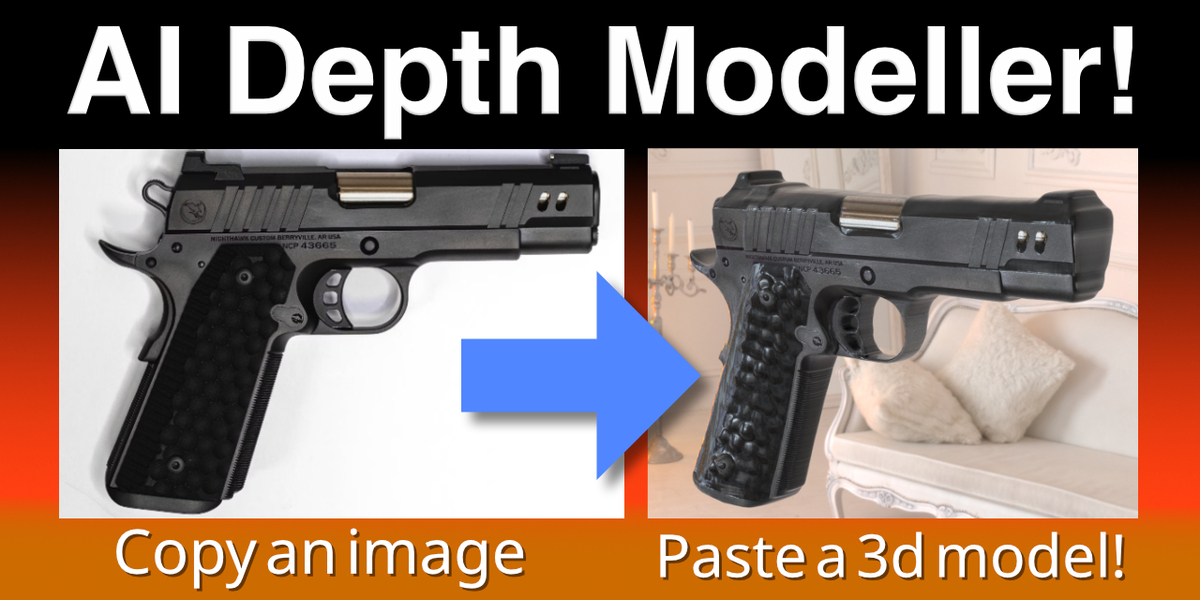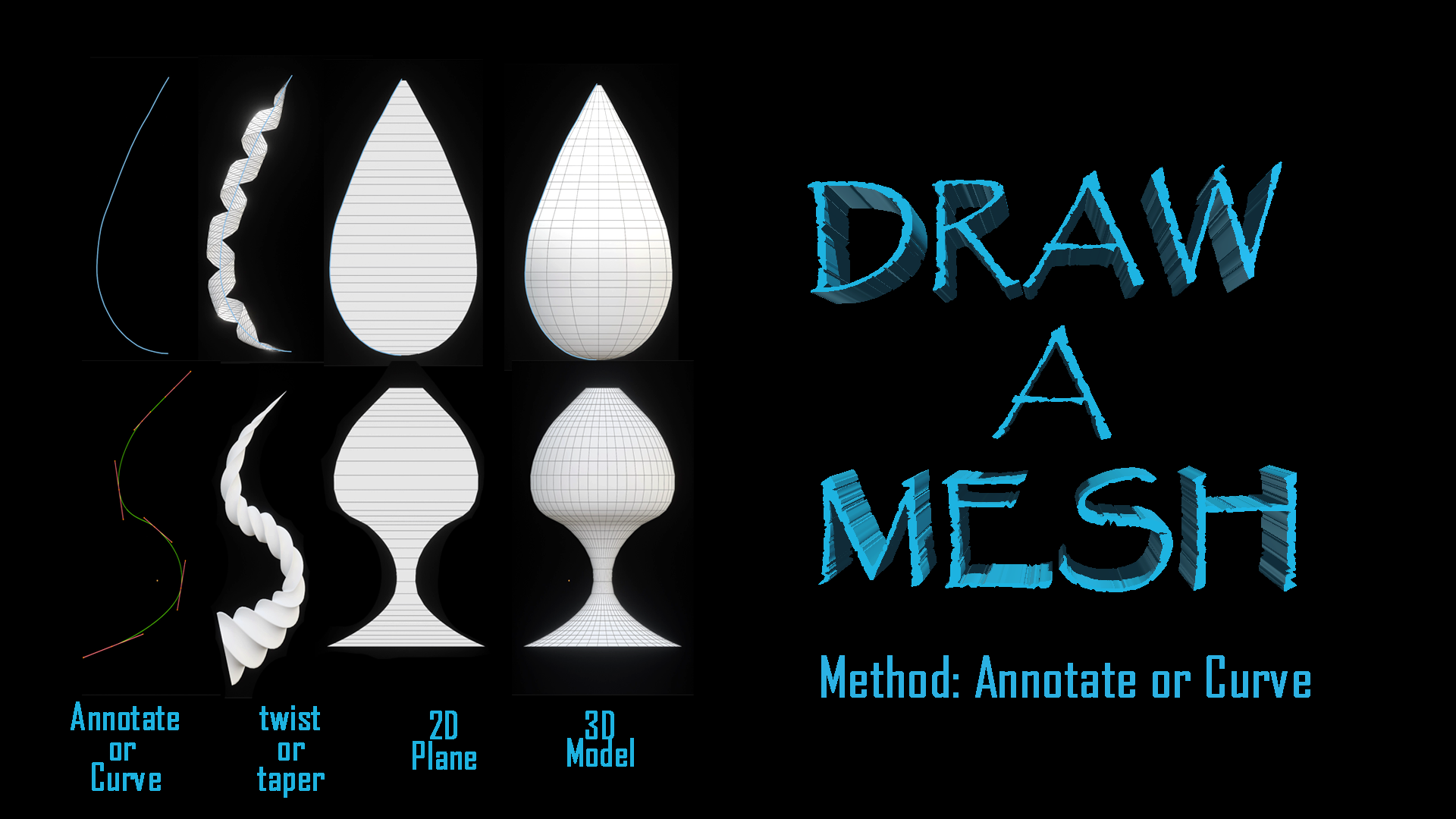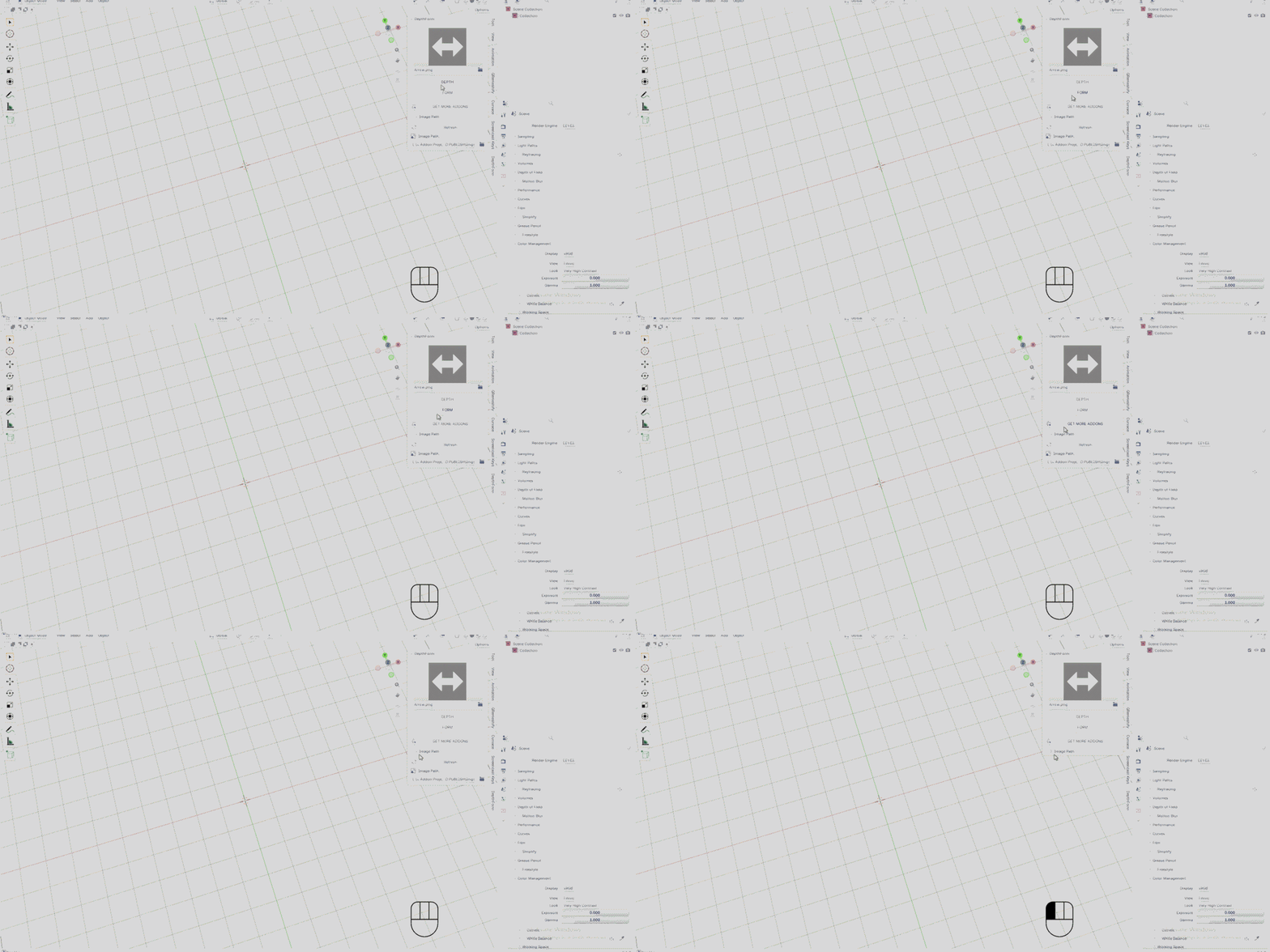
DepthForm is a Blender add-on by wans7 that turns image shapes into 3D geometry. Depth creates a model for baking; Form creates a mesh with Open, Solid, or Mirror outputs.
Choose an image and operation
Start by selecting the folder that contains your images, then choose the image with the shape you want to model. If it does not appear in the collection, use Refresh to update the list. DepthForm then offers two operations: Depth and Form.
Use Depth for baking
In Depth mode, set the shape's scale and rotation, then choose Extrude or Push In. You can adjust the tilt, bevel the edges by scrolling the middle mouse wheel, and refine the bevel settings. The resulting depth model is intended for baking.
Use Form to create a mesh
Form mode also starts with scale and rotation controls. It uses extrusion, with tilt available to adjust the shape's height. Choose an Open, Solid, or Mirror result, then set the edge bevel and its settings.
Compatibility and license
The DepthForm product listing identifies Blender versions 4.0 through 5.1 and the GPL license. Its Documentation tab directs users to the About section for usage information. Check the listing for current compatibility and license details before installing.