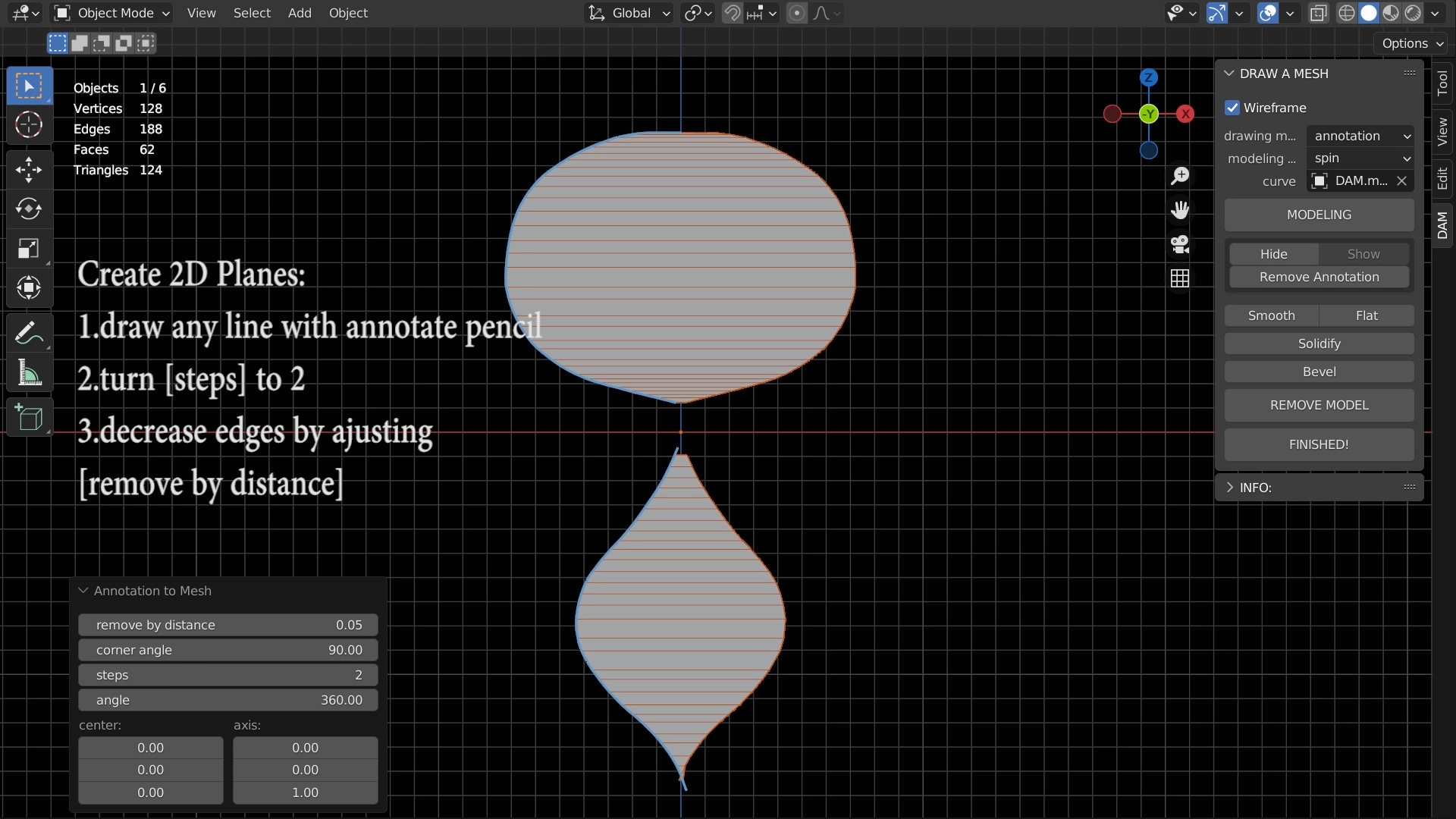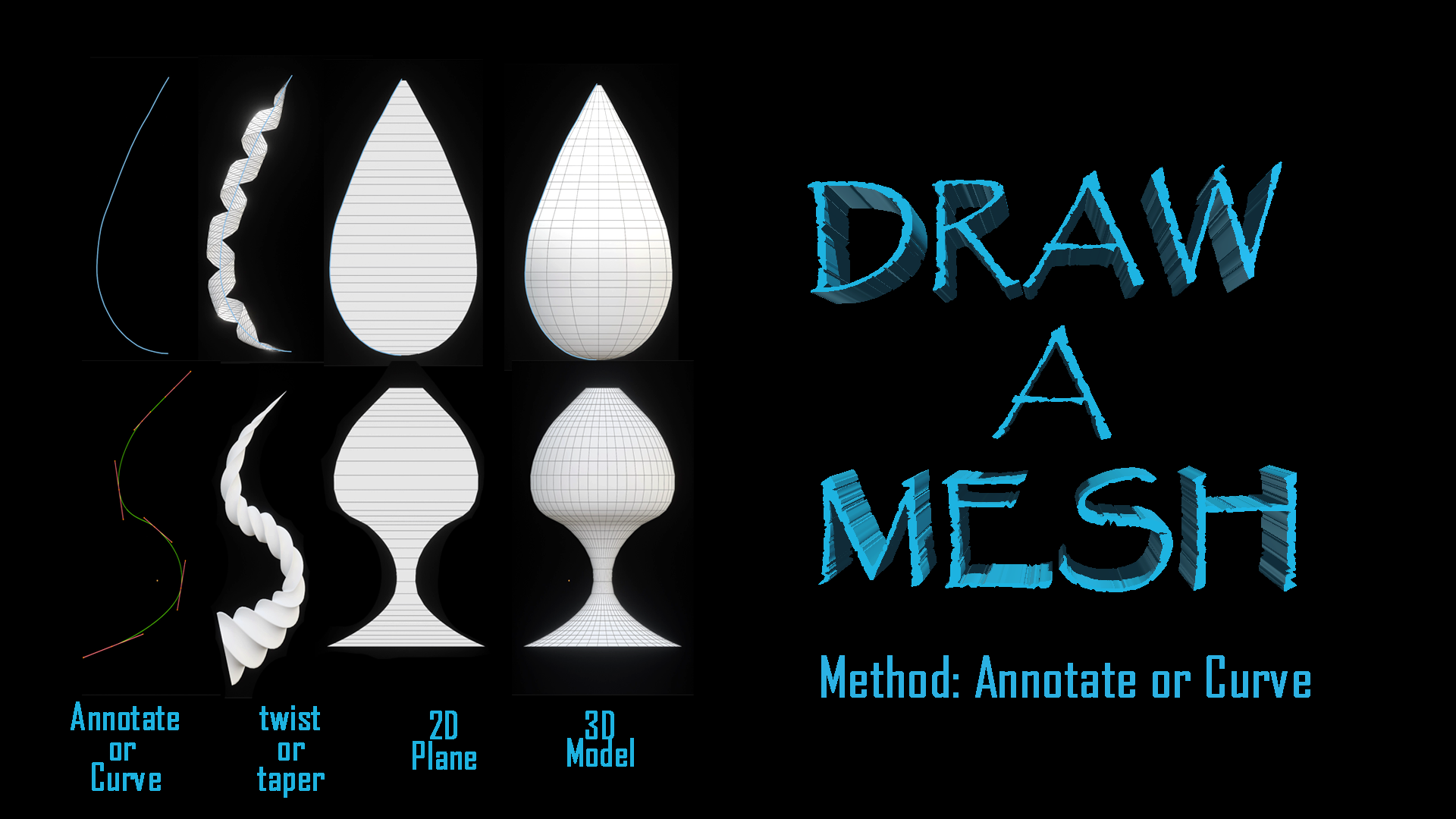
Draw A Mesh is a Blender add-on by Shuhan for creating 3D models from drawn lines and splines. Use the annotate pencil to draw one or several lines, then create a model in one pass. You can erase and redraw lines to revise the shape, and set different twist angles for separate splines.
Draw and revise models
Version 1.1 lets you remove or re-modify a model through its related curve in the same collection. Change the drawing method to Curve, then select the hidden curve.
Set spline twist and curve resolution
After changing a spline’s twist angle, click the Twist button to apply it. The angle depends on the distance between points on the curve. Annotate-pencil strokes can place points close together, so use smaller twist angles with that method.
When tapering a tube model, Blender versions below 3.4 may resample the curve. If that happens, adjust Resolution U to the value you want.
Version 1.1 tools
The Circular Array tool can use either the 3D cursor or the model itself as its center. The Mirror option uses “Mirror_Center” to control the location of mirrored objects. Version 1.1 also lowers the stated minimum Blender version from 3.2 in version 1.0 to 3.0.
Compatibility and license
The product listing names Blender versions 3.0 through 4.4 as compatible and identifies the license as GPL. Check the Superhive listing for the current version and compatibility details.