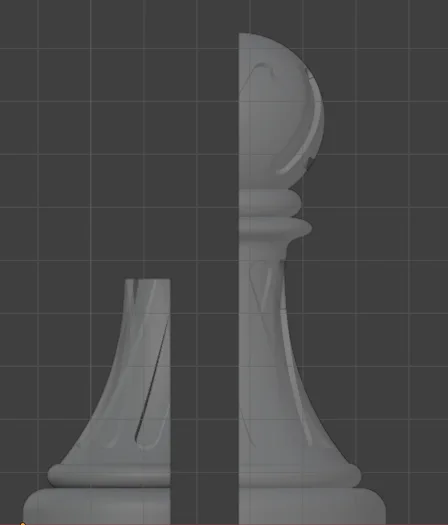
Simple Object Cutter is a Blender add-on from 5 Minutes Blender for dividing a mesh into smaller pieces. Set the segment count for each axis or enter a target segment width and let the add-on calculate the cuts.
Choose a cut pattern
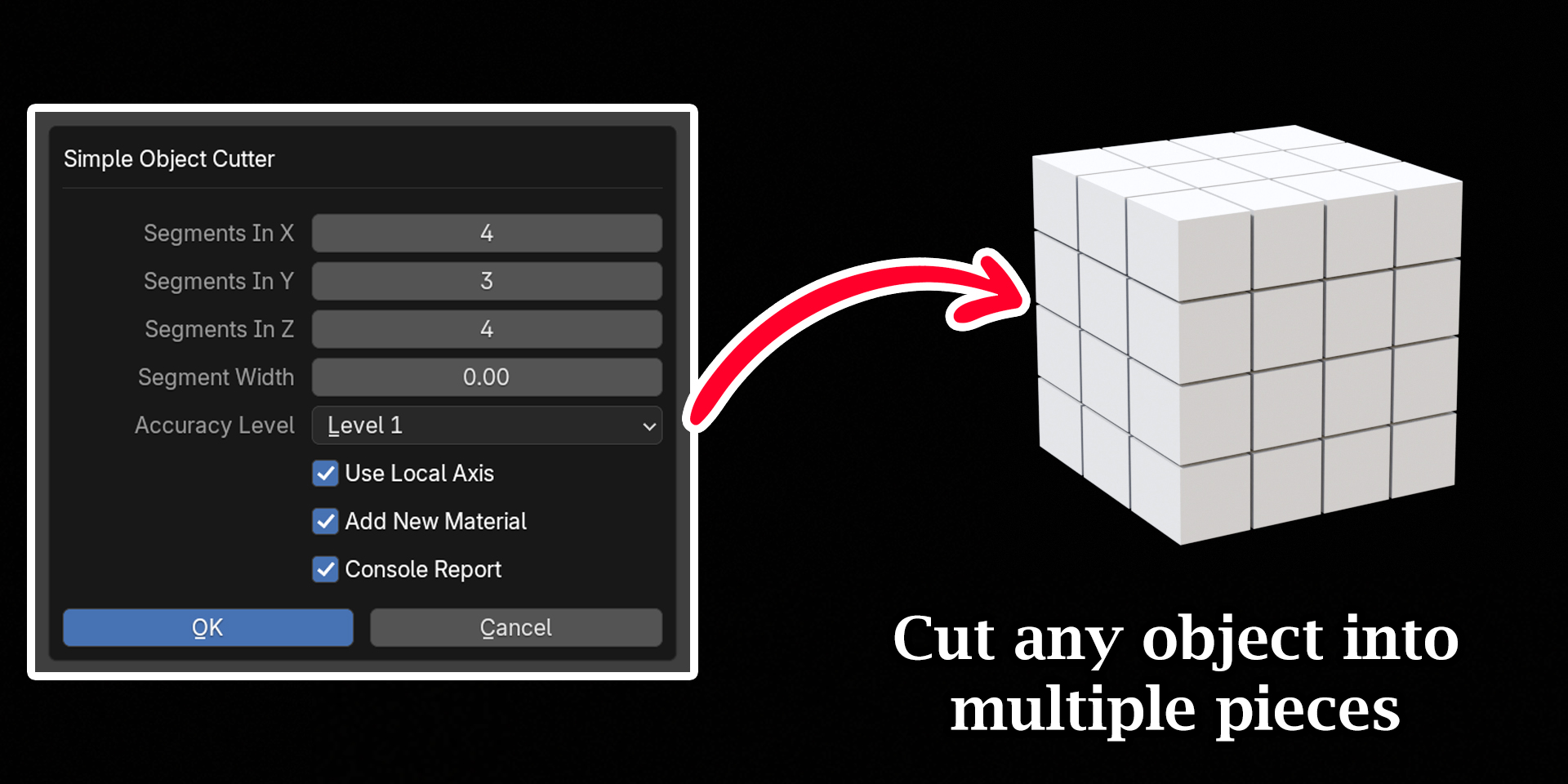
For manual control, set the number of segments along X, Y, and Z. Enter 1 for any dimension you want to leave uncut. Keep Segment Width at zero when using these counts. If you enter a nonzero width, it overrides the segment counts and calculates the number of segments automatically. With a nonzero width, the pieces have nearly equal width, depth, and height.
Set axes and accuracy
Use Local Axis to cut along the selected object's local XYZ axes. Turn it off to align cuts with the global axes. The accuracy setting has five levels, from 0 to 4. Higher levels aim to improve results on delicate or complex geometry, but can greatly increase processing time. The default level of 1, or level 0, may be enough for simpler objects. If a cut leaves an artifact or error, try increasing the accuracy.
Manage interior faces and processing
Enable Add New Material to give cut surfaces a separate material called Slice Material, which you can customize on a resulting piece. When the option is off, the target object's default material is applied to the inside faces.
The operation uses substantial CPU power. Blender may appear frozen for a while, depending on the mesh and number of cuts, so wait for the operation to finish. Try a smaller cut count first to estimate processing time. To watch progress, open Window > Toggle System Console and enable Console Report in the add-on settings before running the operation.
The product listing includes documentation and a video tutorial. It lists compatibility with Blender 3.4 to 5.0.