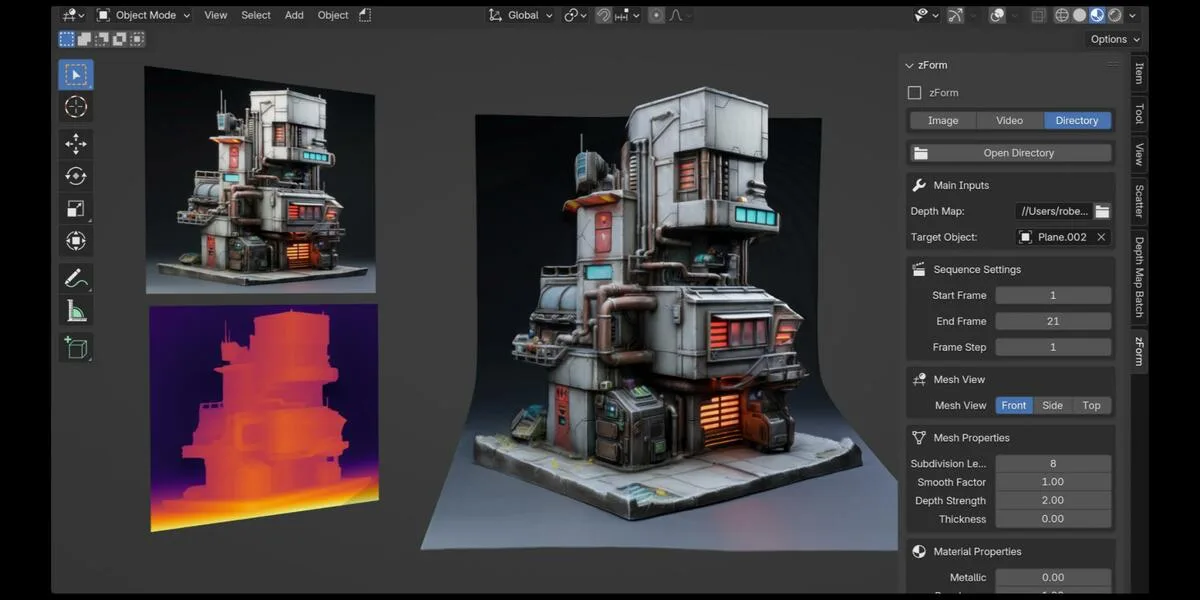
True Depth: Depth Map Generator is a Blender add-on that uses an AI model to turn images and video into depth maps, then displaces that depth into 3D geometry. Its outputs include flat reliefs, perspective scenes, 360° work and print-ready models. Processing runs locally on Windows 10/11 (64-bit) or macOS (Apple Silicon or Intel); CPU mode works on either, while GPU acceleration is PC-only.
Depth maps for several kinds of 3D work
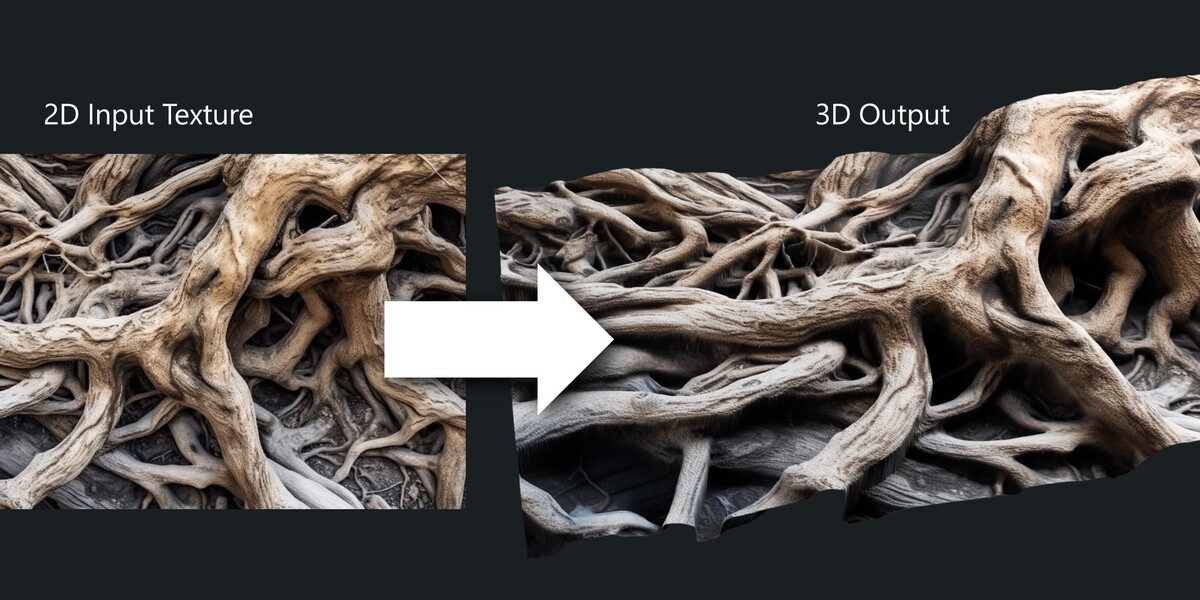
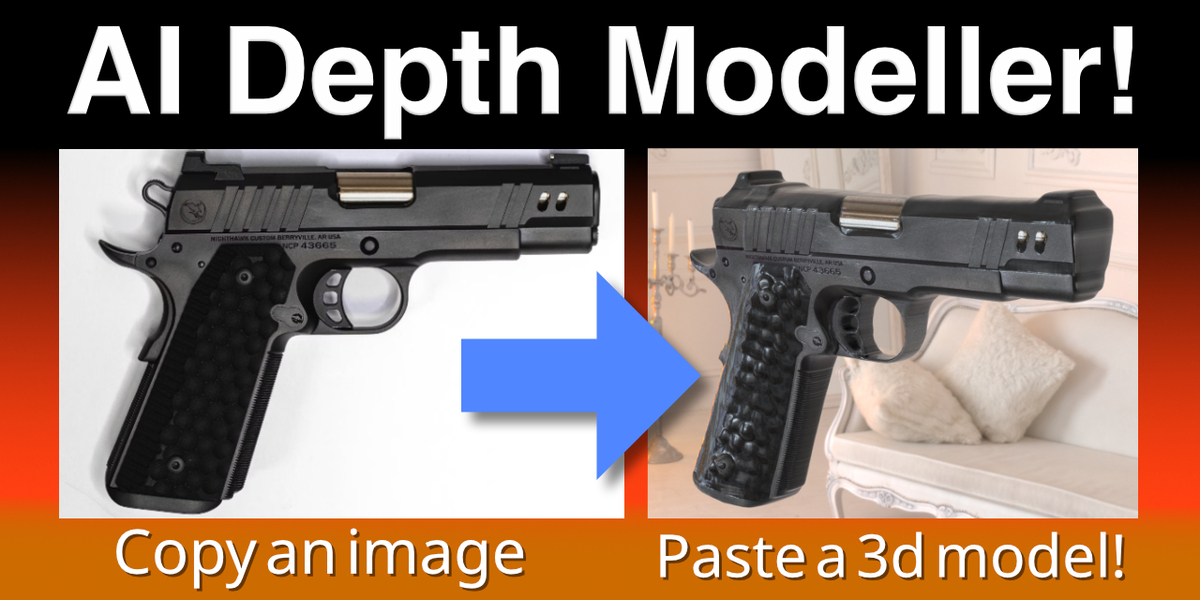
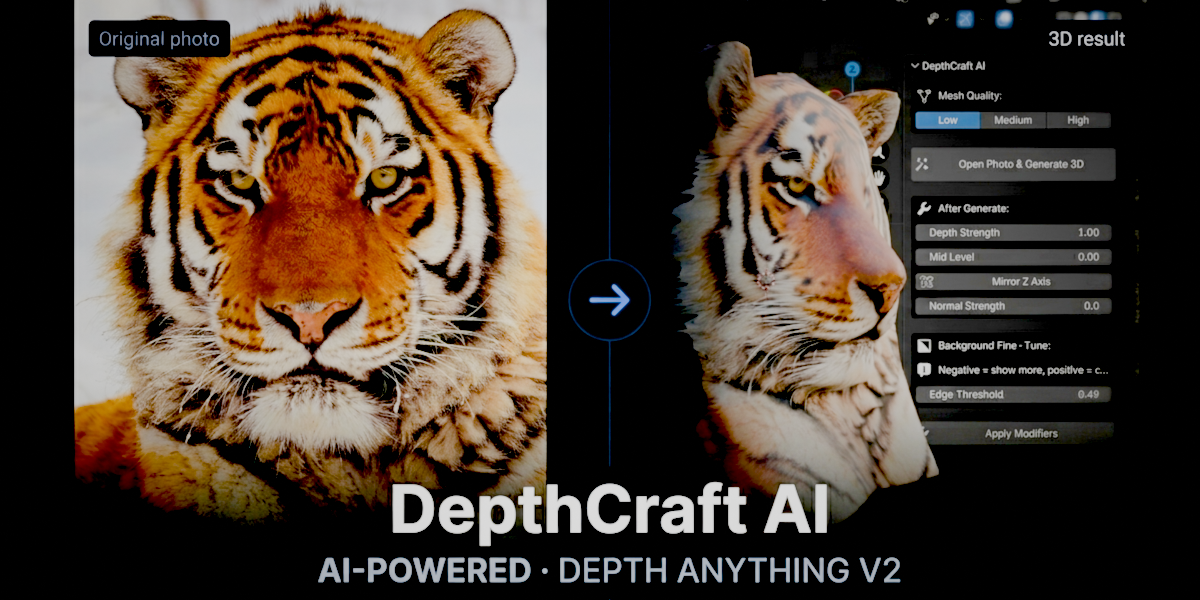
A flat relief turns an image into a displaced surface. Perspective Mode unprojects a photo through a virtual camera, so you can orbit around the resulting scene. Its Field of View, depth range and grid resolution controls help adjust the projection; a Remove Stretched Faces option cleans up some stretching at depth edges.
For 360° images, you can create a Depth Sphere or use HDRI Dome Studio. The studio builds a seamless environment with a floor that can catch shadows and reflections, and it does not require a depth map. Camera Projection can also pin a photo to a mesh for an animatable 2.5D parallax shot.
The add-on includes image, video and batch modes. Video Depth can save depth as a video or as a sequence of 16-bit PNG frames. For repeating textures, Make Seamless blends the depth map's edges. The original color texture must already tile; the feature does not make a non-repeating photo seamless.
Setup and local processing
Install the add-on ZIP from Blender's Add-ons preferences, enable it, then open the TrueDepth tab in the 3D Viewport sidebar. The first setup requires an internet connection to install dependencies and download a model. The handbook estimates about 2.5 GB for dependencies and lists about 8 GB of free disk space; model downloads range from about 99 MB for Small to 1.3 GB for Large. After setup, the add-on runs offline. Your images stay on your machine.
- Choose Single Image, Video File or Batch Images, then select the source.
- Choose CPU or GPU and a model size, then generate the depth map.
- Select a projection or output mode and create the mesh, scene or HDRI dome.
CPU processing works without a dedicated GPU. On PC, the developer advertises up to three times faster generation with an NVIDIA GPU than with CPU processing. The handbook lists 8 GB RAM as a minimum and recommends 16 GB or more for 4K images and video.
Print-ready models and compatibility
The 3D Printing panel converts Flat Relief and Perspective meshes into watertight solids, with real millimetre sizing, minimum thickness controls and an optional raised frame. It can also generate AI Relief or Lithophane models directly from an image. It exports STL files for slicers such as Bambu Studio, PrusaSlicer and Cura. The handbook says 360° domes cannot be converted for printing.
Check compatibility before installing. The supplied marketplace metadata lists Blender 3.1–5.3, while the developer handbook says Blender 4.2 or newer. The catalog snapshot labels the version 3.0, while the developer product page describes V3.5. Confirm the version and Blender range for the package you download.