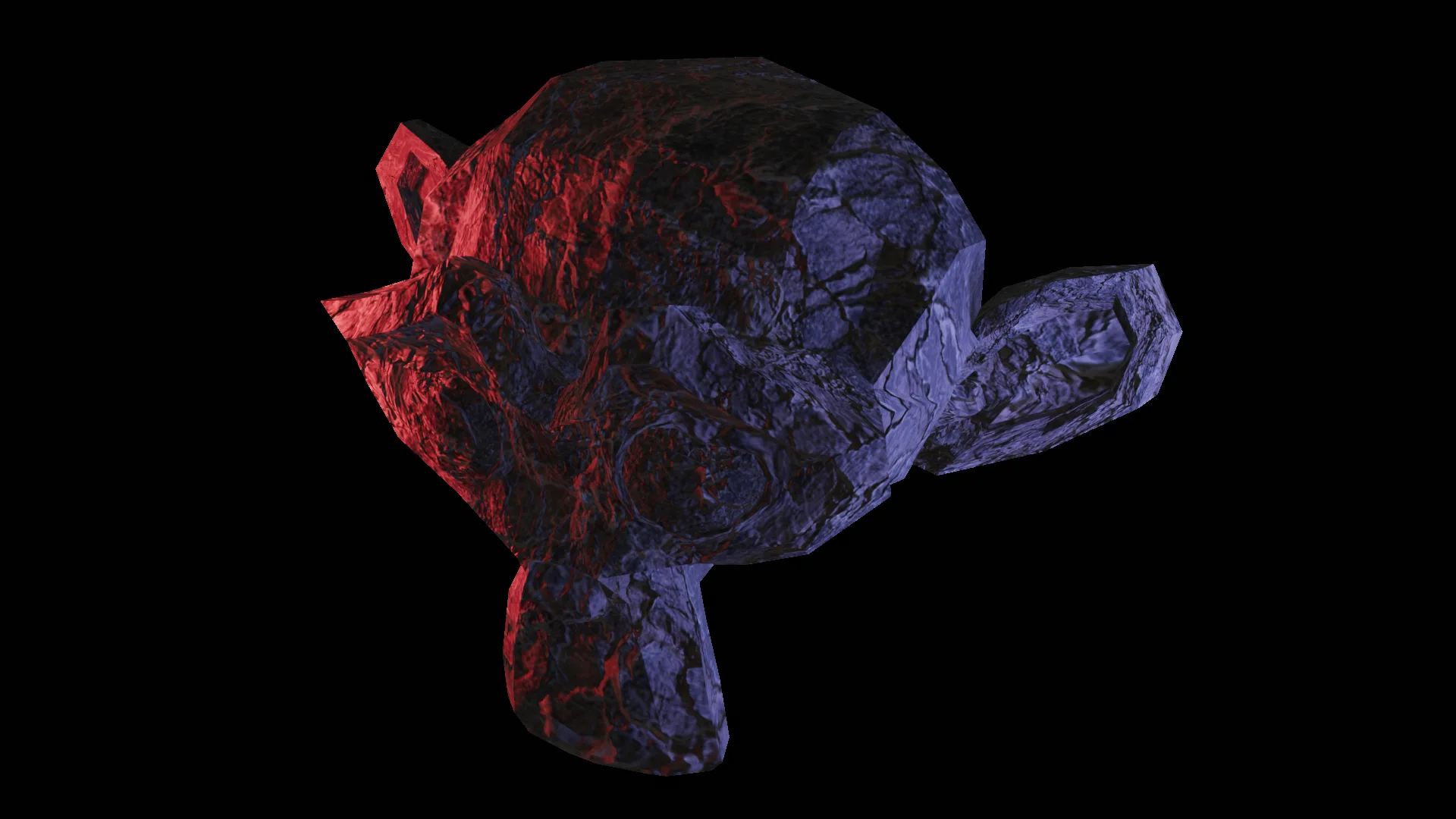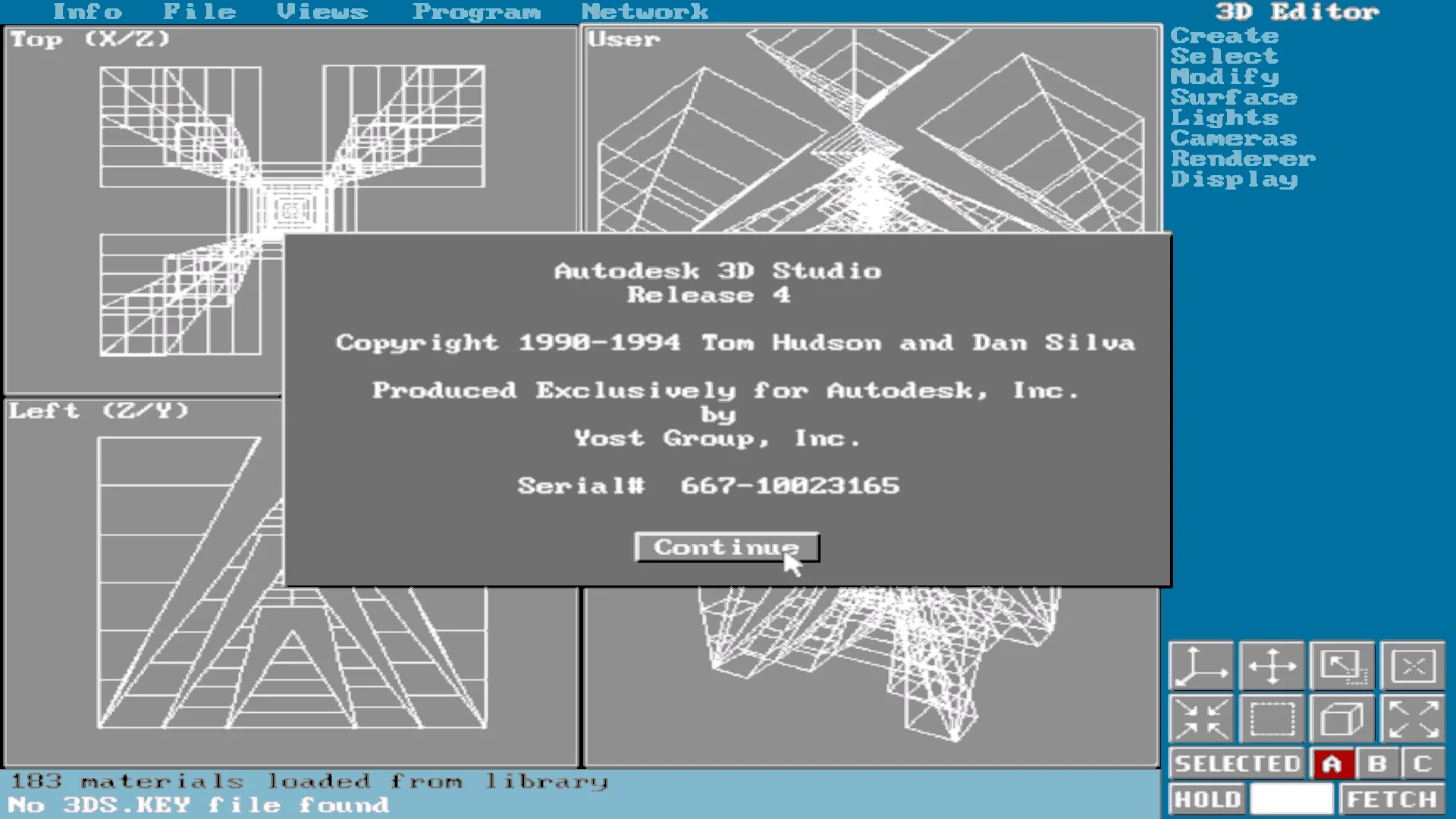
Autodesk 3D Studio (.3ds) is a Blender extension for importing and exporting .3ds files. The Blender Extensions listing shows release 3.0.2, maintained by NRGSille, with Blender 4.2.0 as the minimum version and a GPL-3.0-or-later license. Use it to import existing .3ds assets into Blender or export Blender scenes for software that accepts the format.
What the extension transfers
The extension's v3.0.1 repository manual documents importing and exporting .3ds scenes, objects, cameras, lights and animations, along with mesh and material data. On import, ambient chunks are interpreted as world nodes, and any ambient animation keyframes go to Blender's timeline. When present, background images connect to background nodes and fog chunks connect to the world's volume output. The manual also describes exporting these settings through specific nodes. The manual lists mappings such as 3DS Diffuse Color to Blender Base Color and Mat Opacity to Blender Alpha with the opacity value inverted.
Textures stay linked
The extension's v3.0.1 repository manual says texture images are linked rather than packed into the .3ds file. Keep the image files in the same folder as the .3ds file or in a subfolder so the importer can assign them to the model.
Compatibility and installation
The listing sets Blender 4.2.0 as the minimum version. Download the extension archive from the Blender Extensions page and follow Blender's Install from Disk instructions. After installation, find the importer and exporter under File > Import-Export > Autodesk 3DS (.3ds). The listing also links to the project's issue tracker.