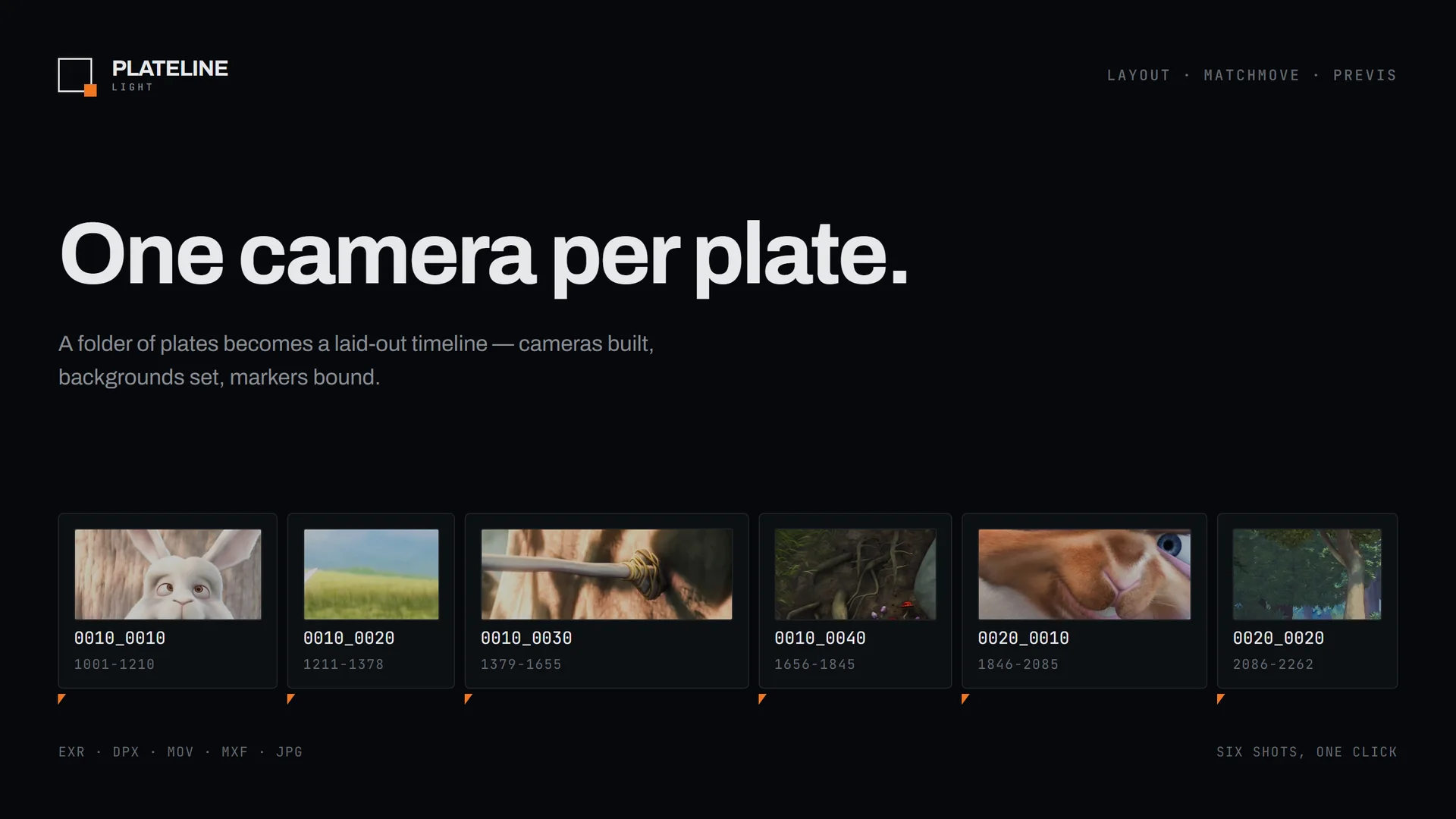
Plateline Light turns video plates and numbered image sequences into Blender cameras arranged on a timeline. It sets each camera's background image and binds a timeline marker to it, so scrubbing switches between shots. The Blender Extensions listing describes Plateline Light as a layout, matchmove, and previs tool for jobs where setting up thirty or forty shots by hand takes an afternoon.
Import image sequences as shots
When you select numbered image files, Plateline Light groups frames into sequences and creates one camera per shot rather than one per frame. You can select any frame in a sequence: the add-on anchors it to the first frame and uses the sequence's full duration. For sequences with no more than half their frames missing, gaps still count toward the full timeline duration.
Frame numbers are removed from camera names. The add-on handles inconsistent zero padding, sequences that start at different numbers, and names with spaces, non-ASCII or CJK characters, and punctuation. Files such as SH010.png and SH020.png remain separate stills instead of being combined into one sequence just because their names end in numbers.
Set placement, cameras, and markers
You can place an import after the last clip, start it at the playhead, or use a fixed frame. Optional handle frames add space between clips. Camera setup values include focal length, height, background opacity, and depth; the focal length entered in the panel applies to every camera in the import.
Plateline Light binds a timeline marker to each camera for automatic switching during playback or scrubbing. Its Reorder Selected command alphabetically restacks selected cameras and moves their markers and background offsets with them.
Choose a camera naming method
Camera names can follow a token pattern, use the source file name, or use search and replace. Runs of @ signs represent sequence numbers, while runs of # signs represent shot numbers. For example, the default @@@@_#### pattern produces names such as 0010_0010 and 0010_0020, then advances the sequence number for the next group. You can set separate starting numbers and steps, and preview the names before importing.
Formats, setup, and limitations
The add-on accepts video plates in formats including MP4, MOV, AVI, MKV, and WEBM. Image files such as PNG, JPG, EXR, TIF, DPX, TGA, and CIN can be imported as stills or numbered sequences. File extensions are matched without regard to capitalization.
The Blender Extensions listing specifies Blender 4.5 LTS or newer and reports verification on Blender 4.5 LTS and 5.2 LTS. To import files, open the 3D Viewport's N sidebar, choose the Plateline tab, set placement and naming options, then click Import Files. Individual plates can also be dragged onto the viewport. Folder drag and drop is unsupported, so use Blender's file browser to select files inside a folder.
Two import cases need attention. A version suffix after a frame number, as in plate_0001_v1.png, can be read as frame numbering; put the version before the frame number or in a separate folder. Sequences missing more than half of their frames are treated as separate stills. See the Plateline Light listing on Blender Extensions for release and installation details.