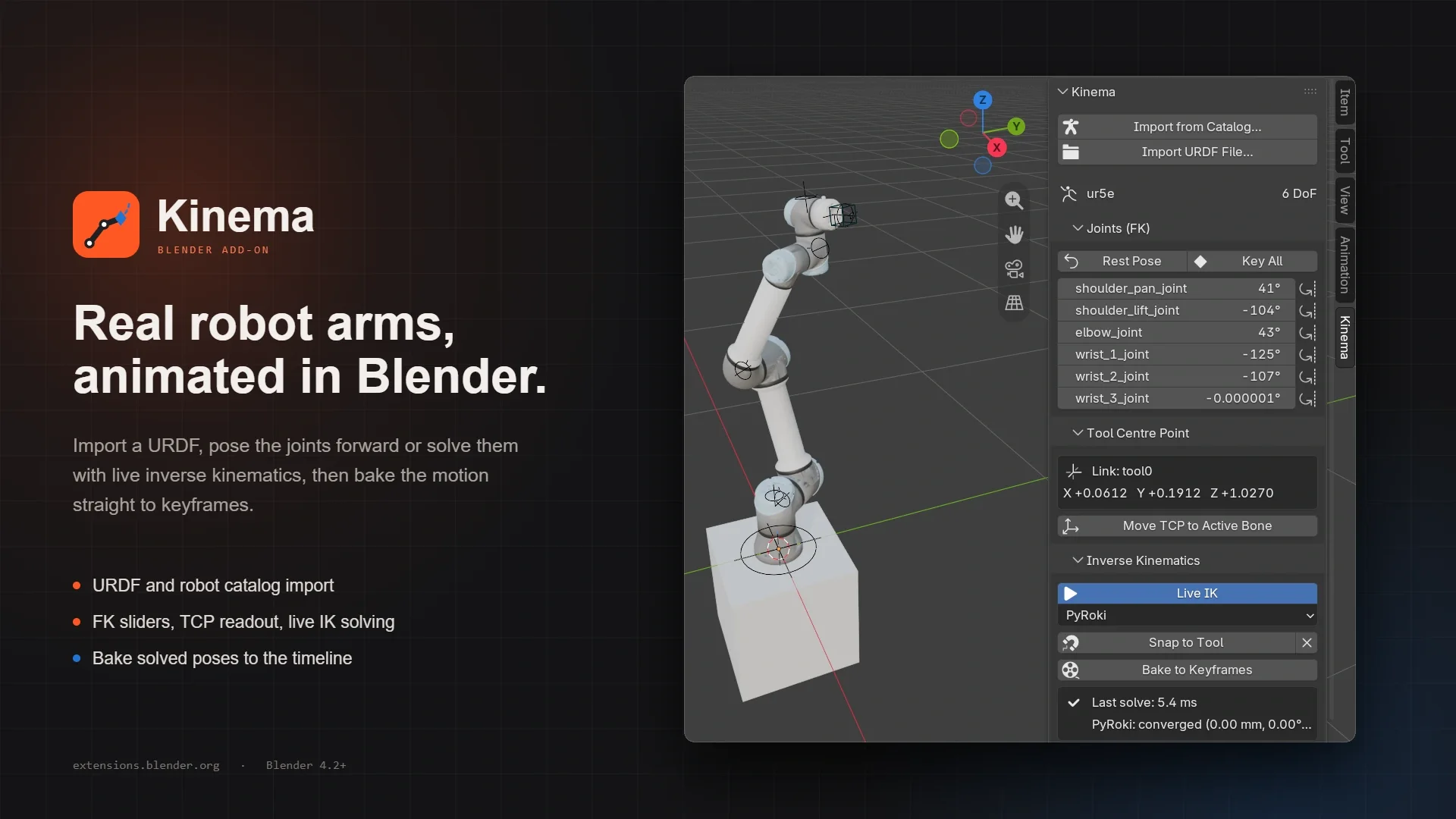
Kinema 0.6.0 is a Blender add-on for importing robot descriptions and creating rigs you can animate with inverse kinematics (IK). It supports URDF and MJCF descriptions, and its IK accounts for joint limits and multi-turn joints. The add-on is listed for Blender 5.2 and newer.
Build a rig from a robot description
Kinema imports a robot’s geometry and joints into Blender. For URDF workflows, it can process Xacro descriptions, accept Xacro arguments and search additional ROS package directories. You can also choose whether to import collision meshes; Kinema keeps visual and collision geometry in separate collections.
This makes the add-on useful when you already have a robot model and want to pose or animate it in Blender. The extension listing says Kinema needs Files permission to import robot descriptions and mesh files from disk.
Animate with IK and waypoints
Pose a robot with its IK target, then record waypoints for a motion. Each waypoint stores the tool pose and the joint values used to reach it, so returning to a waypoint restores that taught configuration. Choose joint interpolation or a linear tool path between waypoints.
Generate Motion writes ordinary Blender keyframes. You can shape the animation in Blender’s Graph Editor, or bake IK to plain joint curves for playback and rendering without the add-on. The workflow is for creating robot animation in Blender; the listing describes no connection to physical robot controllers.
Work with joints, rails and tools
Kinema can hold a joint while IK solves the rest of the chain. A held rail or other axis can be adjusted while the tool stays at its target. Kinema offers an elbow swivel only when more than six joints remain for IK; it requires the PyRoki solver. Joint velocity limits can flag motion that exceeds the limits in the robot description.
Find Solutions searches for other configurations that reach the current tool pose. PyRoki is a nonlinear solver, so Kinema describes the results as a lower bound: it reports configurations found from its search rather than promising to enumerate every possible solution.
What changed in Kinema 0.6.0
Version 0.6.0 adds external axes such as tracks, rotary bases, positioners and tool spindles. They can be placed under the robot, on the tool or as standalone axes, with a viewport preview while you set them up. The release also adds an Edit TCP dialog for setting the tool center point by offset, the 3D cursor or an object’s origin. On a fresh import in 0.6.0, Kinema measures TCP offsets from the mounting flange when the description has one; robots without a flange and rigs built before 0.6.0 continue to use the link frame.
Requirements and product details
The Blender Extensions listing specifies Blender 5.2 or newer and names GNU GPL v3.0 or later and MIT licenses. See the Kinema listing for current version and download details.