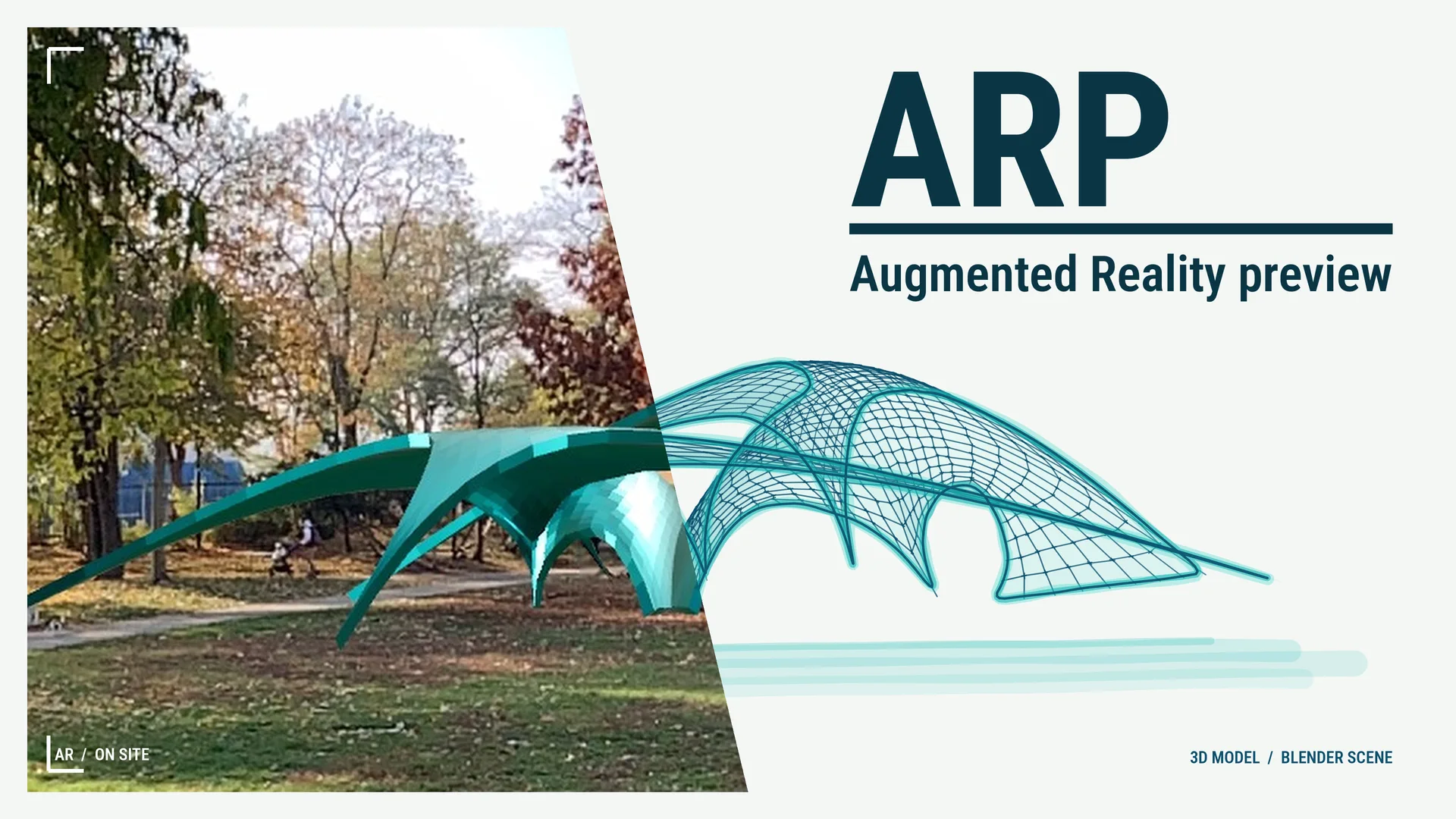
The Autodesk Marketplace listing describes AUGmentecture as a Revit plugin for viewing 3D models in augmented reality on a mobile device. The plugin uploads a selected model and, optionally, a floor plan to an AUG account for later viewing.
How the Revit workflow works
- Select the model in a Revit 3D view.
- Optionally select a floor plan to accompany it.
- Upload the selection through the AUGmentecture plugin. Open it later on a mobile device to view the model in AR, mapped on the floor plan.
Who may find it useful
The listing names architects, engineers, and design professionals as its audience. It describes sharing models with colleagues and customers for design communication and collaboration. The documented workflow covers uploading and viewing models. It does not describe on-device editing, annotations, or simultaneous multi-user sessions, so confirm those capabilities with the developer if your review process depends on them.
Apps, trial, and compatibility
The listing links to an iPhone app and an Android app. It also includes a note about a custom installer rather than the standard App Store installer; check the current installation instructions before rolling the app out to a team.
The Marketplace page displays a trial option, but the product details do not state the trial length or price. They also do not name supported Revit releases or phone models. Confirm those details with AUGmentecture before installation or budgeting. The page includes a Support section with an option to report a problem.