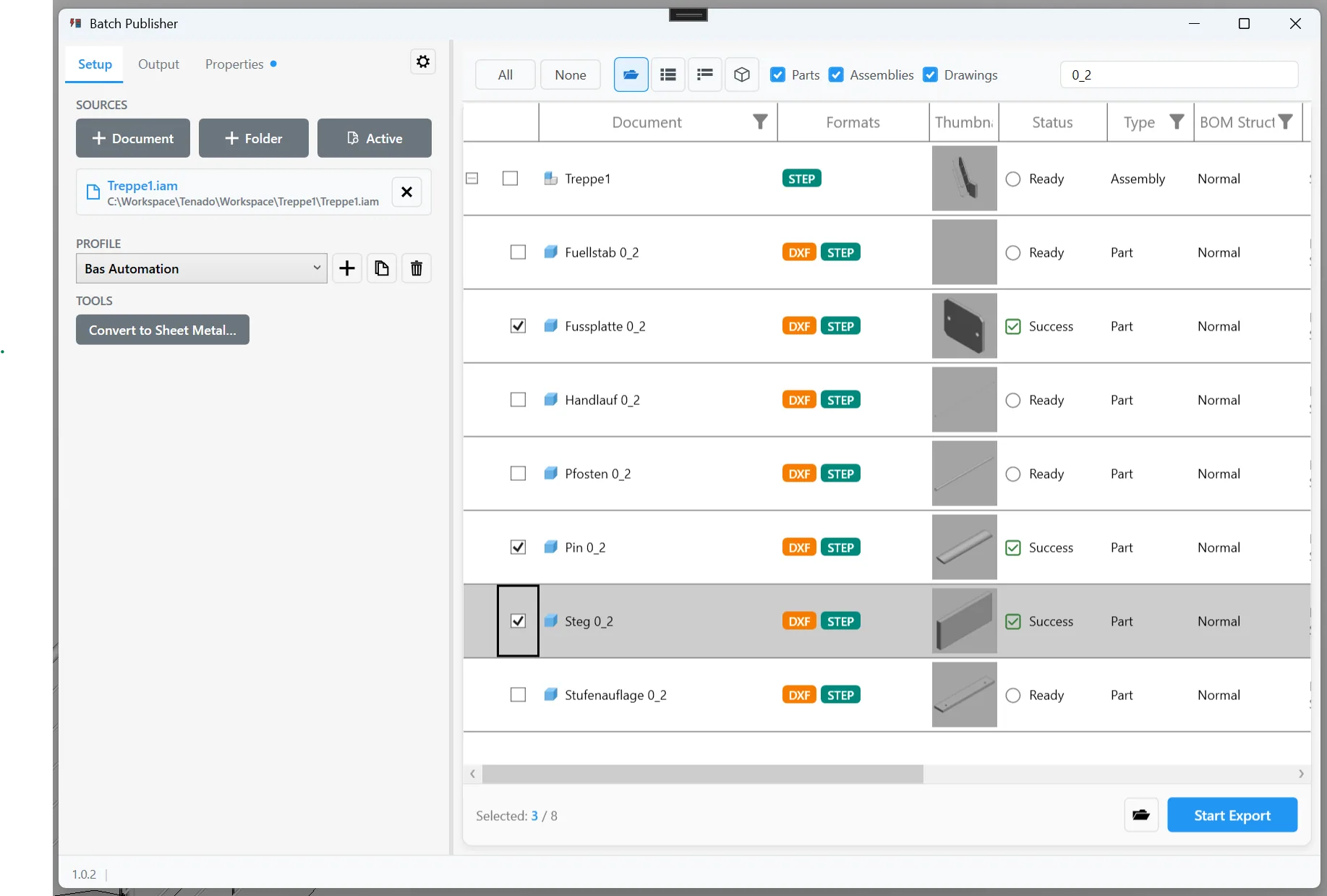
ExportAgent by CorengApps is a productivity tool for exporting Autodesk Inventor parts, assemblies, and drawings. Its listed features include batch export, exporting selected objects individually, and multi-format export.
Export formats and options
The Autodesk Marketplace summary lists STEP, IGES, STL, DWF, PDF, and DXF. A details line also names DWG and Flat Pattern, so the page does not make the complete format list clear. Check the Marketplace listing to confirm a required format before purchase.
- Batch export files.
- Export selected objects individually.
- Export in multiple formats.
- Append a revision, a timestamp, or both.
When it may fit
ExportAgent may suit Inventor workflows that regularly send parts, assemblies, or drawings in other file formats. The listing does not explain export presets, destination controls, or how its options combine. Check those details with CorengApps if your workflow depends on them.