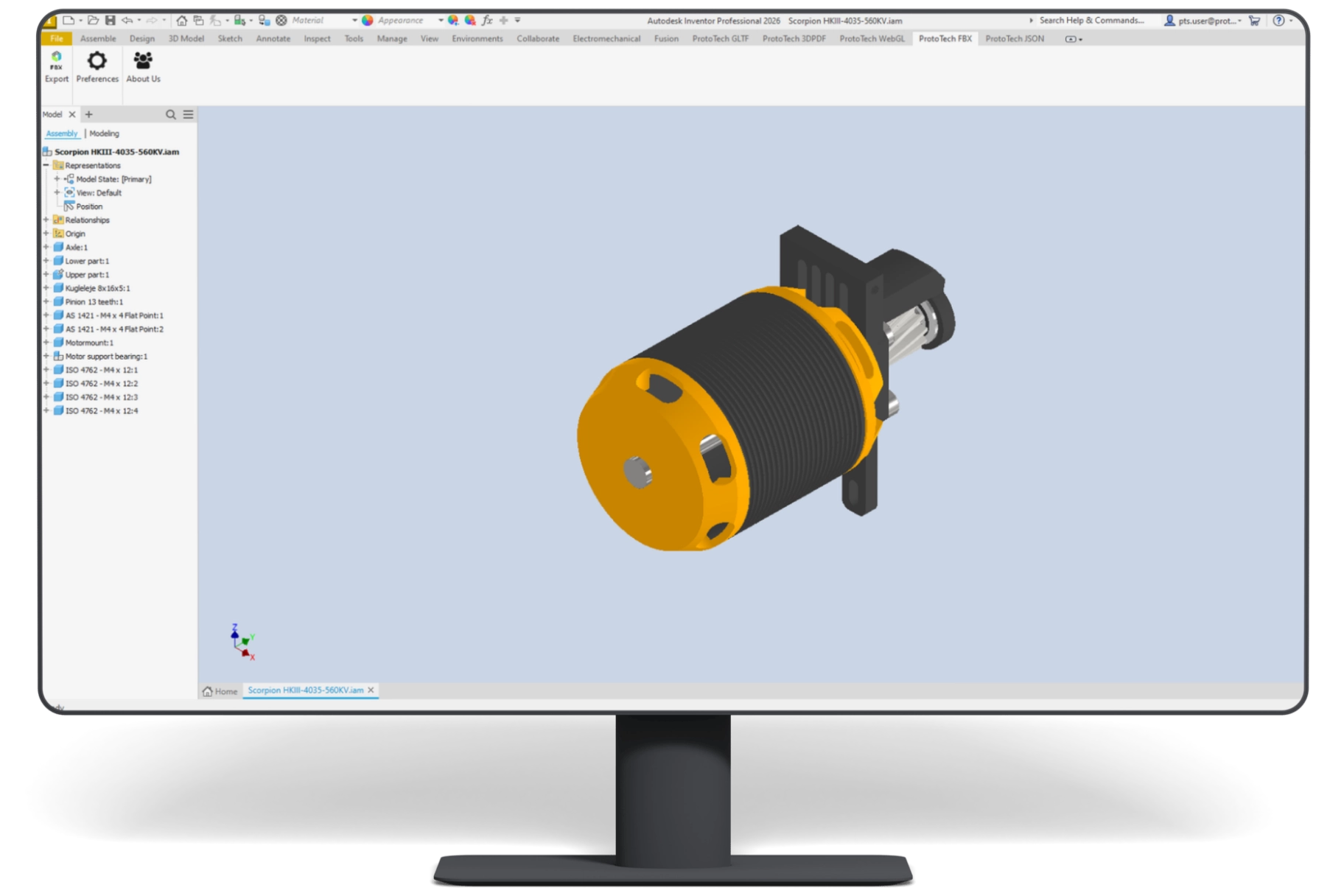
Duplicate is a free Autodesk Inventor add-in that copies a selected part or assembly and attempts to retain its unsuppressed assembly constraints. The Autodesk Marketplace listing describes its features and known limitations.
How Duplicate copies an occurrence
When you run the command with one part or assembly selected, Duplicate uses that item. With nothing selected, it opens a picker. If you select two or more items, it asks you to select one and exits. The add-in creates another occurrence using the original occurrence matrix, then checks the assembly constraints connected to the selected item.
Constraints it can recreate
Duplicate copies mate, flush, angle, and insert constraints when they are not suppressed. It checks whether each recreated constraint affects rotational freedom and removes it if it does not. Suppressed constraints are skipped. Tangent and transitional constraints are not copied.
If the copy has only a single insert constraint, Duplicate asks you to select new edges. It hides the new occurrence from the next picker, then lets you select one or more edges. For each selected edge, it creates another copy and recreates the insert constraint. Press Esc to finish edge selection.
Known limitations
A part selected from a subassembly may have constraints in the top-level assembly that Duplicate does not recognize. The listing recommends opening the relevant subassembly instead. Duplicate also does not copy unsaved parts or assemblies. In large assemblies, checking existing constraints can take a few seconds.