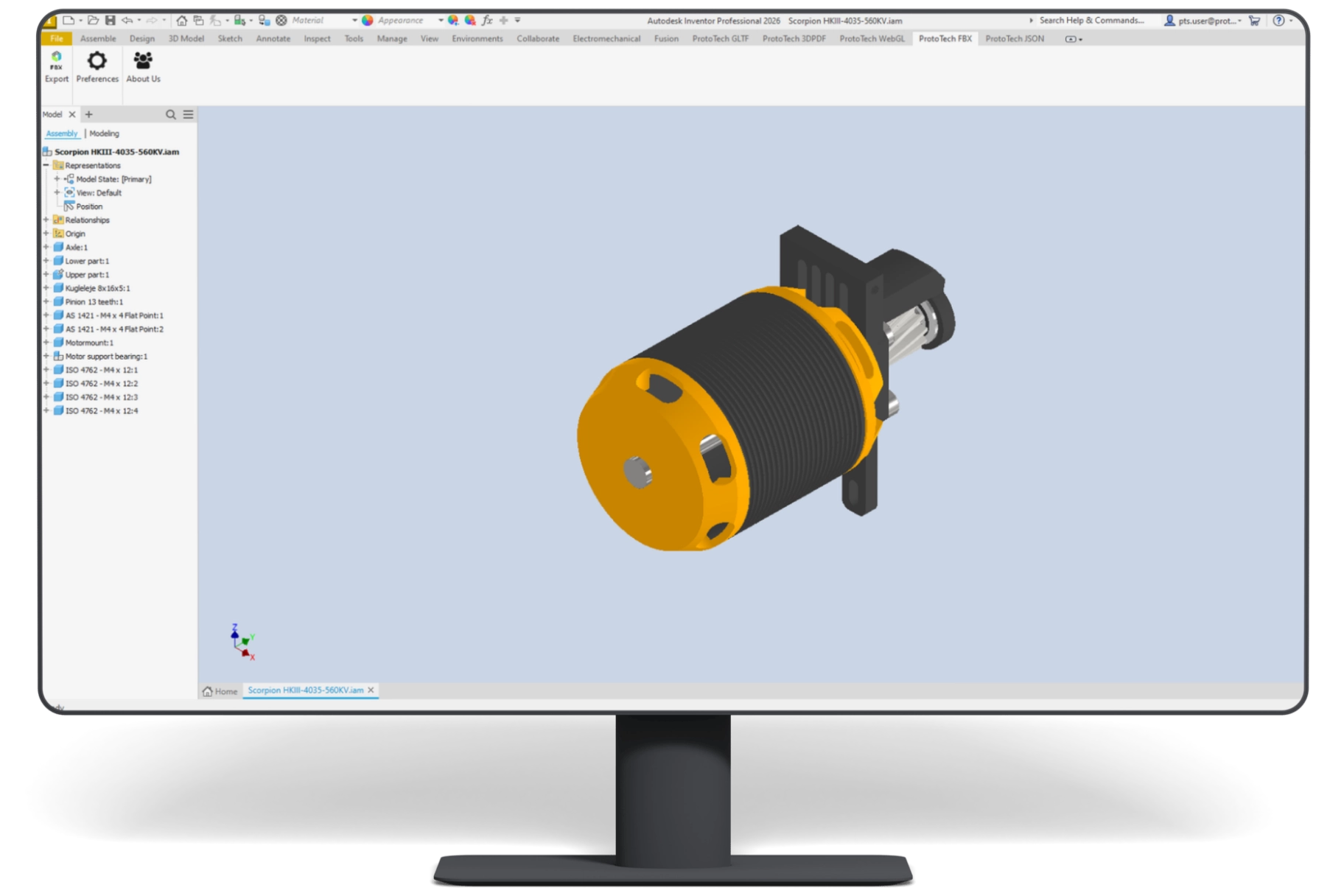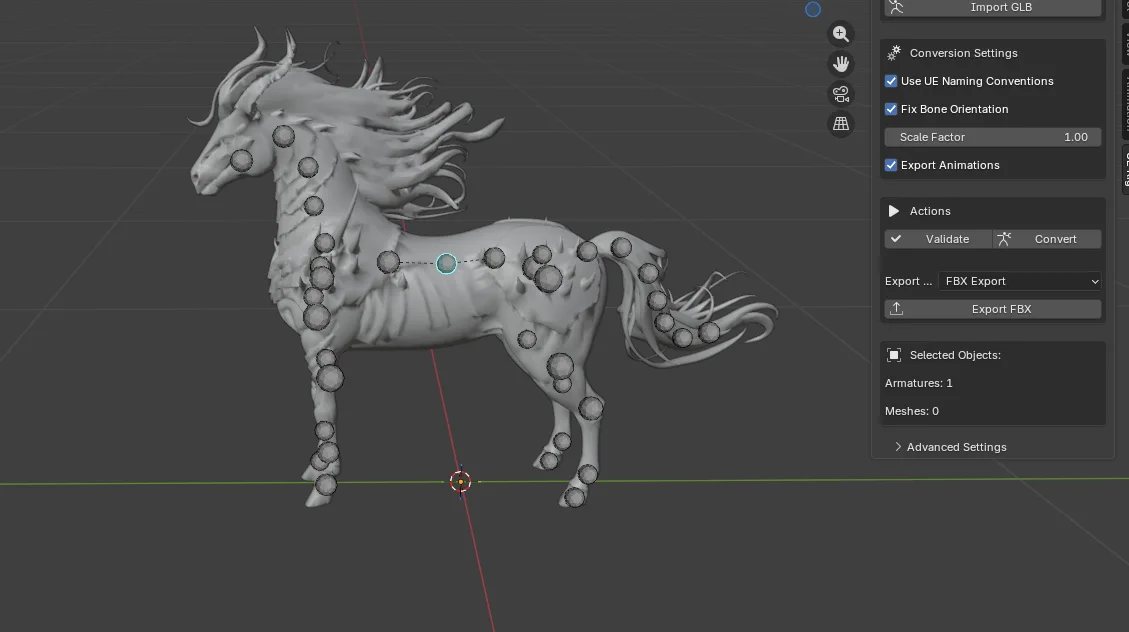
ProtoTech’s FBX Exporter for Autodesk Inventor converts Inventor parts and assemblies to FBX for visualization and interoperability. ProtoTech lists version 2.0.26159.3807 and Inventor 2024 through 2027 support; Autodesk specifies Windows 10 and Windows 11 only. See the Autodesk trial listing and ProtoTech product details for the published terms.
What the exporter can include
The add-in exports parts and assemblies, preserves colors including face-level colors, and can include textures and properties. You can select elements to export and choose whether to include hidden elements. These options let you prepare an FBX file for a particular visualization or interoperability workflow.
Geometry and format controls
Export settings include tessellation quality, precision, normals and facet tolerance. The listing also identifies body-level and face-level tessellation, ASCII and binary FBX formats, scaling, rotation by feature, and axis swapping or flipping. ProtoTech reports polygon reduction with approximately 30–70% optimization, but does not state how that figure is measured. Check mesh detail and appearance on a representative model before settling on settings.
Trial and license options
ProtoTech describes a full-featured trial with 30 exports over 15 days; a license key is not required during the trial. Autodesk's listing gives the product cost as $139, while ProtoTech's product page lists a one-machine license at $159; both list floating and automation licenses at $599 each. The listings differ on the product price; confirm the applicable price and license terms with ProtoTech before purchasing. The vendor describes the license as perpetual and includes first-year updates; if the license stops working after that year and you need updates or support, the vendor says to purchase a renewal.
The automation license is for plugin-driven exports. It lets a function in another plugin on the same host application call the exporter with standard input parameters, without user intervention or a GUI. The Autodesk listing notes that the add-in uses a custom installer rather than the standard App Store installer.