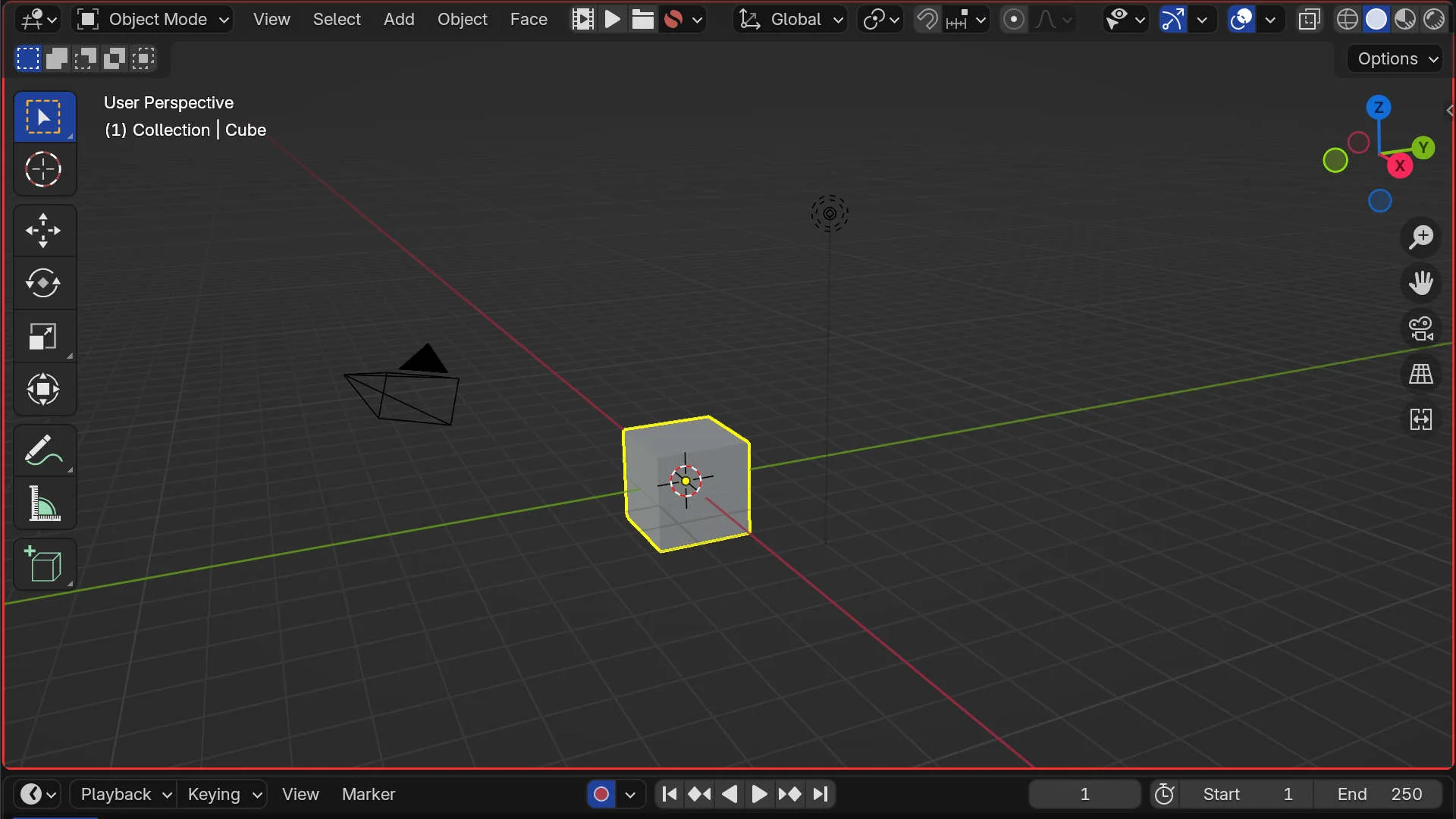
Autokey Highlight is a Blender add-on by Lauloque that highlights the viewport when automatic keyframing (Autokey) is enabled. It gives animators a visible cue to check while working in the 3D View. The Blender Extensions catalog lists version 1.0.7 and Blender 4.2.0 as the minimum supported version. View the Blender Extensions listing.
Make Autokey state visible
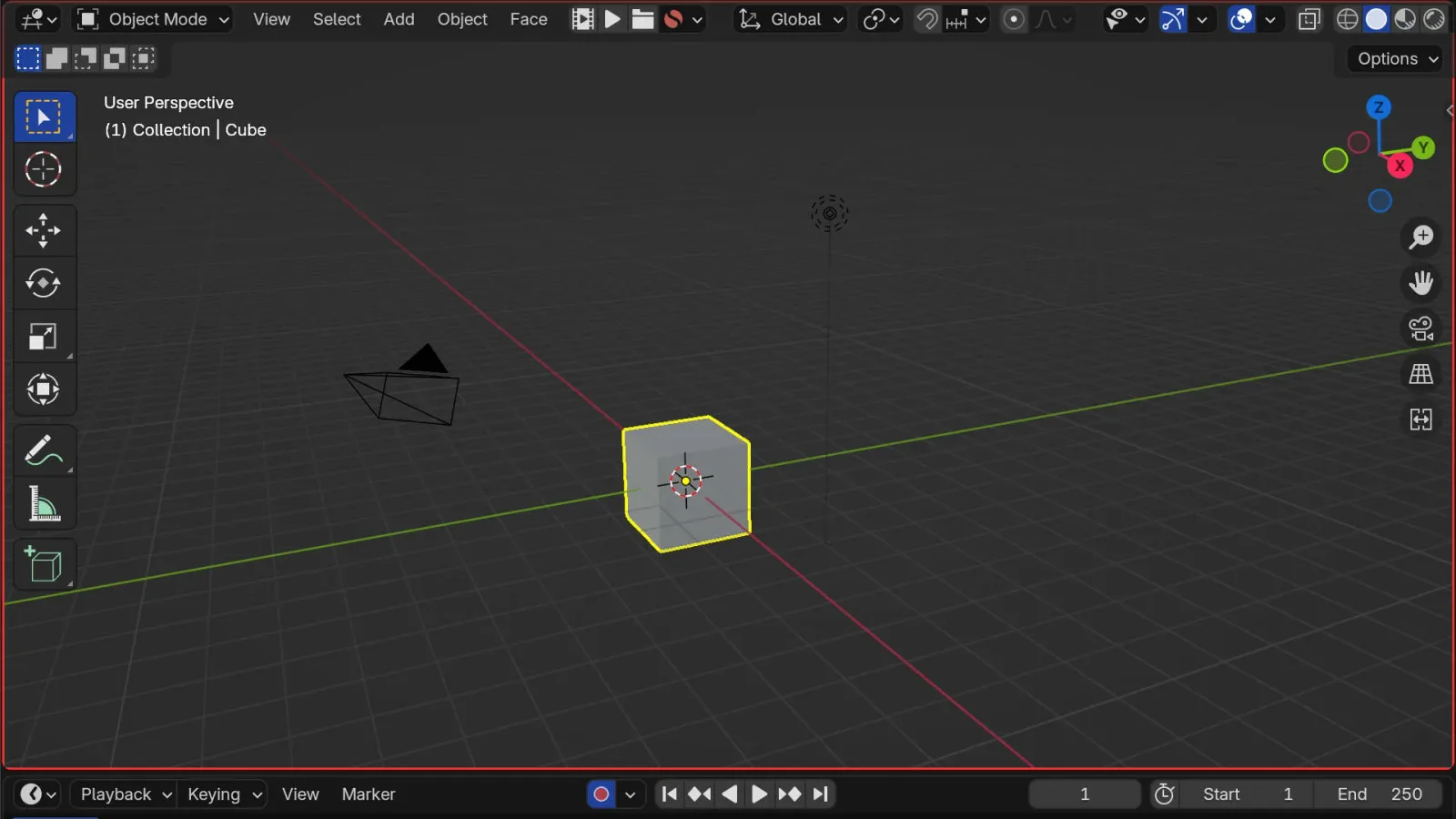
When Autokey is on, Autokey Highlight displays a red border around the viewport. Its color and width can be adjusted in the add-on preferences, according to the AnyPlugins listing. If you toggle Autokey during animation, the border gives you another way to notice its current state.
Compatibility and license
The Blender Extensions record for version 1.0.7 sets Blender 4.2.0 as the minimum and lists the GNU General Public License v3.0 or later. Earlier Blender versions fall below that stated minimum, so check the extension listing before installing. The listing also links to the developer's GitHub issue tracker.
Install and check the indicator
Get the add-on from the Blender Extensions listing and follow Blender's Install from Disk instructions if you are installing a downloaded archive. After enabling Autokey, toggle its state and check whether the viewport border follows it. This lets you confirm the cue in your own Blender setup before relying on it during animation.
Who may find it useful
Autokey Highlight is aimed at Blender users who animate with automatic keyframing and want a viewport reminder that it is active. If you rarely use Autokey, or its current state is already easy for you to track, the add-on may have less to offer.