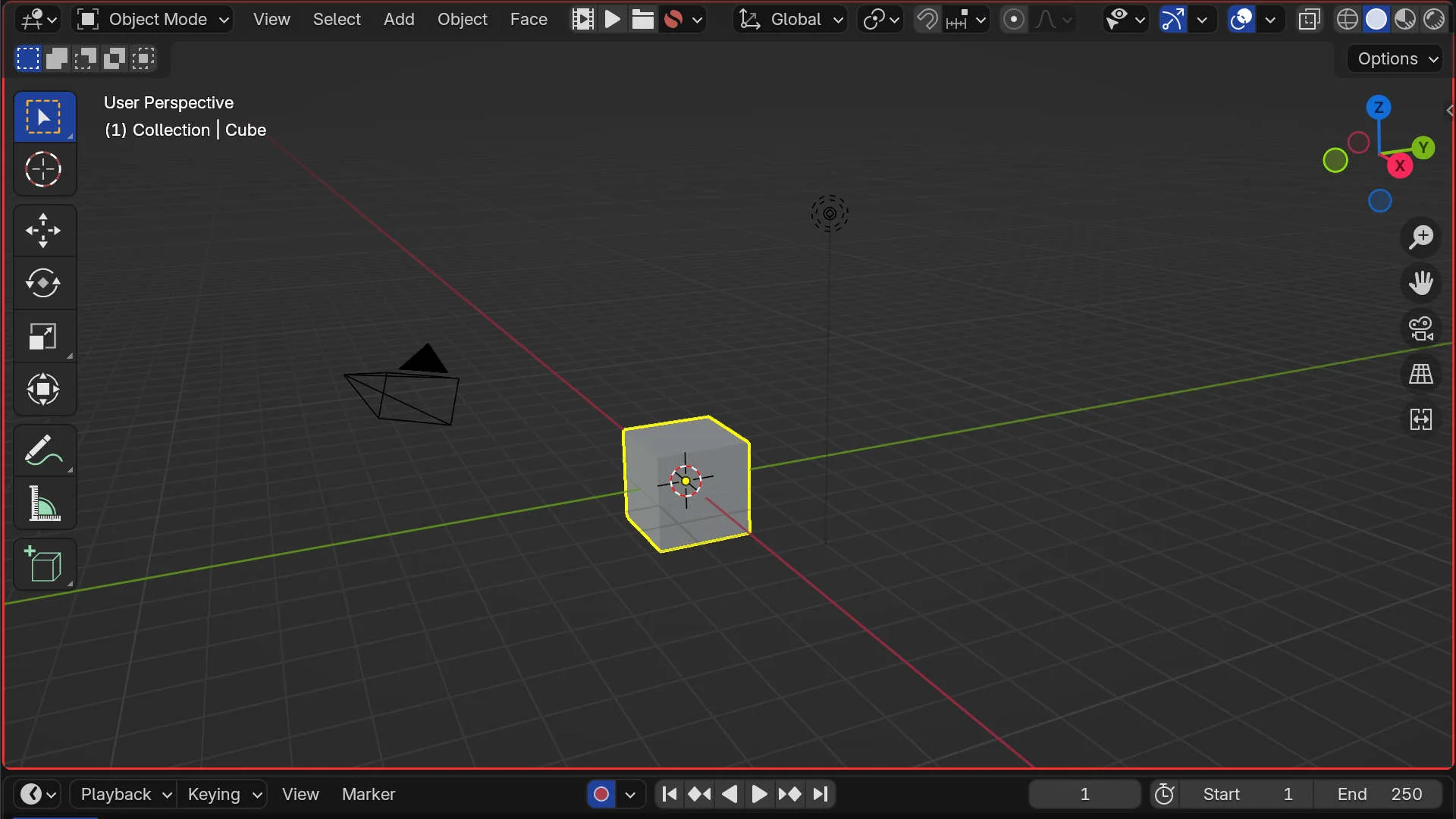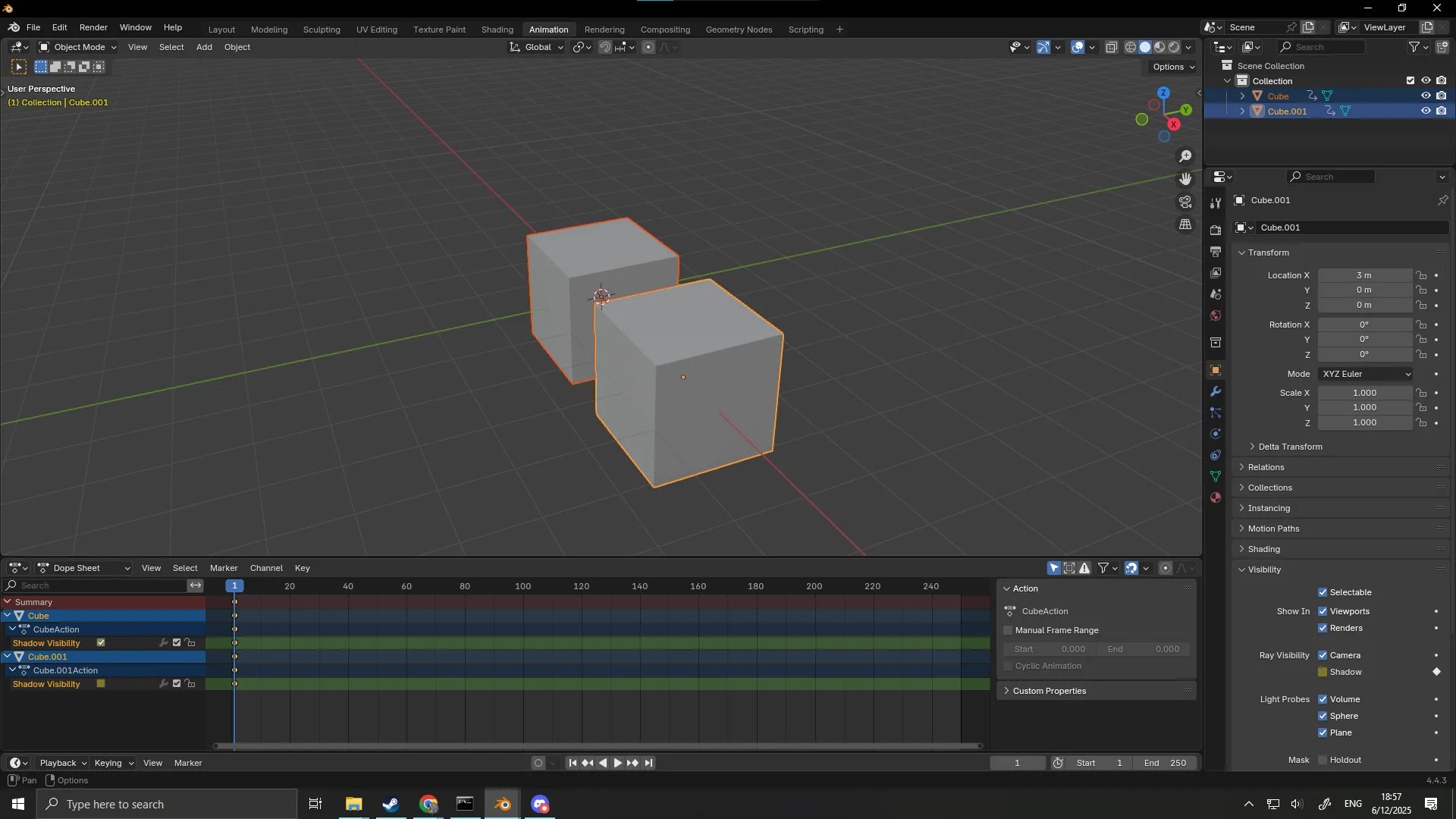
Keyframe Visibility is a Blender add-on by hisanimations for batch keyframing object visibility. It applies the same timing to selected objects and keys both viewport and rendered visibility.
Set visibility on adjacent frames
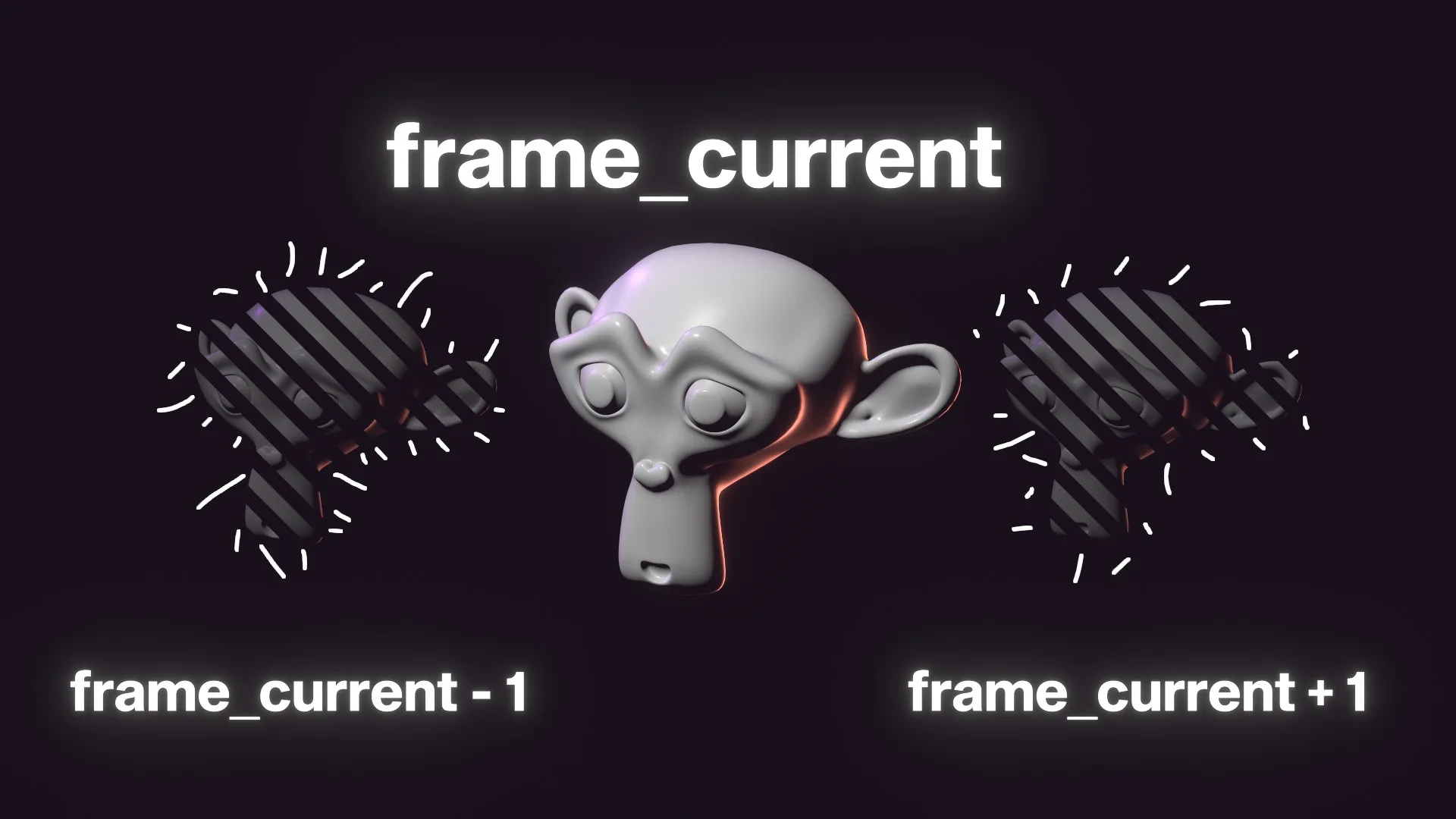
Choose one of two modes to set an object’s visible state at the current frame and its hidden state on a neighboring frame.
Show now, hide next
This mode makes the selected objects visible on the current frame, then hides them on the following frame.
Hide before, show now
This mode places a hidden state on the frame immediately before the current frame, then makes the selected objects visible at the current frame.
These operations are useful when several objects need the same visibility timing, such as showing a group of scene elements from a chosen frame. The add-on applies the keys to the selected objects, so check the selection before running a mode.
Workflow and compatibility
Select the objects, move the playhead to the frame where the visibility change should occur, then choose a mode from Blender’s Object > Show/Hide menu.
The Blender Extensions catalog lists version 1.0.2 and sets Blender 4.2.0 as the minimum version. The listing specifies GPL-3.0-or-later licensing. See the Blender Extensions listing for release details and the developer’s repository for its usage description and source code.