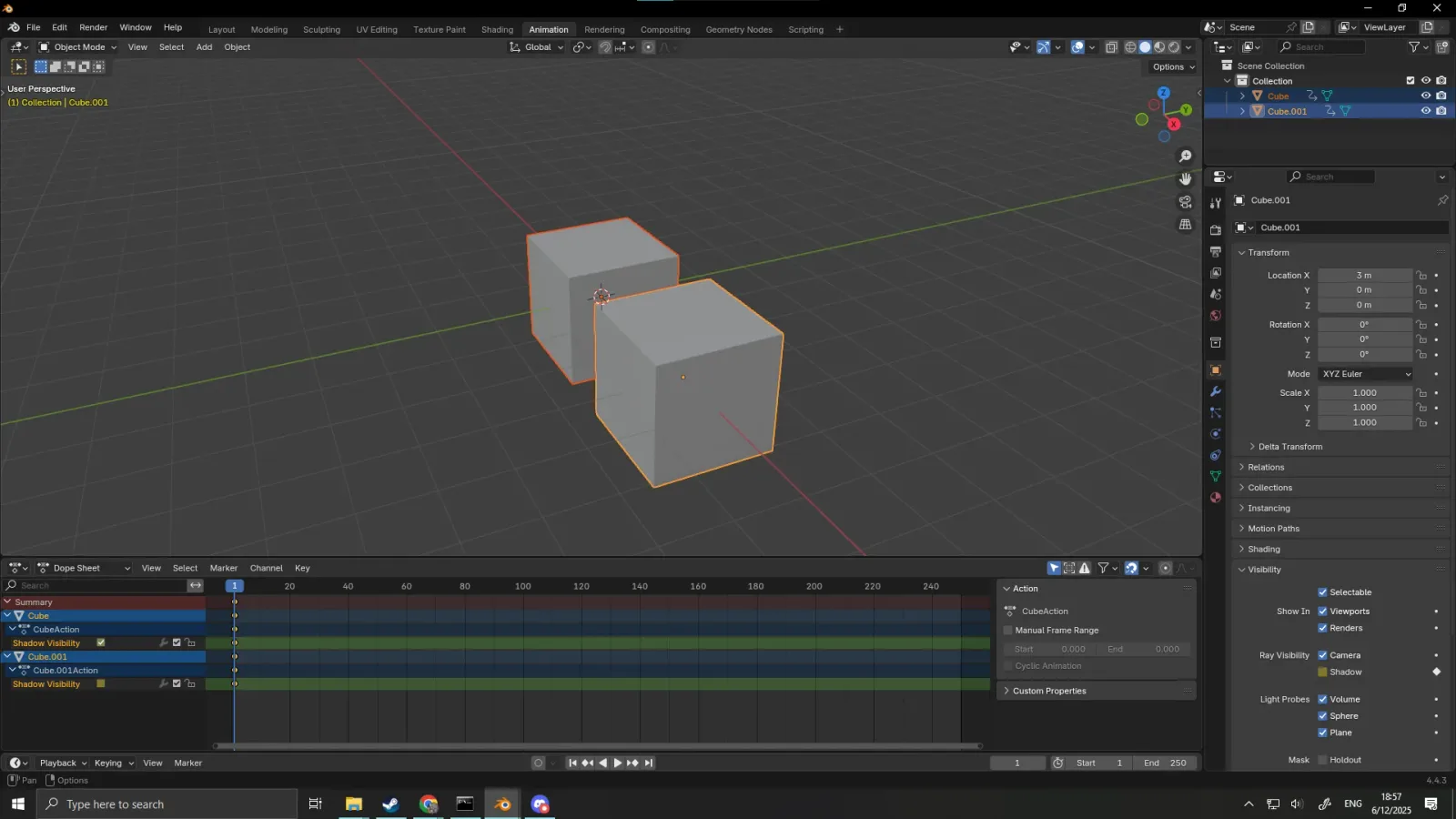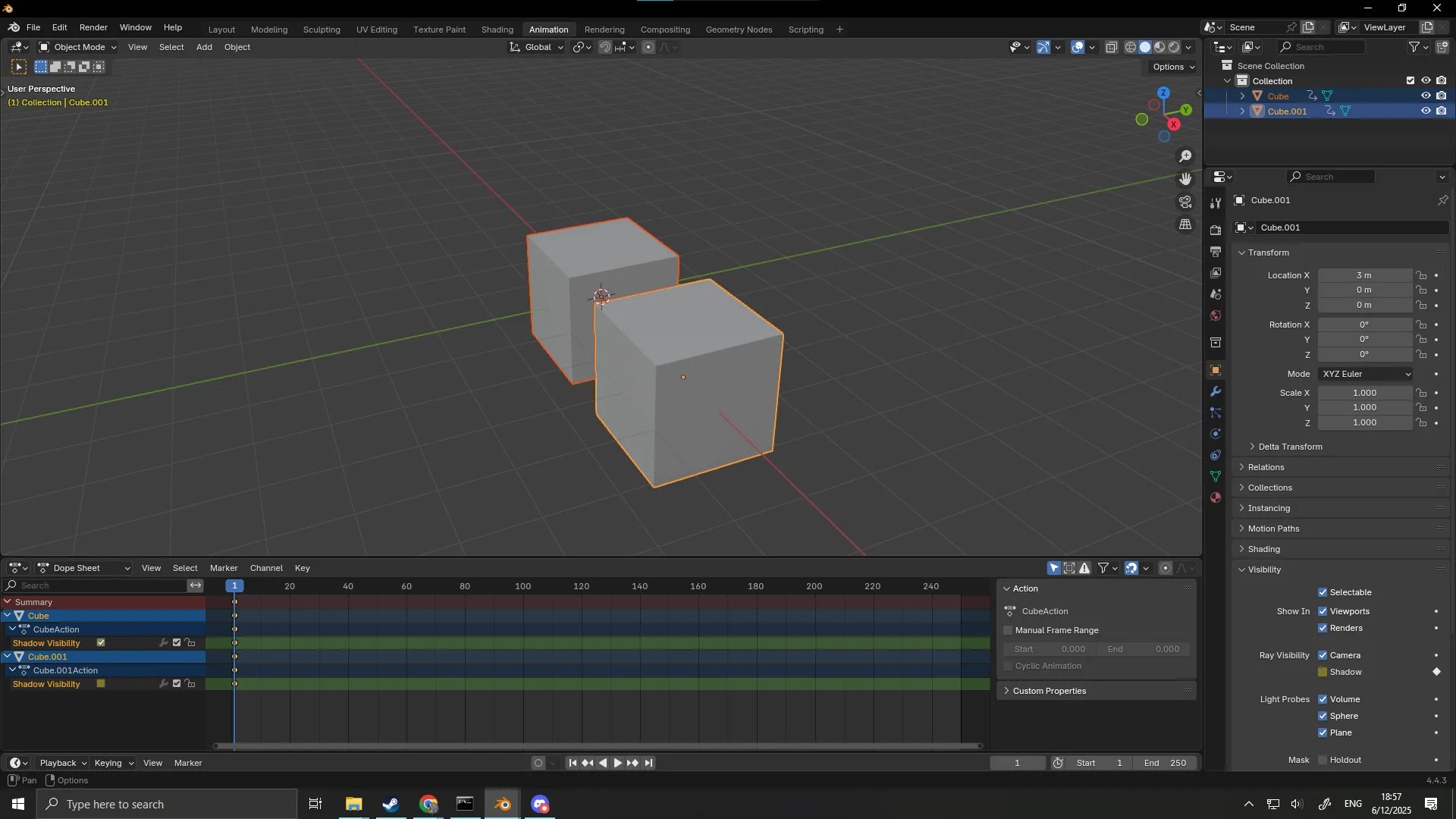
Mass Keyframe is a Blender add-on by StratosDerg for placing keyframes on a property across several selected objects. With objects selected, open the property's right-click menu and choose one of its two commands. This saves repeating the same property action object by object, while letting you choose whether each object keeps its own value or uses the active object's value.
Choose how the selected objects get their values
Both commands create keyframes for the property whose context menu you opened. The difference is which value each selected object receives.
| Command | Value behavior |
|---|---|
Add Keyframe to Selected Objects | Creates a keyframe for the active property on each selected object, using that object's property value. |
Duplicate Keyframe to Selected Objects | Creates a keyframe on each selected object and copies the active object's property value across the selection. |
Choose Add when the objects should retain their individual values. Choose Duplicate when they should share the active object's value for that property.
Version, Blender support, and modifier compatibility
The Blender Extensions listing identifies StratosDerg as the maintainer and lists version 1.1.8, Blender 5.1.0 as the minimum version, and the GPL-3.0-or-later license. The catalog summary says version 1.1.8 adds support for more properties, including physics, and notes inconsistent compatibility with modifiers. If your work depends on modifier properties, test that case in your Blender version before relying on it. The developer repository is the place to check source code and issue reports.