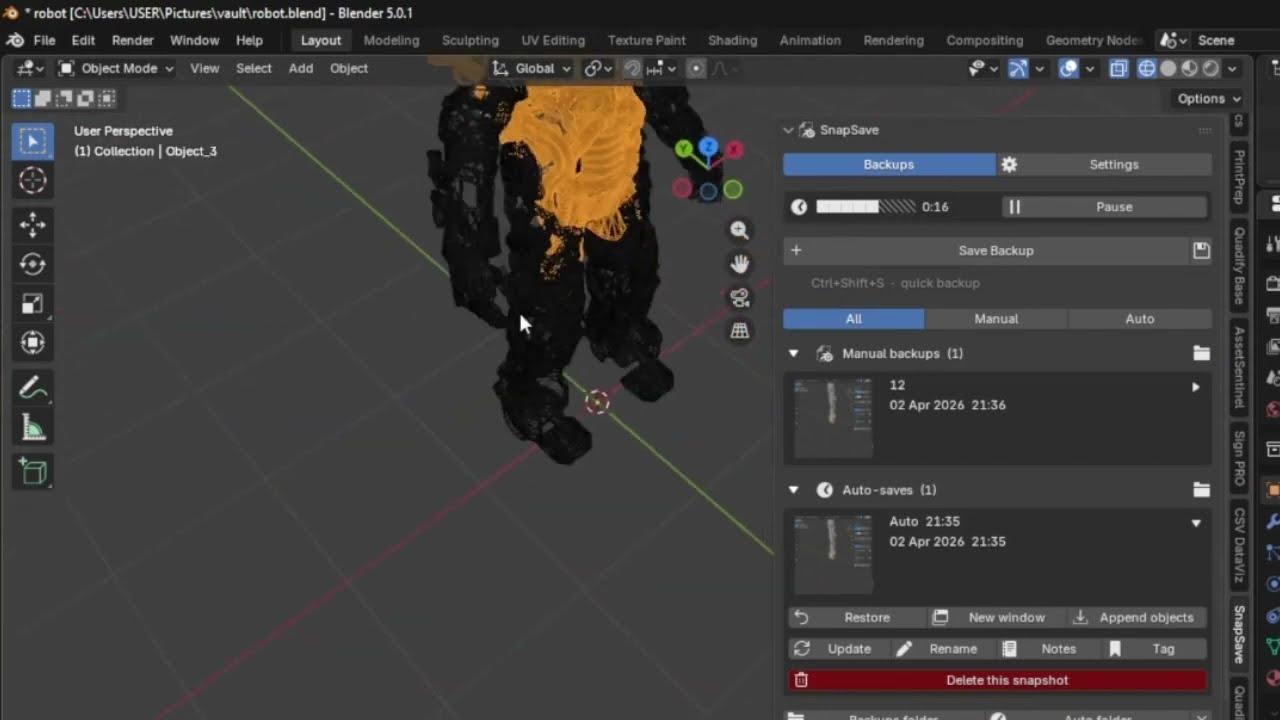
SnapSave Pro is a Blender add-on for keeping a browsable history of project files. It saves manual snapshots and timed autosaves as separate, standalone .blend files, with thumbnails and a persistent history panel. This suits artists who want to mark project milestones, compare earlier states or recover work from inside Blender.
Manual snapshots and timed autosaves
Save a .blend file once before using SnapSave so the add-on has a file path for its backups. From the SnapSave panel in Blender’s N-sidebar, you can create a manual snapshot with Ctrl+Shift+S. Add a label, a Stable, Milestone or WIP tag, and notes to make each saved state easier to recognize later. Snapshots capture a viewport thumbnail, and the history reloads when you reopen the project.
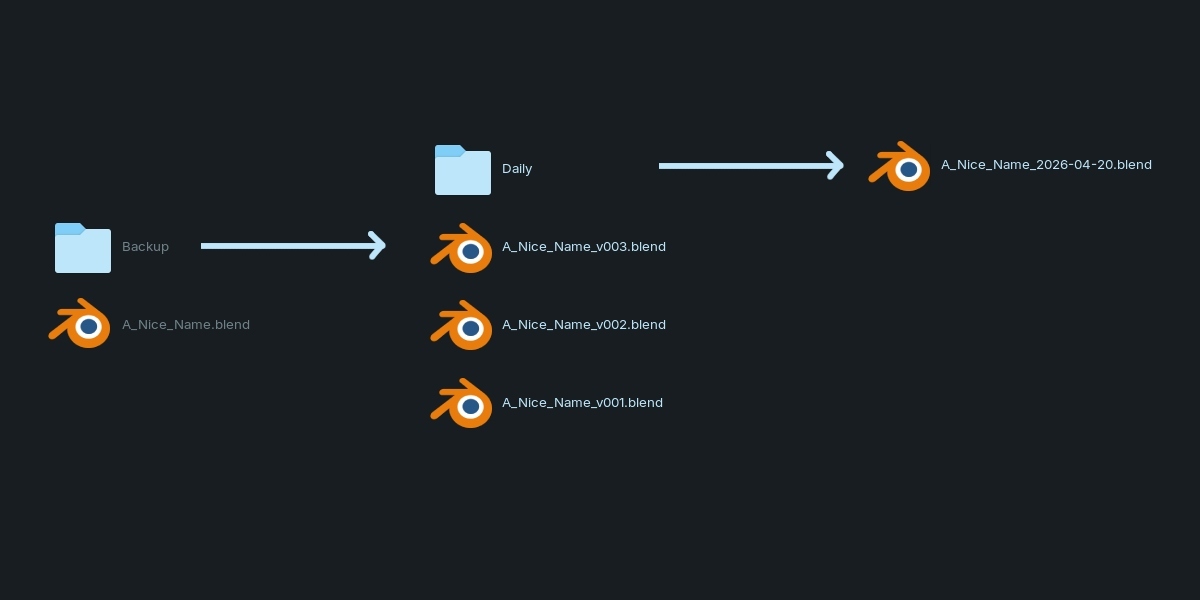
The autosave timer can be set from 1 to 120 minutes, with 10 minutes as the documented default. It saves only when the file has changed. Manual backups and autosaves use separate folders, and the settings include an option for a custom global save location. Each backup is a complete .blend file that can be opened in Blender without SnapSave installed.
Compare and recover earlier work
SnapSave Pro lets you restore a snapshot in the current Blender window, open one in a second window, or branch from a past state into a new file. The Append objects feature can bring a selected object from a snapshot into the current scene without restoring the entire file. Restoring replaces the current session, so save any recent changes before confirming a restore.
The product page also lists a snapshot diff viewer that compares objects, polygon counts, materials and modifiers between two saved versions. Other Pro features include an activity log with Markdown or plain-text export, an HTML project report with embedded history details, and timelapse export as MP4 or a PNG sequence. See the SnapSave Pro product page for the listed feature set.
Compatibility and setup
The product’s compatibility table lists Blender 5.0 and later and Blender 4.2 through 4.6 as tested. Blender 4.0 through 4.1 are marked compatible with a legacy .py install, while Blender 3.x is listed as unsupported. SnapSave lists support for Windows, macOS and Linux, and says it works offline. Check the installation and settings documentation for its setup steps. The documentation describes installing snapsave_basic.py for Blender 4.2 and above, while the product page’s v4.0.0 compatibility table lists ZIP Extension format for Blender 4.2 through 4.6 and 5.0+.