Geometry Nodes trails for Blender
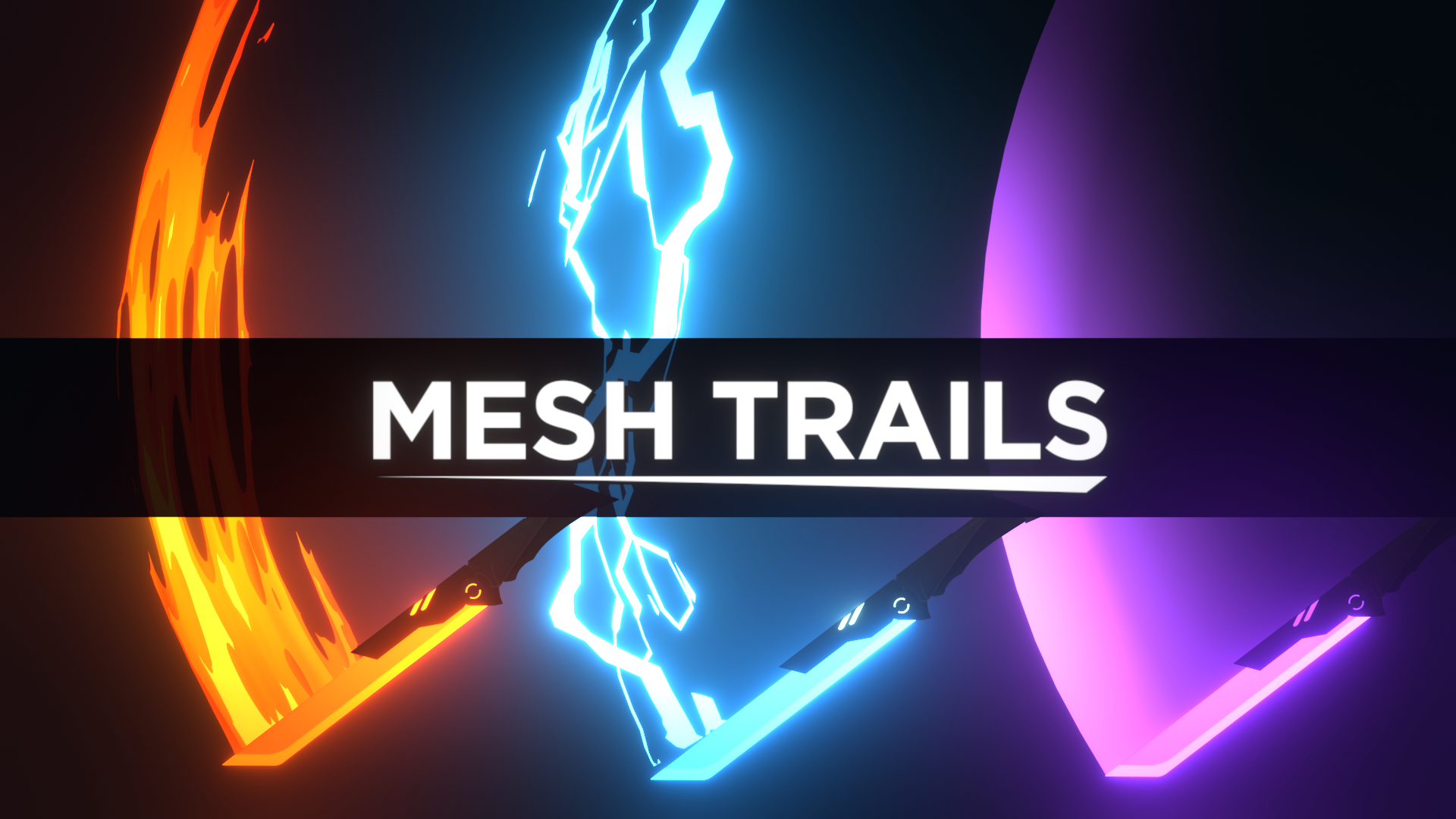
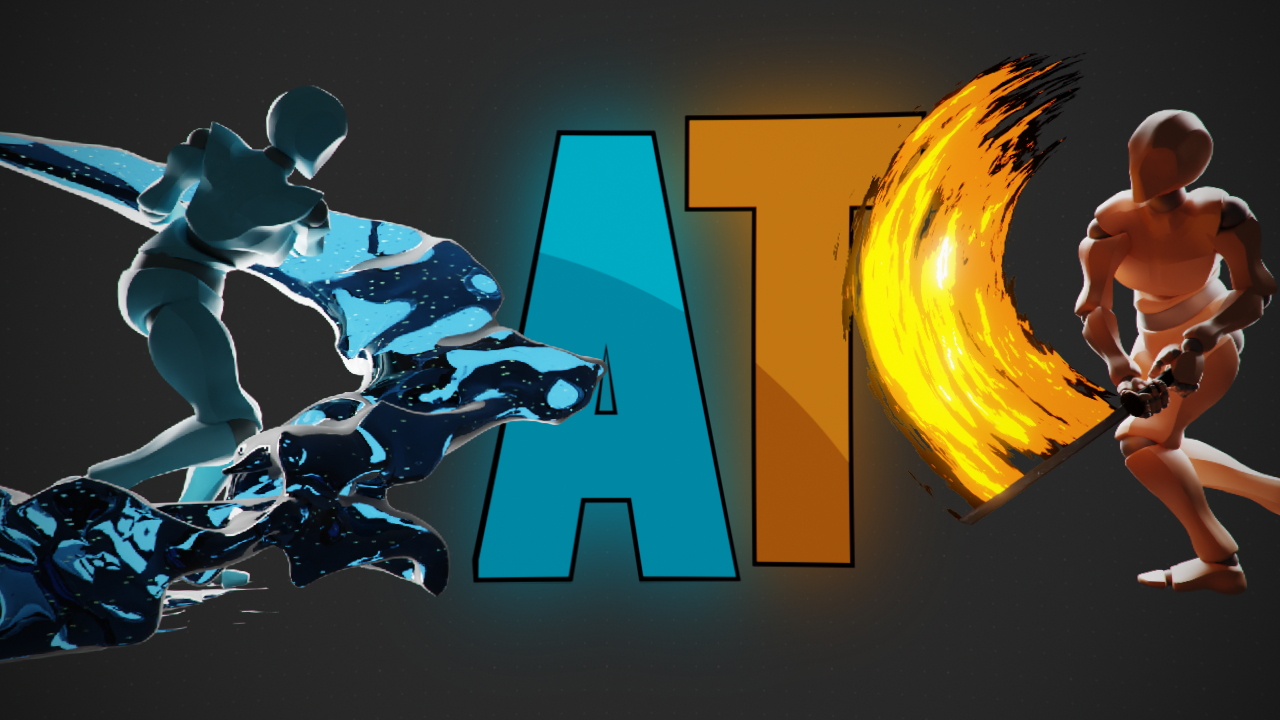
AutoTrail is an asset library of Geometry Nodes trees by 3Dan for adding customizable trails to animated objects in Blender. It works along straight lines and curved edges, so the effects can follow forms such as a curved sword as well as more conventional shapes.
The library includes more than 20 trail effects. Examples include basic glows, bubbles and onomatopoeia-style comic text. The creator describes the non-water trails as highly performant.
Set up a trail from the asset browser
AutoTrail uses a drag-and-drop workflow.
- Drag a trail into the scene from the asset browser.
- Set the object that will have the trail.
- Choose the vertex group that defines where the trail follows the object.
Each trail has controls for adjusting its effect.
Build a custom trail with Blank Points
The Blank Points Trail can use any collection as a trail for an object. Its gravity and noise controls let you shape particle-style trails, giving Blender artists a way to build effects beyond the library's ready-made examples.
Blender compatibility and performance
The product description says AutoTrail requires Blender 4.1 or newer. The compatibility field on the marketplace listing names Blender 4.1, 4.2 and 4.3. If you use a later release, check the current listing before relying on compatibility.
The creator notes that both water trails are quite slow because they use remeshing. If playback speed matters in your scene, test those effects with your own geometry and settings.
Listed plans and license
The listing names backward compatibility to Blender 3.0, additional trails, a velocity threshold for showing trails, and sub-step capability as future plans. These are listed as plans, so check the product page before treating them as available features. The marketplace lists the license as Royalty Free; review its current terms for your intended use.
See the Superhive AutoTrail listing for its current compatibility details and license information.