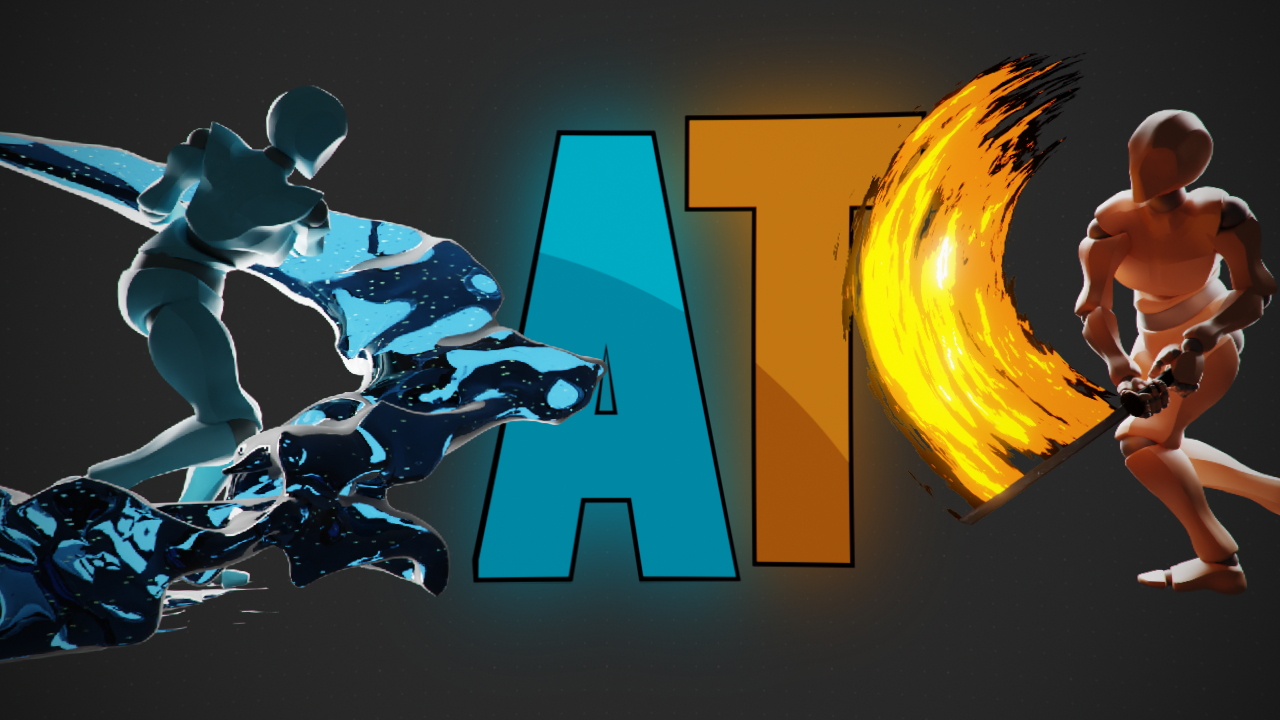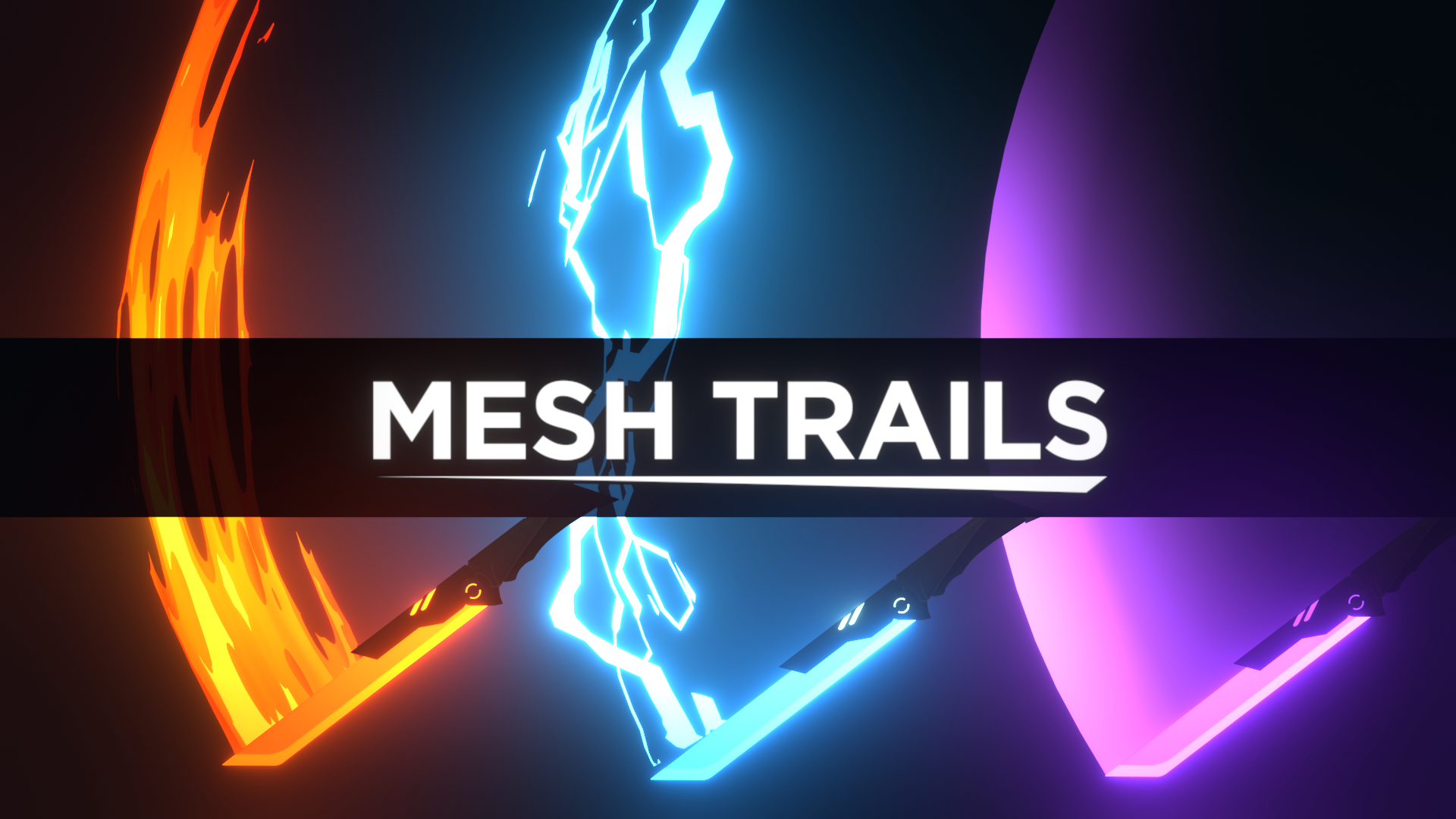
Mesh Trails is a Blender add-on by Dillon Goo that generates animated VFX trails as UV-unwrapped meshes from Bezier or Poly curve emitters. You can apply custom shaders and use Blender modifiers and Geometry Nodes on the mesh output. The add-on is designed for stylized and non-stylized effects, with real-time previews for shaping trails and a cache for final rendering.
Build trails from curve emitters
A trail can use a Bezier or Poly curve, including a cyclic curve. The emitter can be parented, animated, or rigged with hook modifiers, so it can follow a character or prop as its shape changes. Mesh Trails turns that curve-driven motion into mesh geometry, which lets artists use custom shaders and Blender's modifier stack.
Shape, preview, and bake the effect
The add-on provides a real-time preview, so you can move the cursor and see the trail change without setting keyframes for the preview. A custom taper curve changes the trail's shape. Wind vectors add motion to the trail calculation without moving the emitter in world space, while object-space and camera-space options calculate trails relative to another object or the camera. Emitter speed is also available to shaders.
For final rendering, Mesh Trails can bake its simulation to a cache, with an option to include subframes for more detail between frames. The product listing reports that a recent patch added Alembic mesh-cache export, while its FAQ describes Alembic or FBX export as future work, leaving current availability unclear.
Where Mesh Trails fits
The add-on is suited to artists building custom VFX trails, especially stylized or hand-drawn looks. The creator notes that shaders can produce non-stylized effects, but Mesh Trails cannot create fully convincing realistic simulations. For a 2D or live-action workflow, the creator describes importing footage into Blender, tracking or hand-keying its motion, and rendering the resulting trails as an image sequence.
Compatibility and included materials
The product page's 2026 update note says bug fixes and Blender 5.0 support were added. Its detailed compatibility list still names versions from Blender 2.93 through 4.0, so check the seller's current listing for your exact build. The listing supports Windows, macOS, and Linux. The package includes an installation file, eight demo files with shader and Geometry Nodes setups, a tutorial, and tool support. The documentation page describes the tutorial as 16 minutes long.