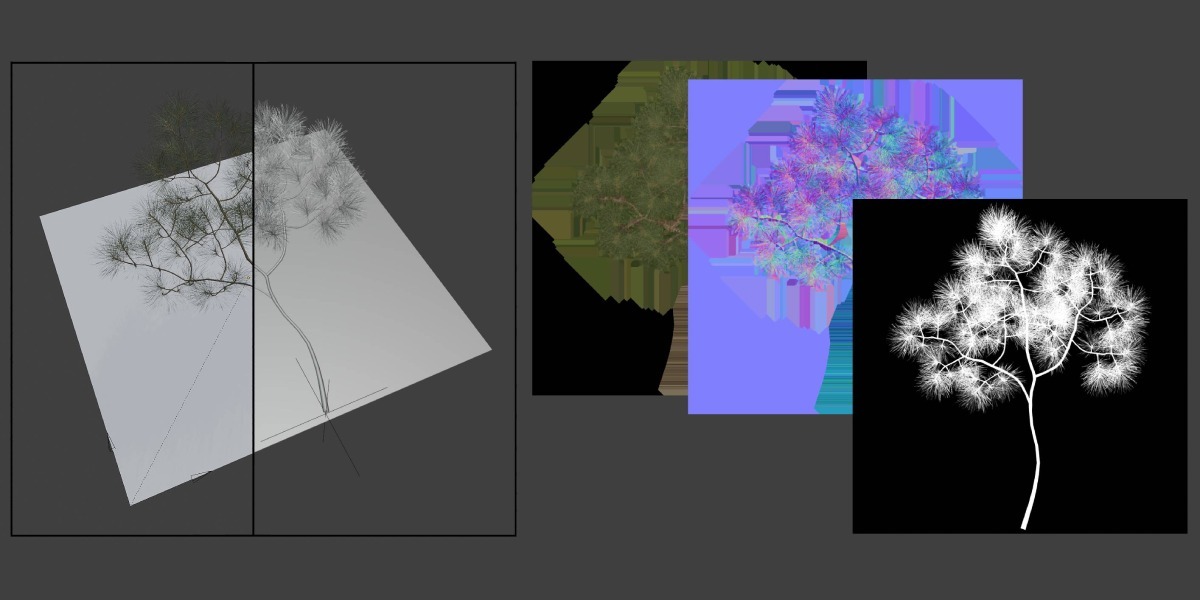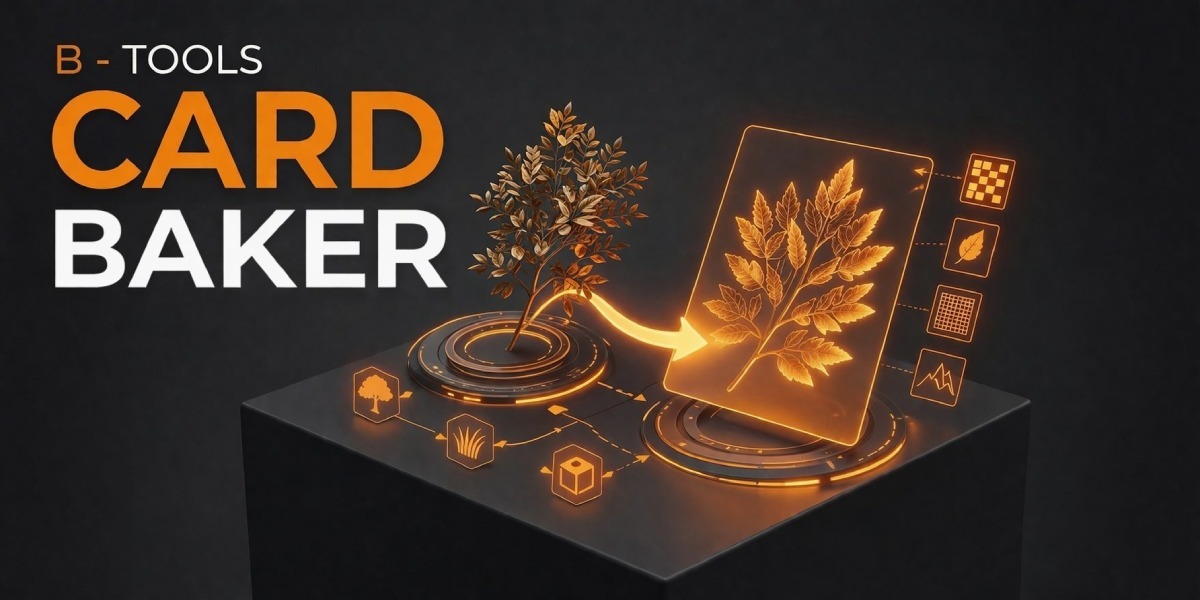
B- Card Baker is a Blender add-on for baking foliage cards and trim sheets from high-poly scene content. Created by RobertRoss_VFX, it addresses a common baking problem: overlapping transparent planes in foliage can produce black clipping or broken alpha masks. The product listing describes a Cycles setup with up to 128 transparent bounces and unified Soft Alpha for opacity and base-color baking.
Bake from collections without converting source objects
You can select an object or a whole collection as the high-poly source. A collection may contain meshes, splines, curves, Blender's Hair system, or live Geometry Nodes results. The workflow does not require applying modifiers or converting curves first.
The developer describes its Safe Material Swap and Zero-Geometry-Copy approach as changing material data directly in Blender's evaluated memory instead of duplicating heavy geometry. The product description says this leaves the original assets intact.
Set the target and choose maps
The target plane generator creates a 2 by 2 metre plane with U and V arrows to show texture orientation. The orthographic camera follows the plane's rotation and frames its bounds, so an offset object origin does not determine the bake framing.
For height maps, a Geometry Nodes visualizer displays a red range plane. Adjust Max Dist until the plane covers the source detail, then accept the range. The product listing says the add-on can export a 16-bit PNG normalized from 0.0 to 1.0. Its channel-packing options include Base Color, Roughness, AO, Opacity, and split Normal_R and Normal_G channels. The documentation also lists SSS or Translucency among the selectable maps. Opacity-mask edge padding is included to reduce white anti-aliasing artifacts along foliage edges.
Install and start a bake
- Download the add-on ZIP file.
- In Blender, open Edit > Preferences > Add-ons, choose Install, select the ZIP, and enable “3D View: B-Baker: Card Baker.”
- In the 3D Viewport, press N and open the B-Baker tab. Choose a source object or collection under Main Settings.
- In the LP Object row, choose Create to generate a target plane, or select your own plane. Set the texture name, export directory, resolution, and maps.
- Optionally enable Generate Packed Texture, then click Start Baking and follow the progress bar.
The B- Card Baker documentation provides installation and quick-start steps.
Compatibility and fit
Superhive lists Blender versions 4.2 through 5.1, Cycles as the render engine, and GPL as the license. Check the current product listing for the latest version and terms. The features described are aimed at artists baking dense foliage cards or trim sheets for game asset workflows.