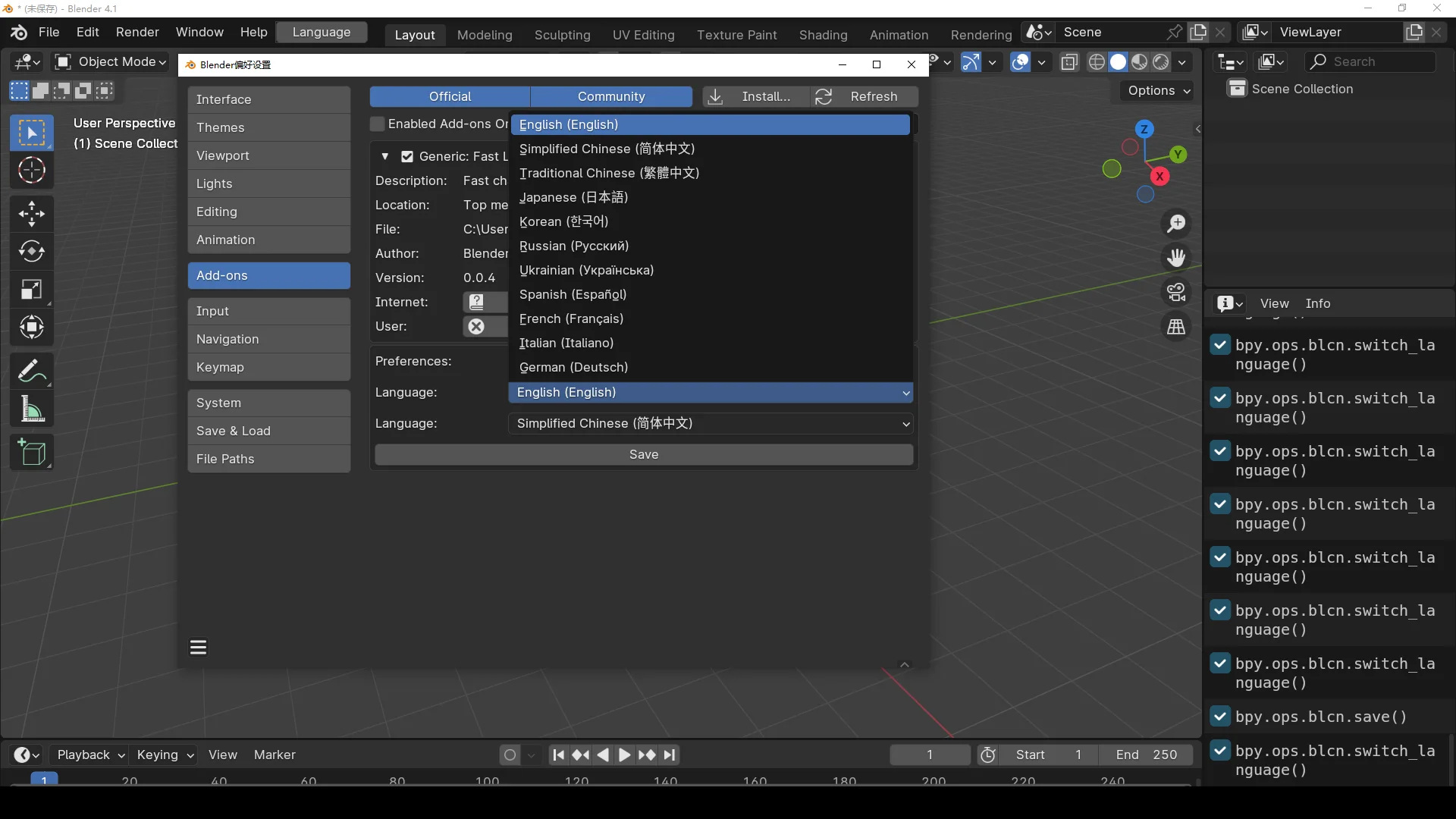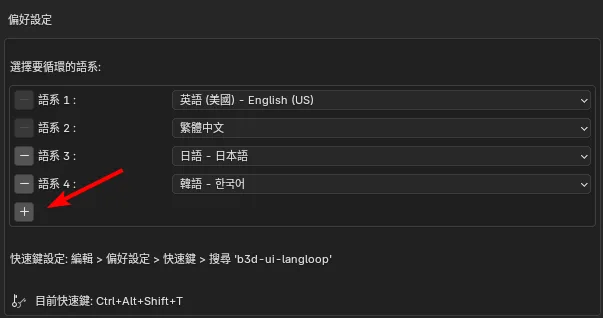
B3D UI Language Loop is a Blender add-on that cycles the interface language with a keyboard shortcut. It is intended for non-English speakers learning Blender through tutorials recorded in different languages, where matching menu and panel labels can make the next step easier to follow.
For example, switch the interface to match a tutorial, then cycle again when you return to your usual setup. The AnyPlugins listing names Ctrl + Alt + Shift + T as the shortcut. The Blender Extensions entry confirms shortcut-based language switching and describes the add-on's intended use.
Compatibility and installation
Version 1.0.3 is listed for Blender 5.0 and newer. The published archive is 6.1 KB (6,240 bytes), and version 1.0.3 requires no special permissions. It uses the GNU GPL-3.0-or-later license. See the official extension listing for the current version and compatibility details.
The listing provides drag-and-drop and Install from Disk options, with a link to Blender's extension installation instructions. After installing and enabling the add-on, use its shortcut to cycle through Blender's interface languages.