Restart Blender from the File menu
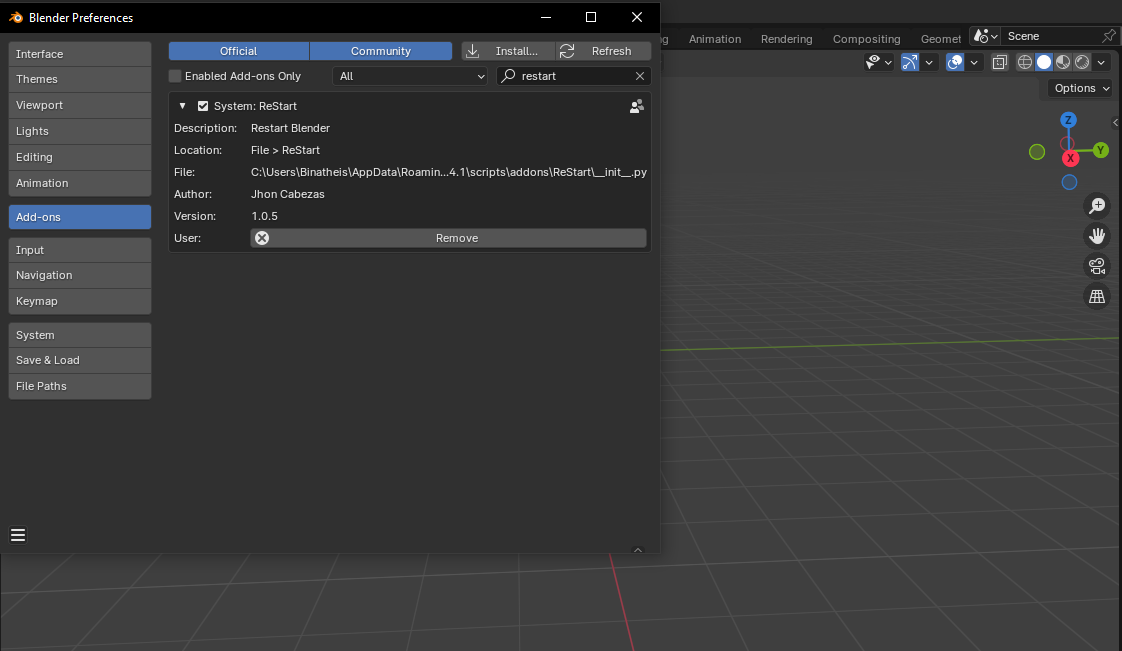
Restart is a Blender extension by JR3DFUL that adds a restart command to the File menu and the Ctrl+Alt+Shift+R shortcut. You can change the shortcut in Blender's keymap settings if it conflicts with another command.
Choose how to handle unsaved work
When the current file has unsaved changes, Restart can show Save, Don't Save, and Cancel options. For a new file without a saved path, the save flow opens a Save As dialog before Blender restarts. A warning also highlights unsaved files in red.
In the add-on preferences, choose Prompt, Save & Restart, or Discard & Restart as the default behavior. Prompt asks what to do each time. Discard & Restart drops unsaved changes, so choose it only when that is intended.
Version and compatibility
Version 1.0.2 adds a one-second delay to address a crash from restarting too quickly and restores Toggle System Console after a restart, according to the feature overview. The Blender Extensions listing identifies Blender 4.2.0 as the minimum version and lists the GNU General Public License v3.0 or later. Check that listing for current release details before installing.