Bake Shape Keys is a Blender add-on for shape keys and shape key animation. Its tools cover baking animated key values, editing shape keys, and creating objects from shape key poses. The Blender Extensions listing identifies release 1.4.0, maintainer nickberckley, Blender 4.2.0 as the minimum version, and a GPL-3.0-or-later license.
Bake shape key animation frame by frame
Bake Shape Key Action writes values for all shape keys on each frame. You can set the frame range, step, and interpolation. This is useful when you need an explicit sequence of shape key values across an animation, including workflows where Blender's default Bake Action does not cover the shape key animation you need to bake.
Insert Keyframe for All Shape Keys adds a keyframe for every shape key value in one operation. Use it when you want to key the full set together rather than adding keyframes to values one at a time.
Duplicate, split, and merge shape keys
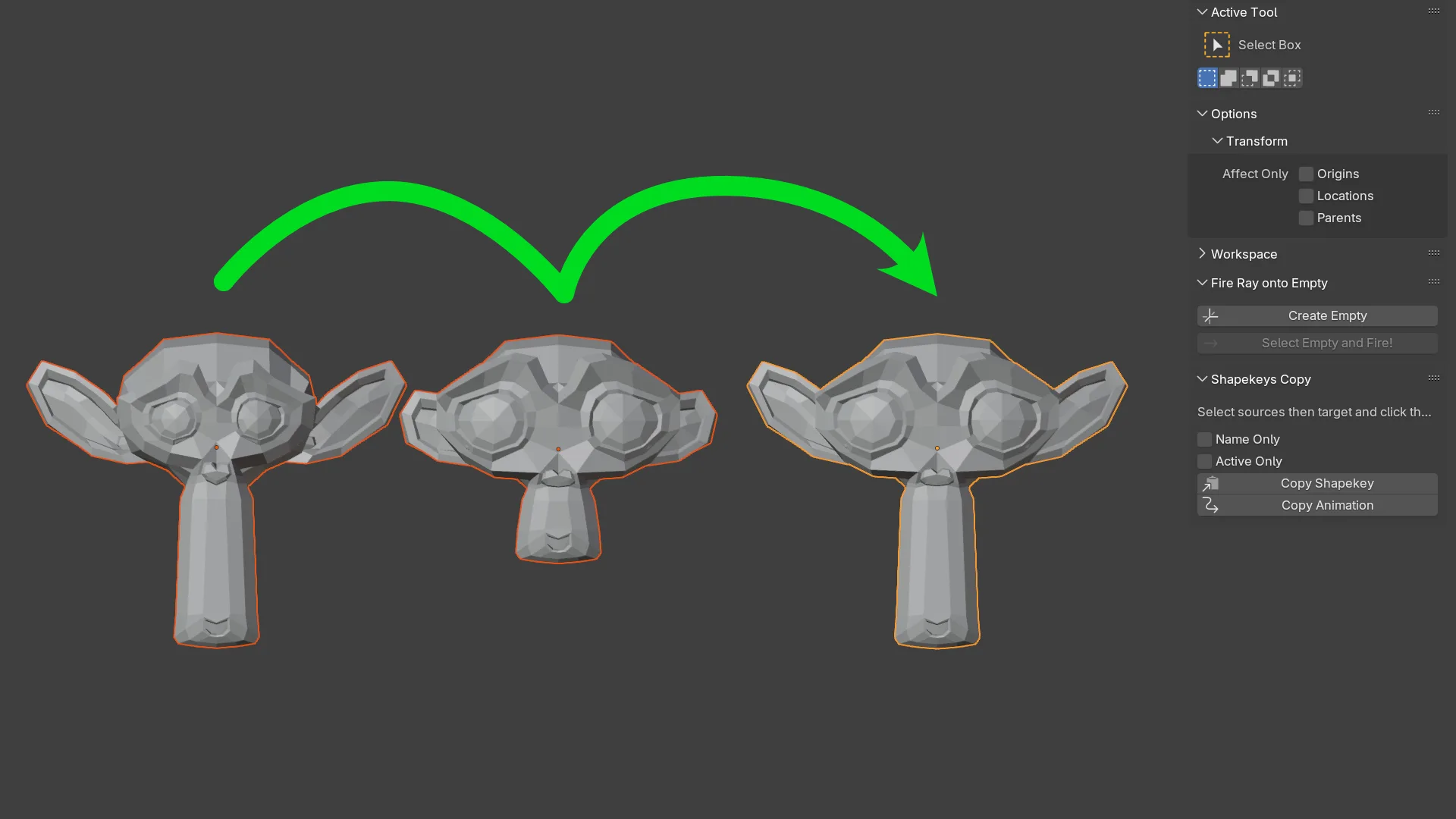
Feature descriptions say the add-on preserves animation data when duplicating, splitting, or merging shape keys. A Blender Extensions user review reports an error when duplicating a shape key with vertex animation from the built-in AnimAll add-on in Blender 5.0; the supplied record does not say whether the issue was later fixed. Split Shape Key divides a key between selected and unselected vertices in Edit Mode and copies its animation to both resulting keys. Merge Shape Keys combines two keys or the full stack into one; the active shape key supplies the data for the merged result.
These tools suit different editing jobs: duplicate a key while retaining its animation, separate selected geometry into its own key, or consolidate several keys. The feature descriptions also specify that animation is retained down to keyframe handle positions.
Create objects from shape key poses
Objects from Shape Keys bakes shape keys on each frame into a duplicated object. The feature is intended for making 3D-printable replacement parts, including stop-motion puppet workflows. An optional duplicate-detection setting can help avoid creating repeated objects.
Find the tools in Blender
Shape key animation operators, including Bake Shape Key Action, are in the Object > Animation menu while in Object Mode. Duplicate, split, and merge are in the Specials menu of the shape key panel in Data Properties. Insert Keyframe for All Shape Keys is also available at the end of that panel.
Check compatibility and license
The official catalog record sets Blender 4.2.0 as the minimum supported version and lists GPL-3.0-or-later. Check the version history for release details before installing. Blender's Extensions installation instructions explain how to install an add-on from disk.