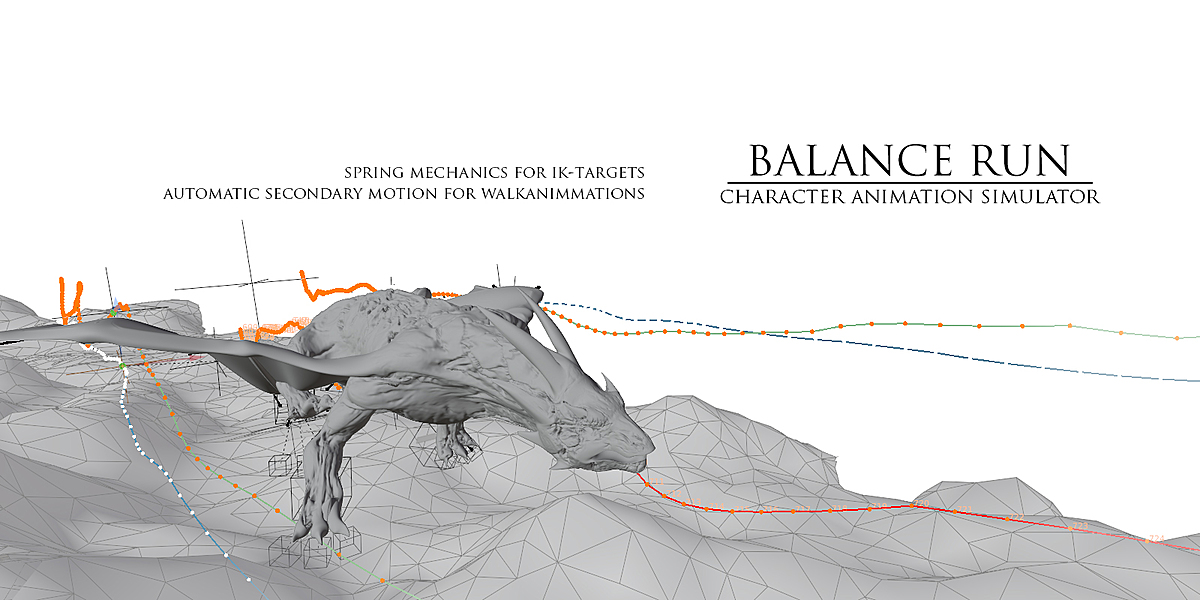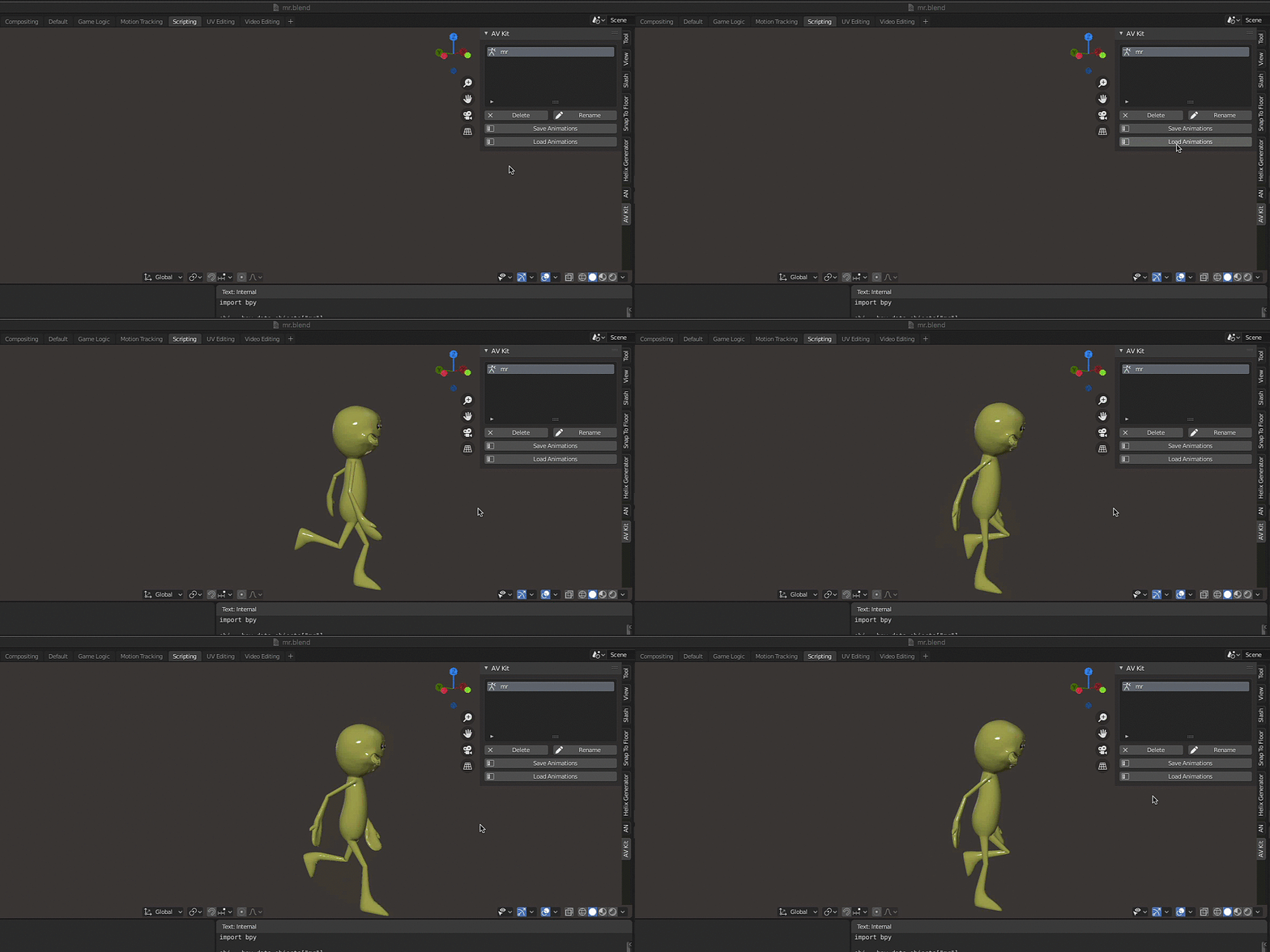
Balancerun is a Blender add-on by NM-8 for creating a first layer of locomotion animation for rigged characters. You animate a follow object to guide the character, assign foot IK targets, then generate keyframes for gaits such as walking, trotting, or galloping. The result can be adjusted by changing or animating parameters and calculating again; some keyframes may still need manual refinement.
How the workflow works
- Set the character in a starting pose. Balancerun uses that pose as a comfortable pose and analyses the rig to retrieve leg lengths.
- Animate a follow object along the intended route. Select it and assign the feet IK targets. You can also add other IK targets for objects or limbs that should swing.
- Set motion parameters such as
steptimeand swing intensity, then generate the keyframes. Adjust or animate the parameters and calculate again to try a different result.
Rigs, feet, and ground
The setup can include up to eight feet, set as IK targets, and up to eight additional swinging objects, along with a hip and a ground surface. For bipeds with a two foot armature, the product listing says Balancerun can also animate a Rigify rig.
You can assign a mesh as the ground object for the feet. Rotating the follow object changes the character's orientation and the up direction of its walk poses. That lets the same animated guide object control walking, running, or climbing. The listing notes that an insect can align to a steep surface, while a horse cannot remain upright on a steep surface and would fall over.
Gait and secondary motion
Balancerun combines walk, trot, and gallop rhythms with spring mechanics. The hip and swinging objects respond to the motion of the feet, adding secondary movement with stiffness and damping controls. While moving, the character follows the guide object as an intended point; when movement stops, it eases back toward its starting pose.
This is a starting layer for a walk, not a guarantee of finished animation. NM-8 notes that some keyframes may need manual refinement. A basic workflow tutorial is linked from the product listing.
Compatibility and licensing
The Superhive listing identifies Blender versions 3.0 to 4.5 and a GPL license. Check the listing for current compatibility and access details before adding it to a production setup.