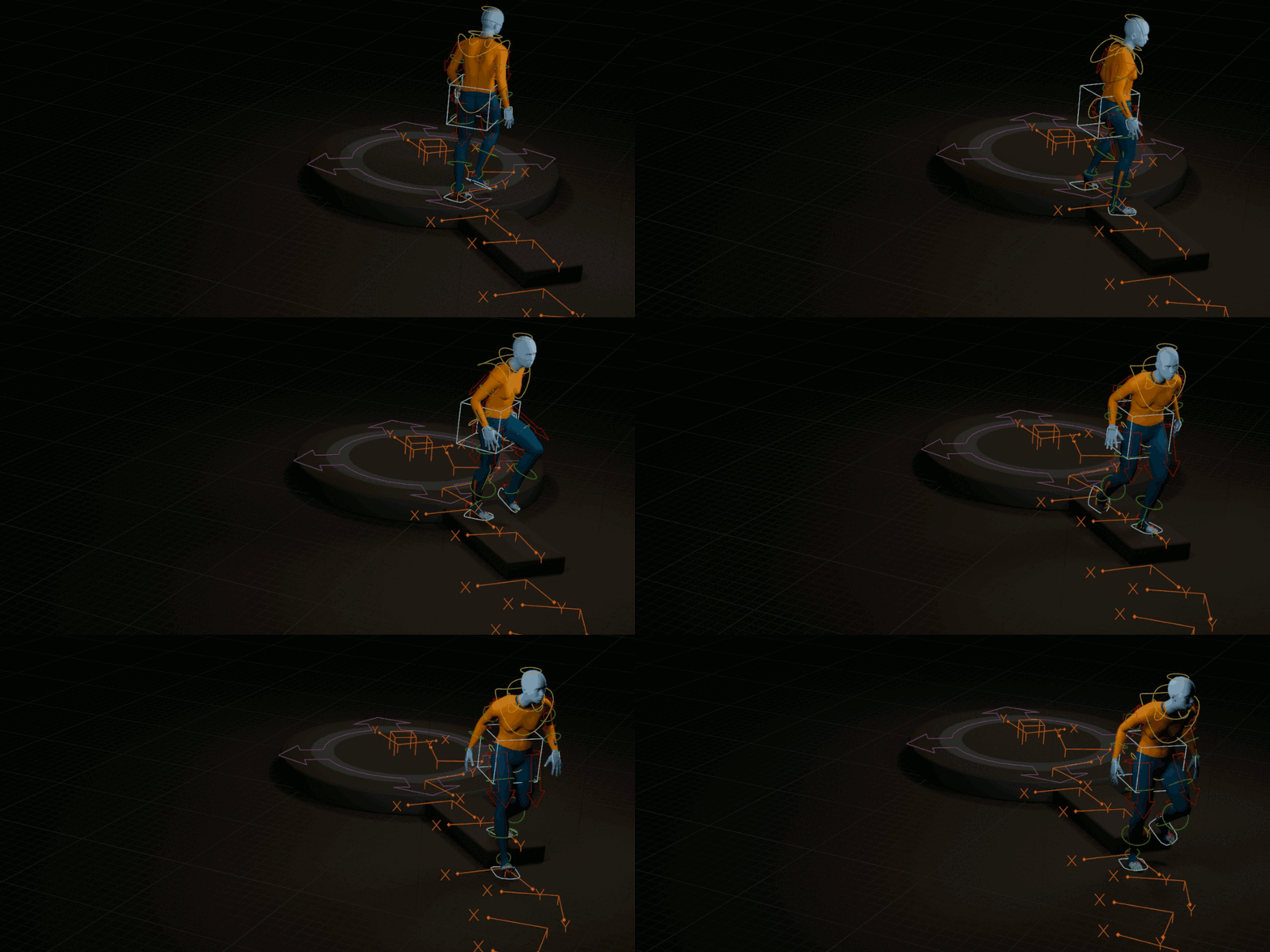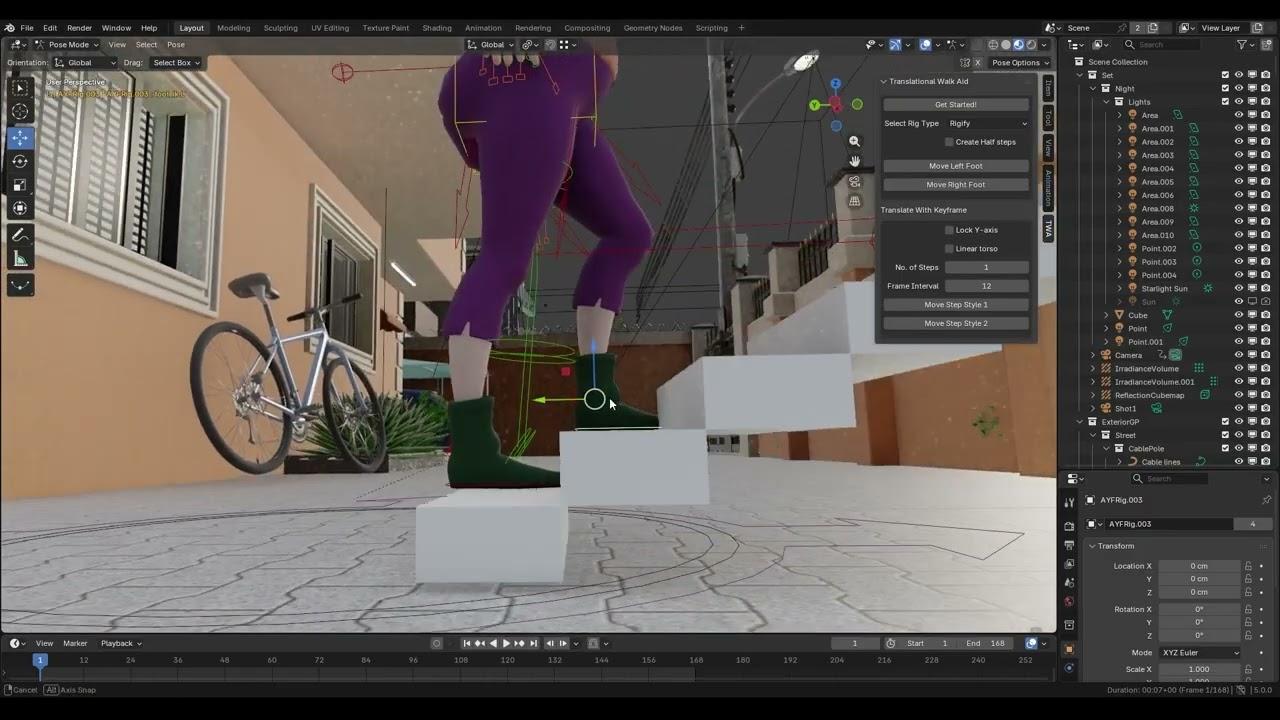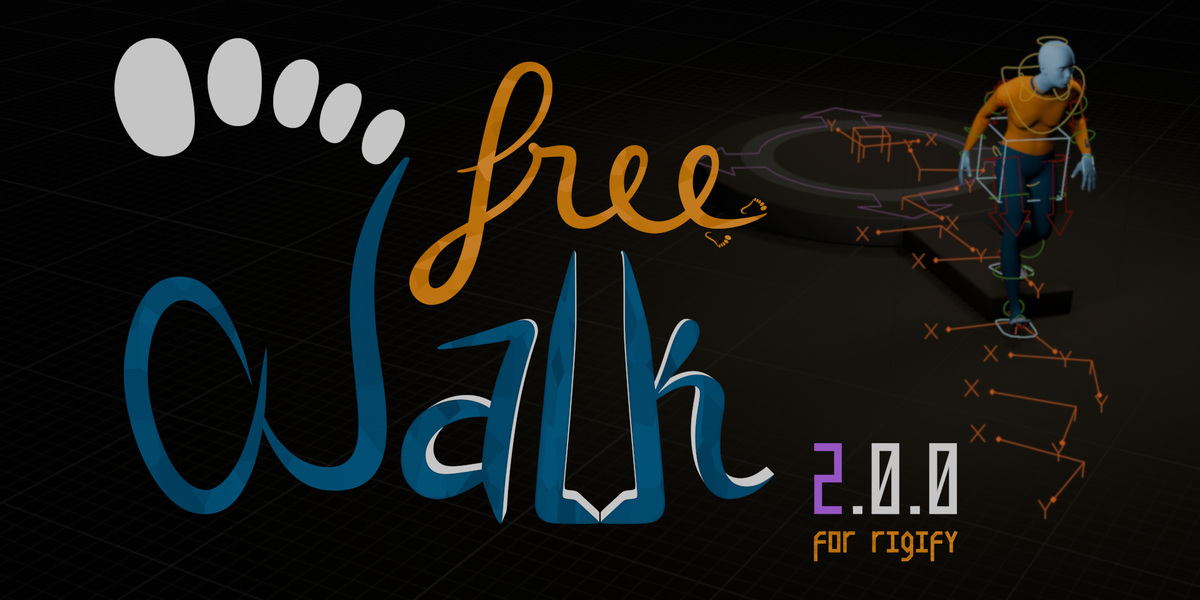
Free Walk For Rigify creates walking animations for Human (Meta-Rig) characters using Rigify in Blender. It has two workflows: a repeating walk cycle and a free sequence where you direct movement step by step. Both can be previewed before you convert the result into an action.
Choose from four walking types: drunk, normal, rotated, and zombie. The direction controls cover forward, right, backward, and left movement. In free mode, you can change direction at individual steps, so one sequence can turn or change course.
Prepare and calibrate the character
The add-on panel appears in the 3D View sidebar when the armature is in Pose Mode. The armature also needs the custom property rig_id for the add-on to identify it as a Rigify rig.
Before creating an animation, select all bones, reset their transformations, place the character in the reference pose, and capture that pose with the add-on. Calibration accounts for each character's measurements. The settings panel is available before a reference pose is captured, or after it is cleared.
Create a repeating walk cycle
Cycle mode loops the walk while you adjust it. Choose an animation type and direction, then use the available controls for that style. These include speed settings and personality controls; some options depend on the selected animation. The preview lets you check the movement before using Create Action to convert it. The add-on considers the scene frame rate when it creates the action and records control values in the action name.
Direct and edit steps in free mode
Free mode moves the body without the root through a sequence of one to sixteen steps. Before starting the preview, select the action that should receive the keyframes and set the timeline to the intended start frame. The add-on writes to the current action. It adds Empty objects to the scene, which you can rotate on their Y axis to direct movement.
You can select a step, freeze the preview, and edit the character's pose. Wait for the frame to finish freezing before editing so the changes are stored. The frozen controls let you work on the middle or end pose of a step; the documentation recommends editing the end pose before the middle because the end pose changes the middle pose. These controls make it possible to shape a route around an obstacle or across uneven ground.
Compatibility and documentation
The version 2.0.0 listing specifies Blender 3.3 through 5.0 and Rigify 0.6.6 or later. The product details list a GPL license. For the panel controls and setup instructions, see the Free Walk For Rigify documentation and product listing.