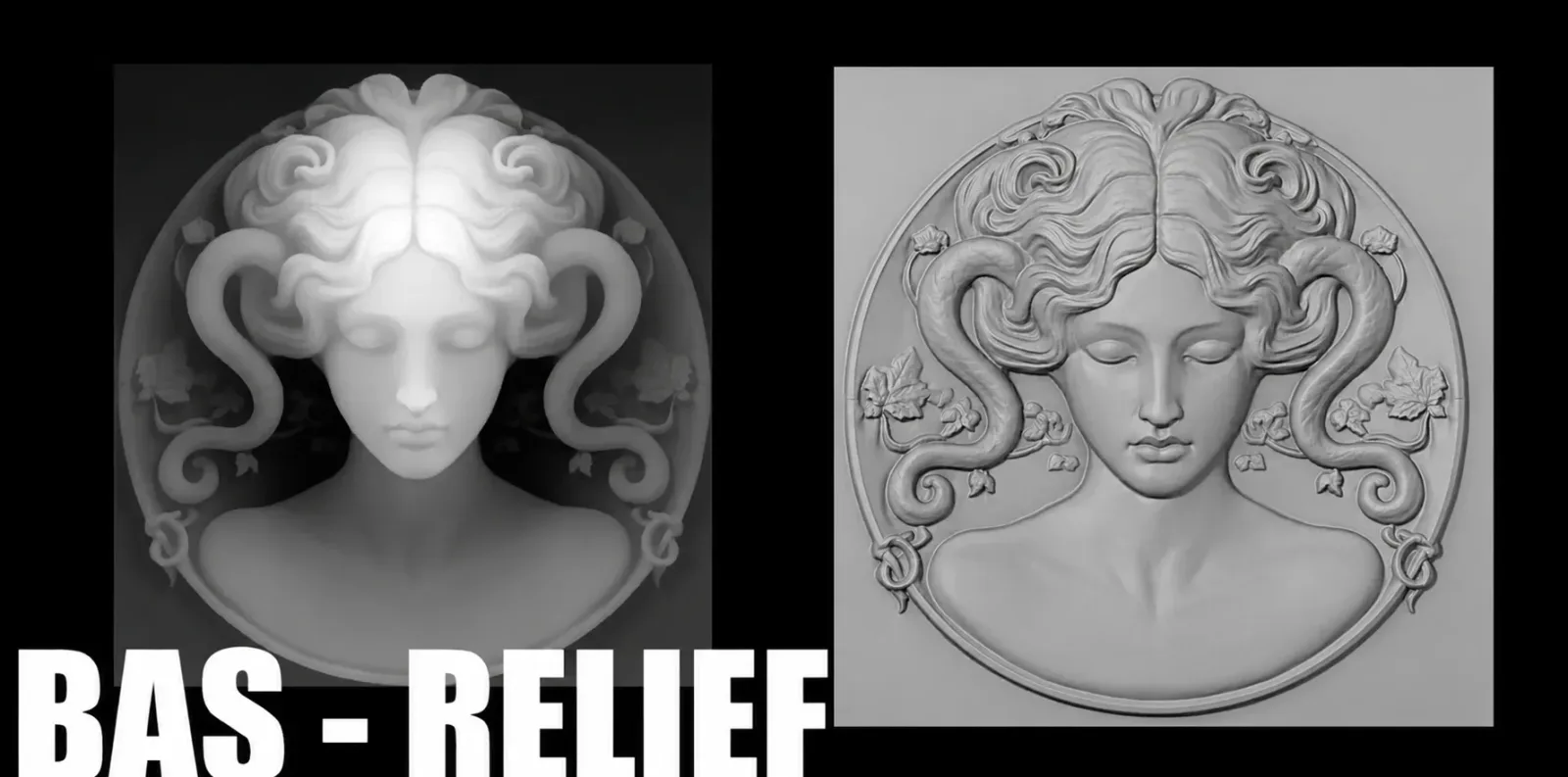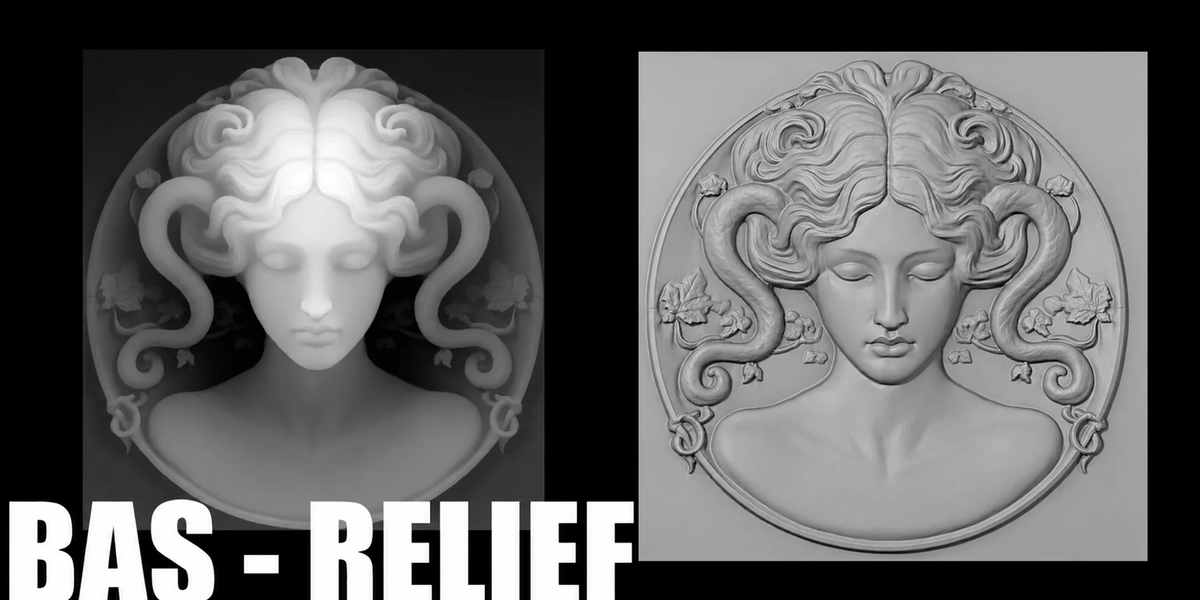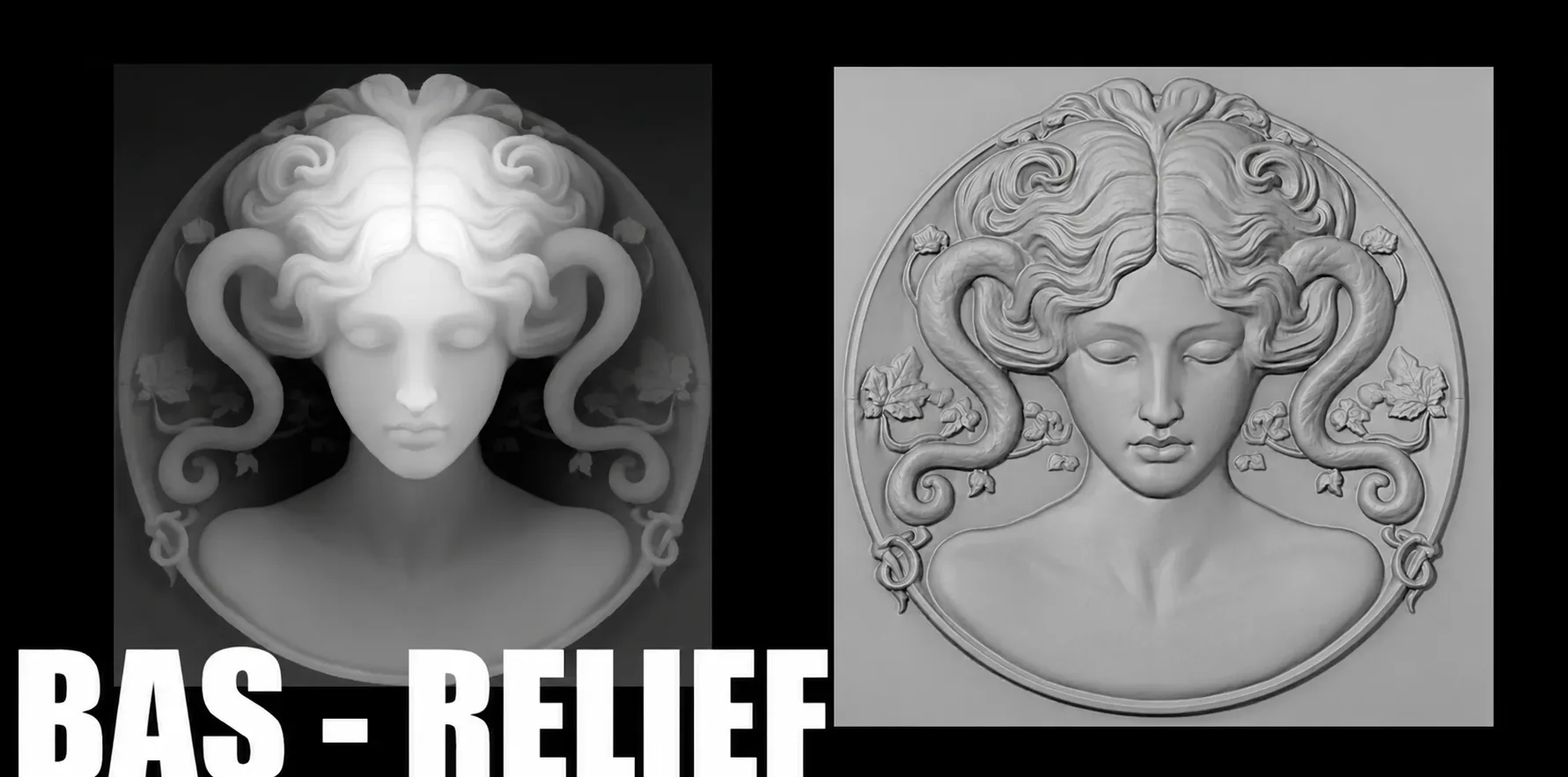
Bas Relief is a Blender add-on that turns an image into a displaced relief mesh. Import a PNG, JPG, BMP, or TIFF, then run the relief tool to create a subdivided plane with a Displace modifier. The plane keeps the source image's aspect ratio, and the modifier uses that image to shape the surface.
The Blender Extensions record lists version 1.1.0, a minimum Blender version of 4.2.0, and the GNU GPL v3.0 or later. Bas Relief suits artists who want to make image-based reliefs, prepare a PBR material, or set up a depth-map render within Blender.
Create and adjust a relief mesh
In the 3D Viewport, open the Bas Relief tab in the N Panel and choose Import Image. After selecting an image, run Bas Relief to create the mesh. Use the Adjust Last Operation panel to change Subdivision Cuts, Subsurf Levels, and Displace Strength. These controls adjust mesh density and relief depth, so you can tune the result for the source image.
Choose a material or depth-map setup
Create Texture builds a PBR material with an Image Texture node and assigns it to the relief mesh. For a depth-map render, Create Depth Map sets up an orthographic camera, a Suzanne preview mesh, and the Depth_Map_Comp_GN compositor node group. The generated setup uses a 500 × 500 resolution and 16-bit depth. Display options set the display device to Display P3 and the view transform to Raw before you render and save.
Keep multiple reliefs in one project
Each run creates a separate plane and a uniquely named texture. That lets you keep several relief results in the same Blender project, for example when comparing different source images. Use the mesh controls on each result to adjust its subdivision and displacement strength.
Check compatibility and the optional generator
The Height Map Generator is a separate, optional AI-powered download based on MiDaS. It is distributed through the developer's GitHub repository, separately from the Bas Relief extension package.
Before installing, check the official Bas Relief listing for release and compatibility details. Blender's install-from-disk instructions explain how to install an extension package from a downloaded file.