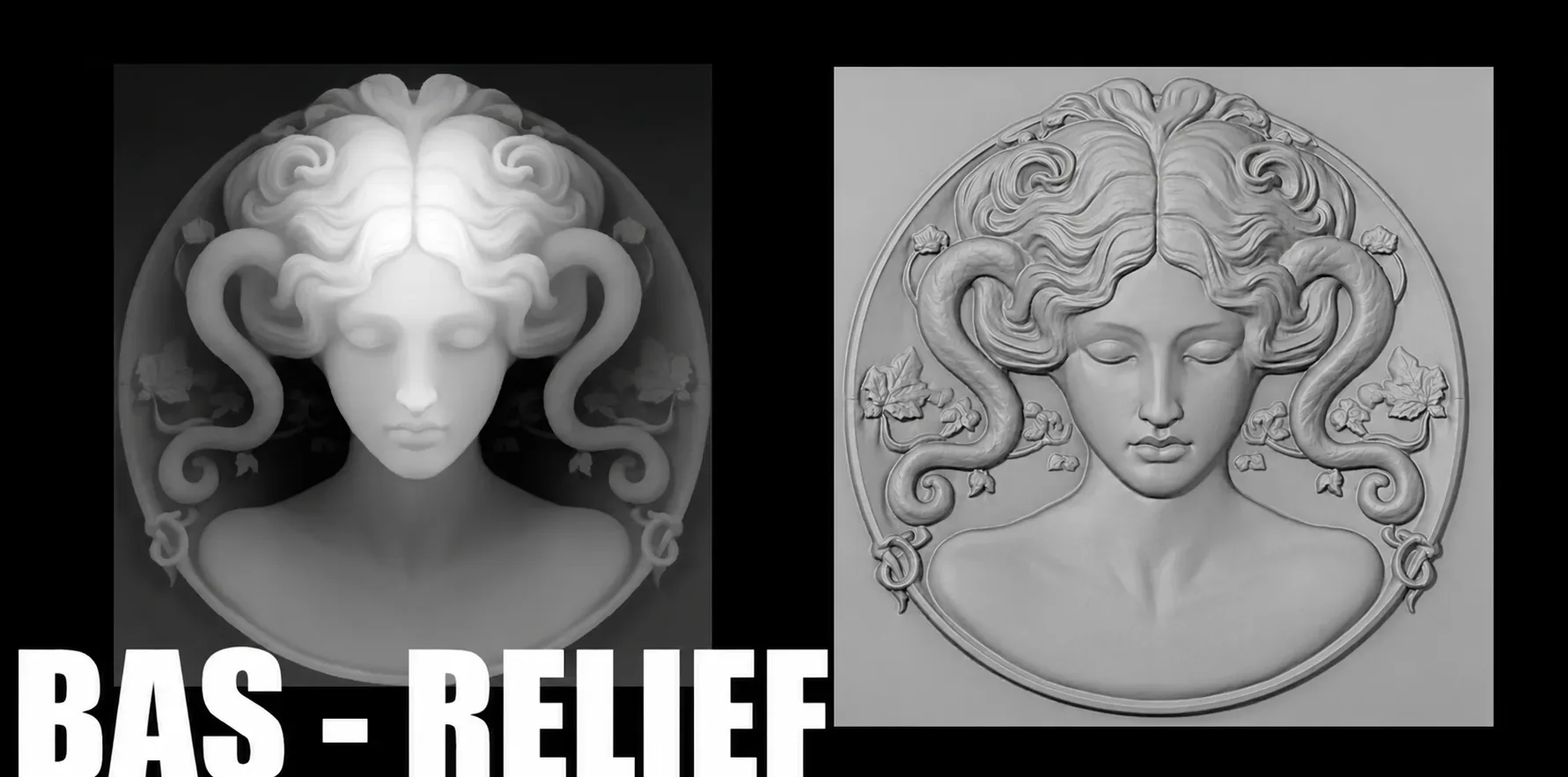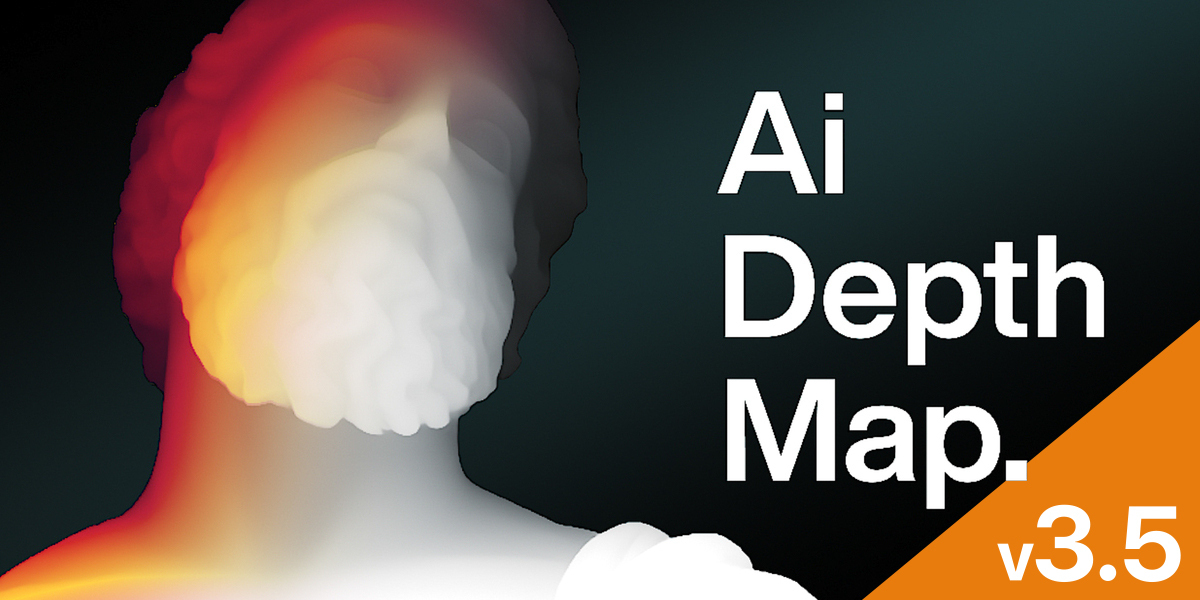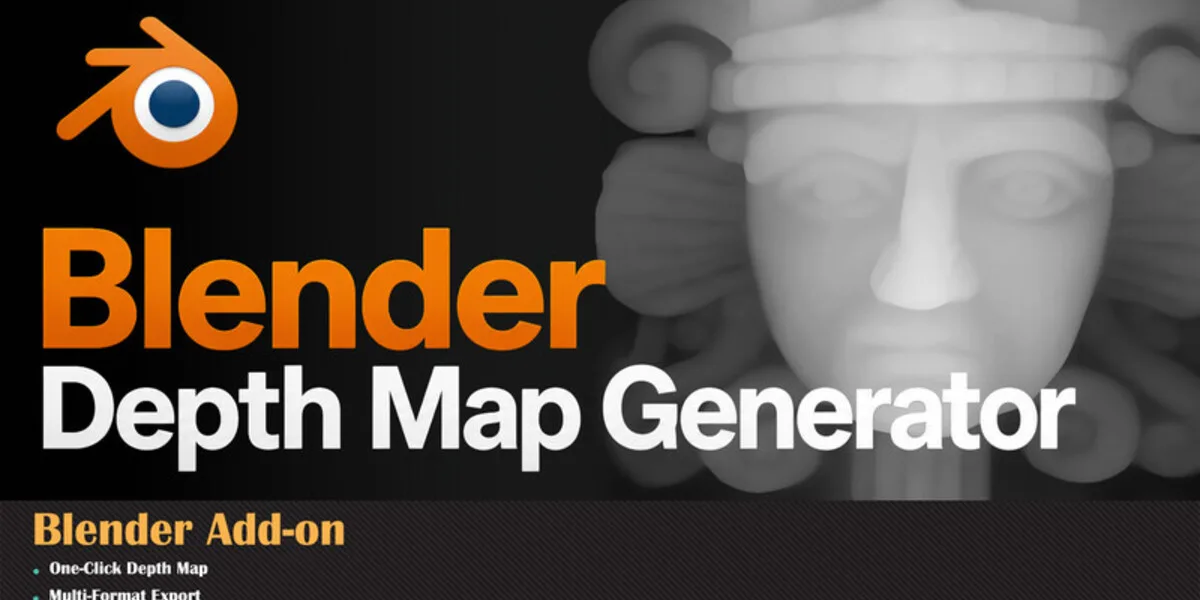
Blender Depth Map Generator bakes a grayscale depth map from a selected mesh using BVH raycasting. The product listing says it needs no render engine or compositor setup and does not modify the model. You choose a projection, set resolution and padding, then click Bake; the result appears in Blender's Image Editor and can be saved to a chosen folder. See the product's full feature list.
Set up a depth map bake
- Select the mesh you want to capture.
- Choose Front, Back, Top, Bottom, Left, or Right projection.
- Set the resolution, from 256 × 256 to 4096 × 4096, and adjust padding.
- Click Bake. The resulting map appears in the Image Editor and can be saved to your chosen folder.
For a tilted or rotated model, Smart Auto-Align is listed as an option that finds the largest flat surface and aligns the model for the bake.
Choose map and model formats
The add-on exports depth maps as 16-bit EXR, PNG, or PSD files. You can select one format or export the selected formats simultaneously. The listing describes the map as true single-channel grayscale with a black background, and includes an invert option to switch whether white represents close or far areas.
You can also export the model alongside the map in OBJ, FBX, GLB, or BLEND format. The listing says the raycasting workflow handles meshes with 500,000 or more faces. That figure and the other feature details are product claims, not independent performance measurements.
Where the maps can be used
The creator lists displacement and height maps for game assets, brush alphas for ZBrush or Blender sculpting, depth references for AI image workflows, 3D printing preparation, texture-painting references, and concept-art depth passes. Check the needs of the next tool in your workflow before choosing a bit depth, file format, or white-to-depth convention.
Check Blender version support
The product information is inconsistent about compatibility. Its technical summary lists Blender 4.0, 4.5, and 5.0 or newer; the requirements and FAQ say Blender 5.0 or newer, while the details show Blender 5.0 to 5.1. Check the product FAQ or contact the creator to confirm support for your exact Blender version before installing. The listing says no external dependencies or additional software are required.