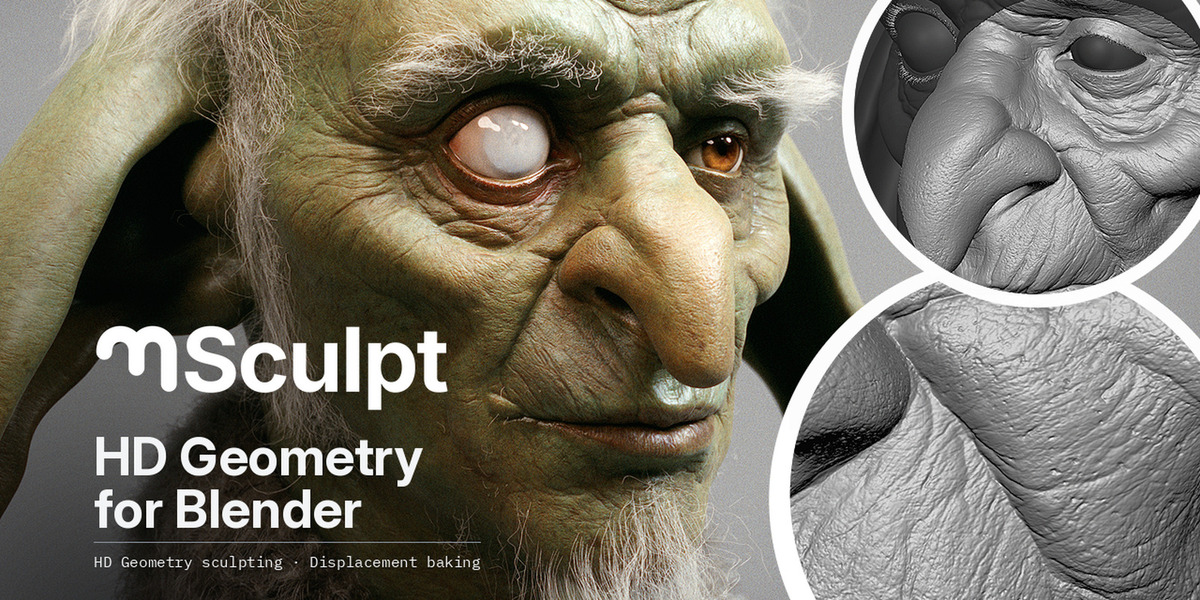
mSculpt is a Blender add-on for sculpting high-resolution detail in HD geometry, baking it to its own map, and baking regular displacement from Multires levels.
Sculpt and bake HD geometry
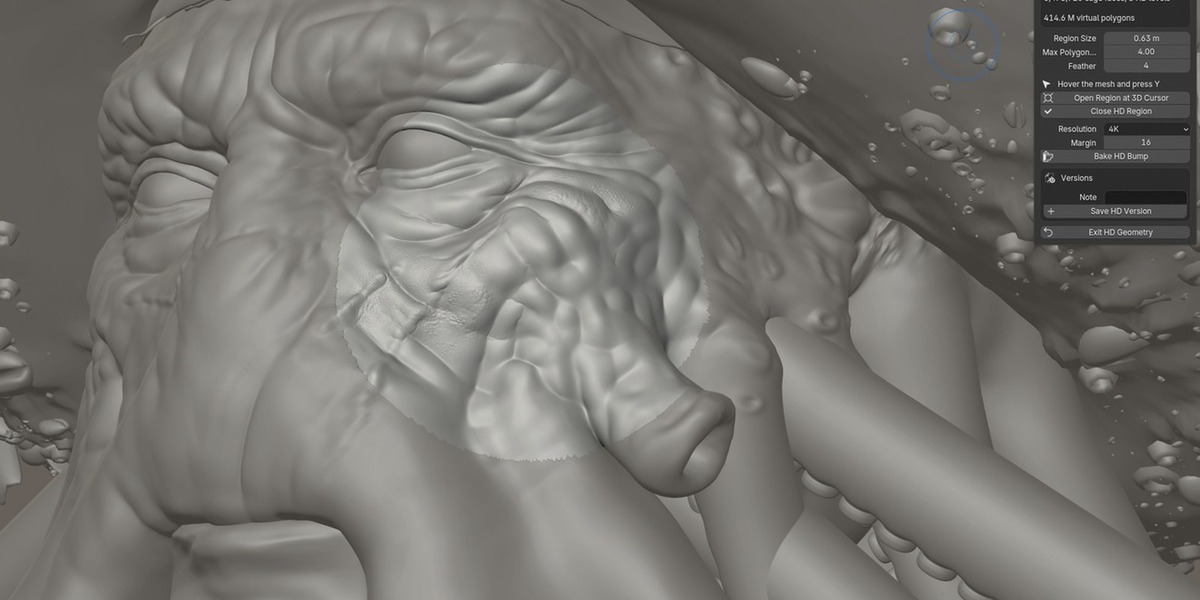
To work on an HD region, hover over the mesh and press Y to select it. Sculpt the detail, then bake it out. The HD bake uses a 0.5 midlevel and is saved with the suffix “bump”. You can move between HD regions without softening or losing detail.
mSculpt stores HD data on disk beside the .blend file. That lets you save separate incremental HD versions and return to an earlier version when needed.
Bake displacement from Multires
The other workflow bakes regular displacement from Multires levels. Set the midlevel and resolution, then combine several objects into one map if the project calls for it. These bakes are saved with the suffix “displacement”.
Output formats and other uses
Both bake workflows go through Multiresolution and produce 32-bit EXR files with UDIM support. mSculpt can also bake normal maps or export decimated high-resolution geometry, which the listing gives as an option for uses such as 3D printing.
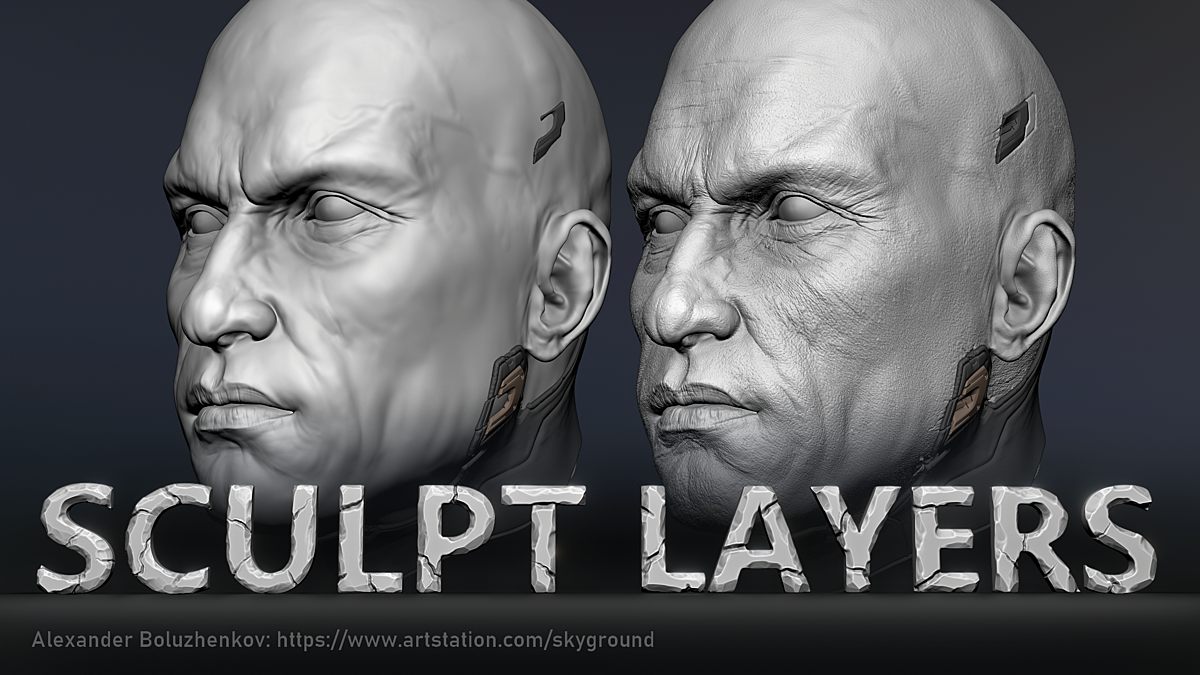
The separate HD and Multires maps can be combined in a shader, letting you control the visible amount of HD detail or amplify it. For setup details, see the mSculpt documentation
Blender compatibility
The product listing gives a Blender compatibility range of 5.2–5.3. Its documentation says Blender 5.2 or newer is required and notes testing through 5.3. Check the mSculpt listing for the current product details.