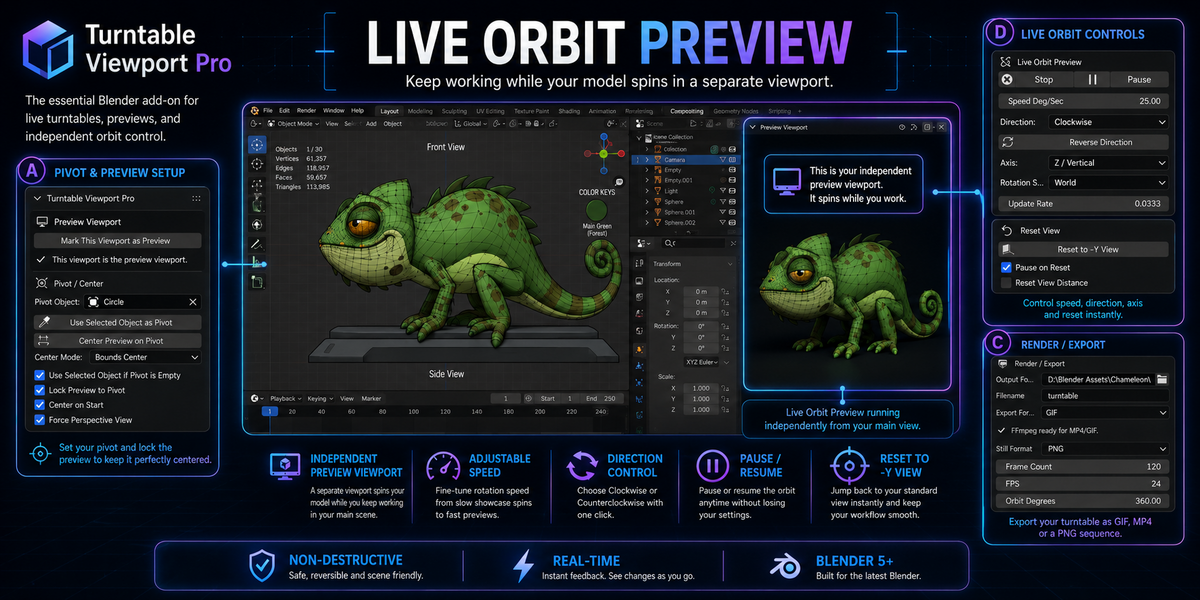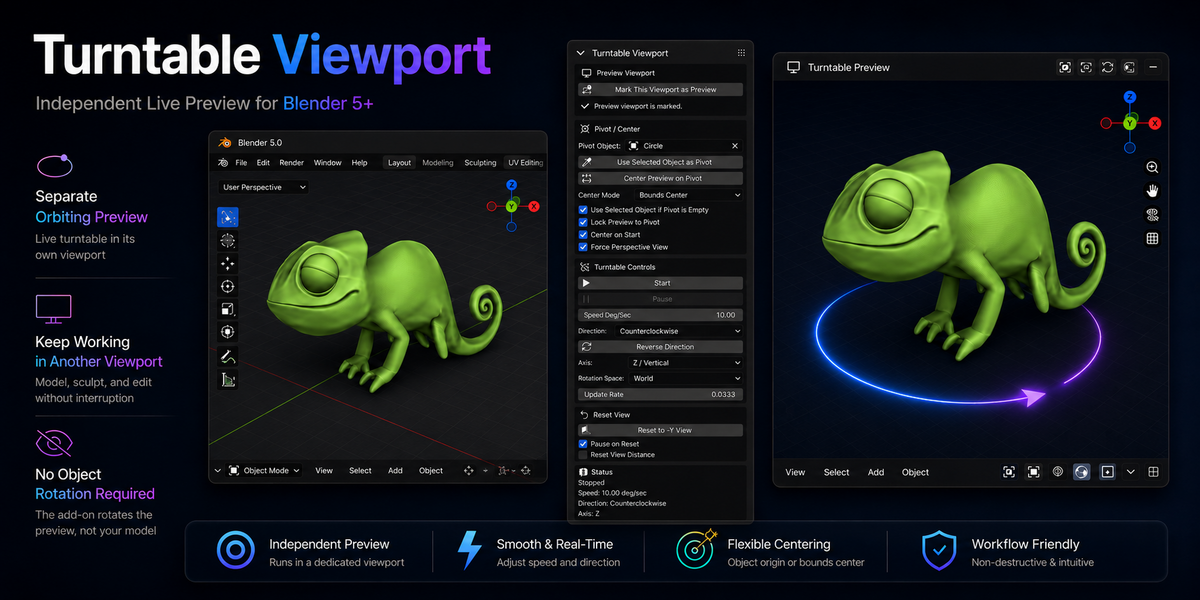
Turntable Viewport is a Blender add-on that keeps a live spinning preview of an asset in a separate 3D viewport. The orbit affects the marked preview viewport only; it does not rotate the object, camera, or scene. You can keep modeling, sculpting, shading, or reviewing the asset from another angle while the preview runs.
A moving preview beside your work
The separate view suits workflows where an asset benefits from continuous visual inspection. The product listing names character work, product models, props, and hard-surface assets as examples. Keep the preview orbiting while you work in another viewport, so you can check the asset from changing angles without altering your scene data.
Orbit and framing controls
Adjust the orbit speed and choose clockwise or counterclockwise rotation. Pause and resume when you need a still view, then reset to your preferred front-facing orientation. To center the preview on a particular part of the scene, choose a pivot object and use either its origin or its bounds center.
Blender compatibility and license
The Superhive product listing states that Turntable Viewport requires Blender 5.0 or newer and shows Blender 5.0 to 5.2 in its version details. It is marked Blender Extension Compatible, listed as an add-on, and distributed under the GPL license. Check the listing for support details for the Blender release you plan to use.