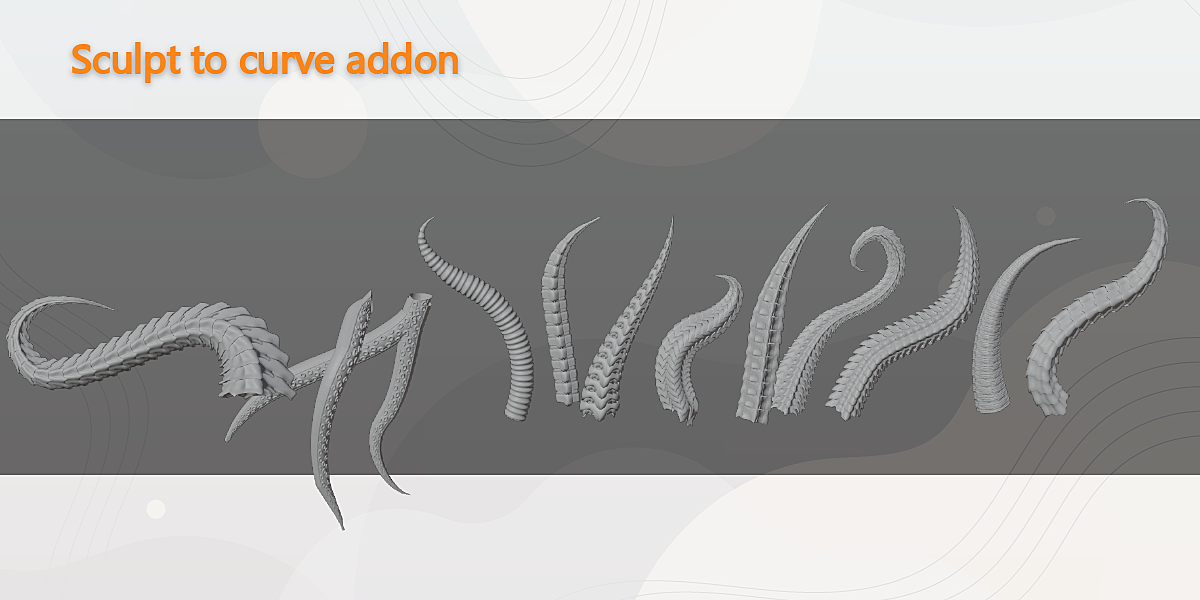
Sculpt To Curve is a Blender add-on for placing ready-made meshes on editable splines. Moving the spline's control points shapes the path for repeated forms such as horns, tentacles, teeth, scales, and chains, which can take longer to model piece by piece.
Mesh library and spline workflow
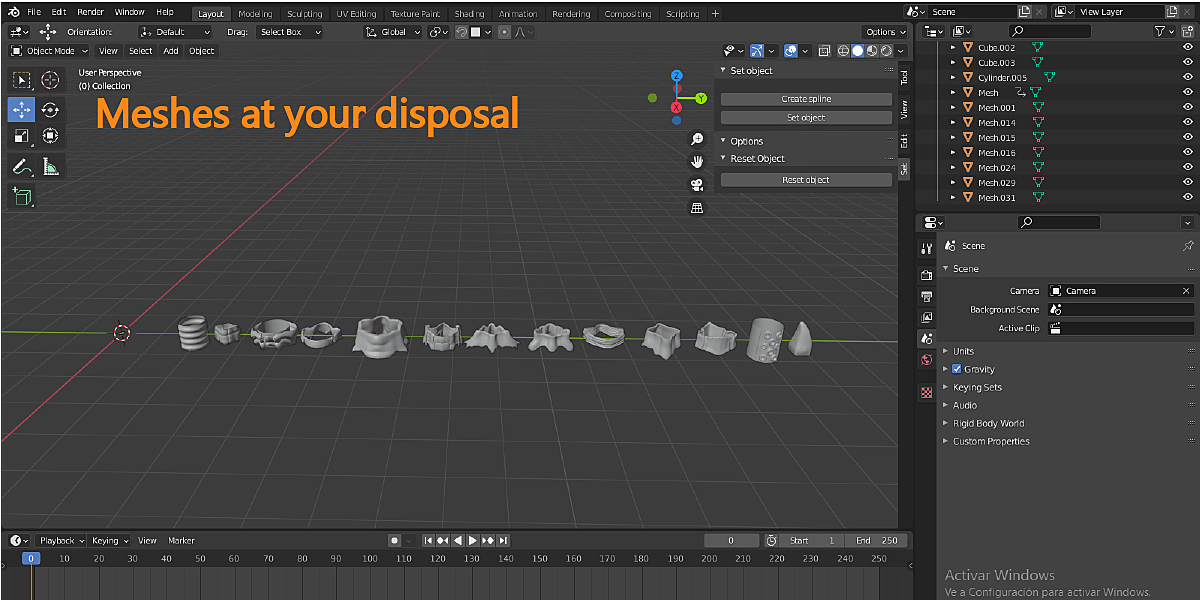
The library includes 30 horns, 5 tentacles, 15 scales, and 10 chains. The product listing says each mesh includes retopology and a UV unwrap. A menu inside Blender lets you browse the available elements. After placing one on a spline, use the options panel to adjust how it repeats, scales, and follows the curve. You can edit the spline within the add-on workflow, or copy an object's settings to another object.
Autofix estimates how many repeated pieces are needed to fill the spline, adds a few extra, and tapers the shape to a point at the tip. For more control, set repetition and scale in the options panel.
Changes in version 4.0
Version 4.0 adds chains as a library category and imports elements already configured and positioned in the scene. The interface separates transform controls from presets. You can save named presets by element type, reuse them later, and keep them between sessions.
Reset Object is useful when you want to start the setup again, but it removes all modifiers from the object. The confirmation prompt gives you a chance to cancel an accidental reset.
Compatibility and license
The product listing gives a Blender compatibility range of 2.93 to 5.1, marks the add-on as Blender Extension compatible, and lists the GPL license. Check the Sculpt To Curve product listing for current package details. Its documentation page includes usage videos.
Who it suits
It suits Blender sculptors and modelers whose work calls for one of the included meshes to follow a curve.