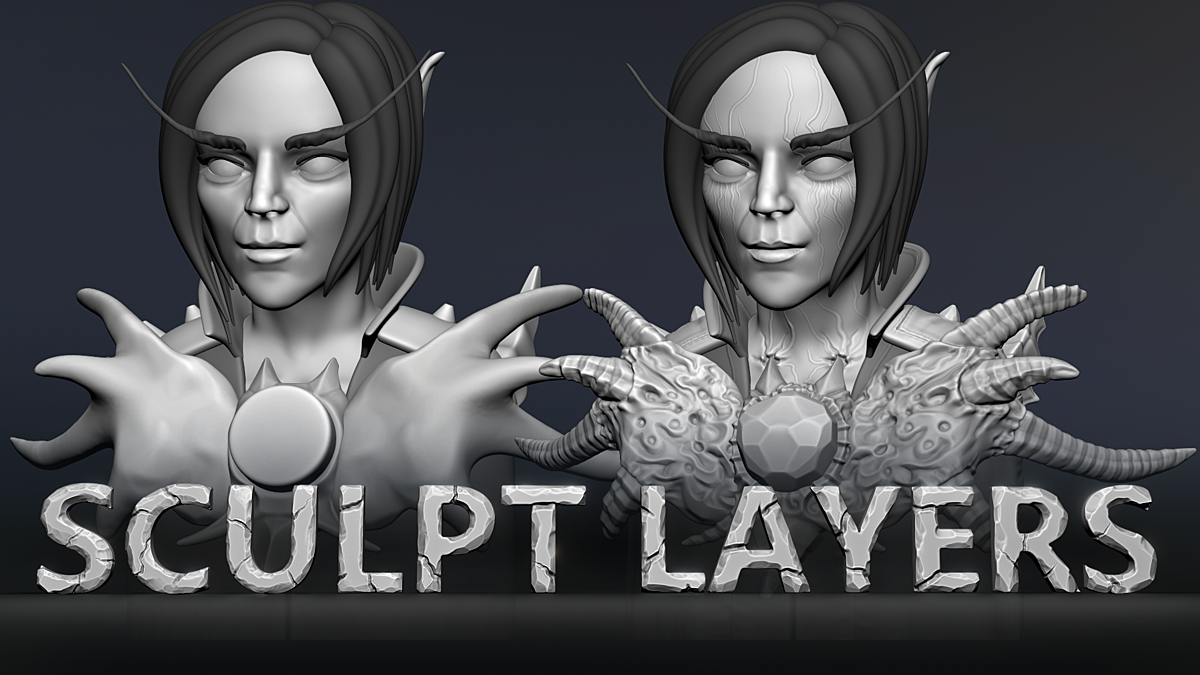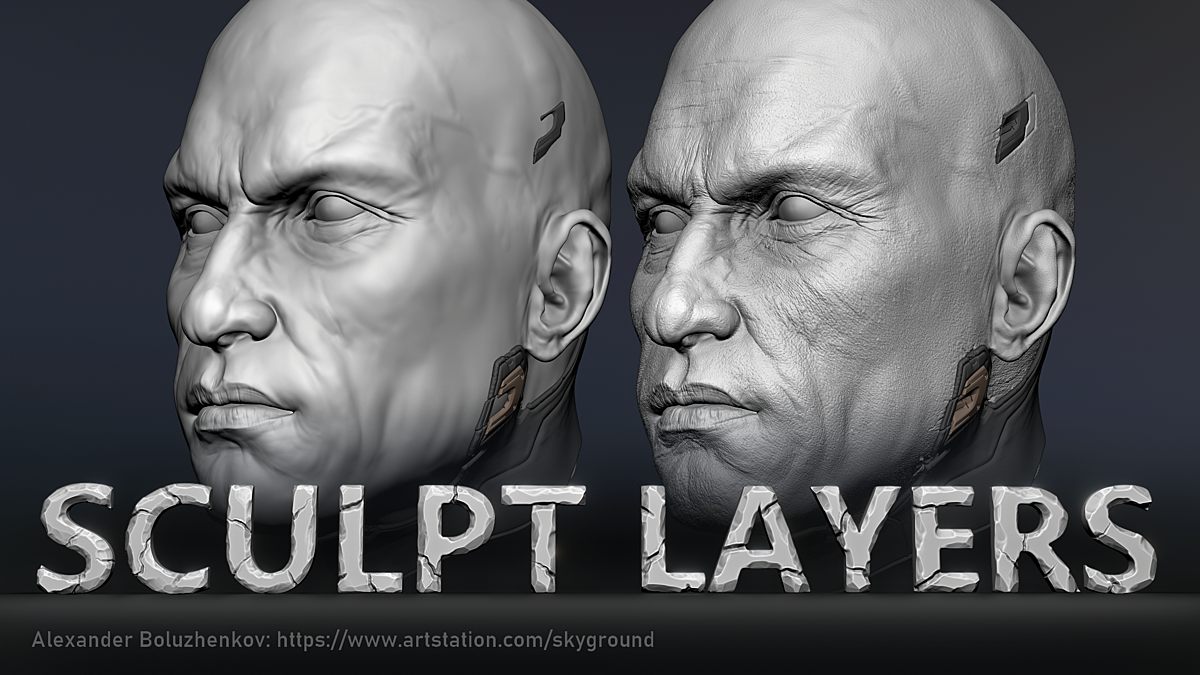
Sculpt Layers is a Blender addon by Yey!, creator of MiraTools, for keeping a base mesh while building sculpt detail in separate layers. Its layer controls let you add, remove, join and erase layers, duplicate them, and adjust their opacity.
Manage detail in separate layers
You can adjust a layer's opacity or combine layers, while keeping the base mesh in the workflow. Sculpt Layers can also import layers from ZBrush.
Multires support and modifier limits
Sculpt Layers works with the Multires modifier and includes Subdivide and Unsubdivide features. Its v0.4 changelog says non-Multires modifiers, including Mirror and Array, are ignored. If your object relies on those modifiers, check how the current addon version handles them before planning a layered sculpt.
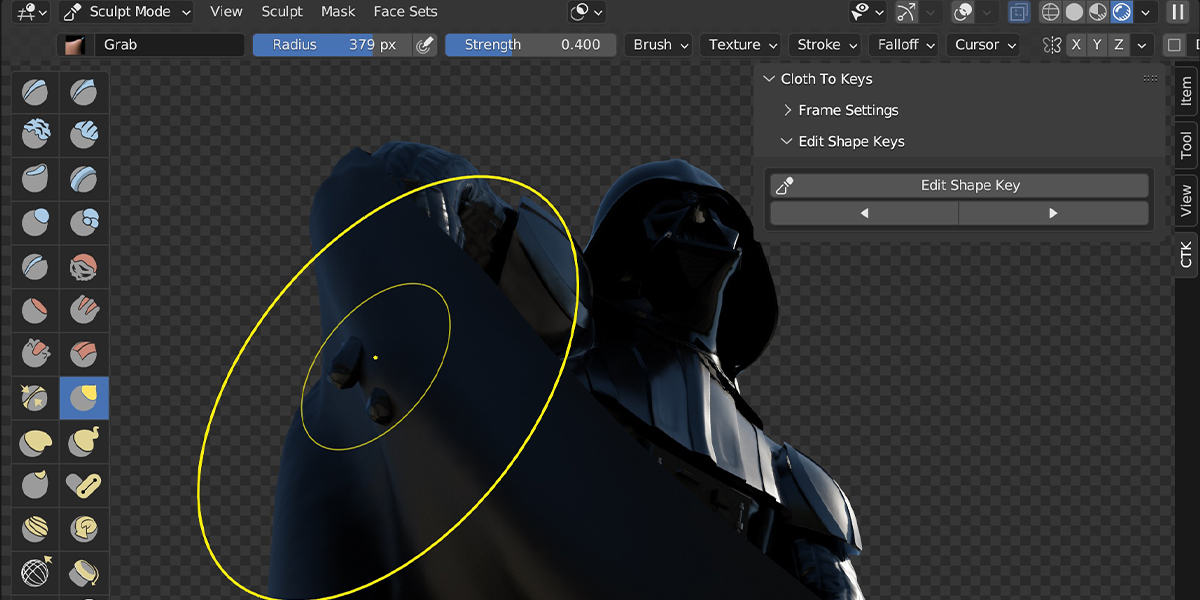
The v0.5 changelog says layers moved to Attributes of a Base Layer using Geometry Nodes. Shape key support appears in the v0.6 changelog.
Getting started and license
The developer's documentation gives a brief starting point: open Tools > SculptLayers and create layers. It says more documentation will be available. The Superhive product page lists a GPL license. AnyPlugins lists the addon as free; check the product page for current availability and terms.