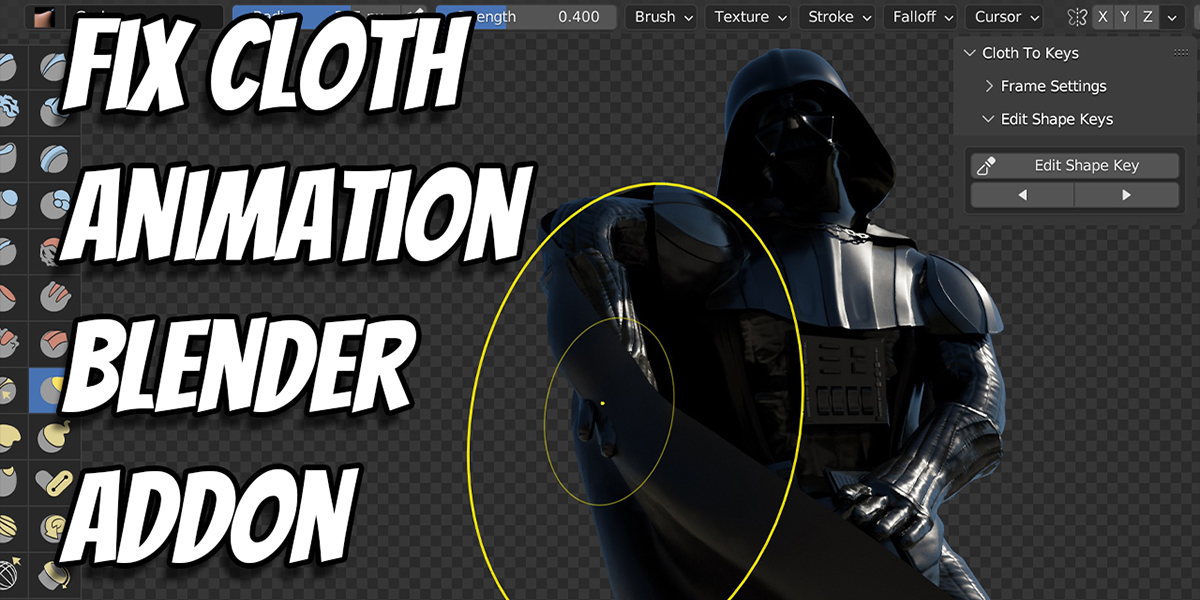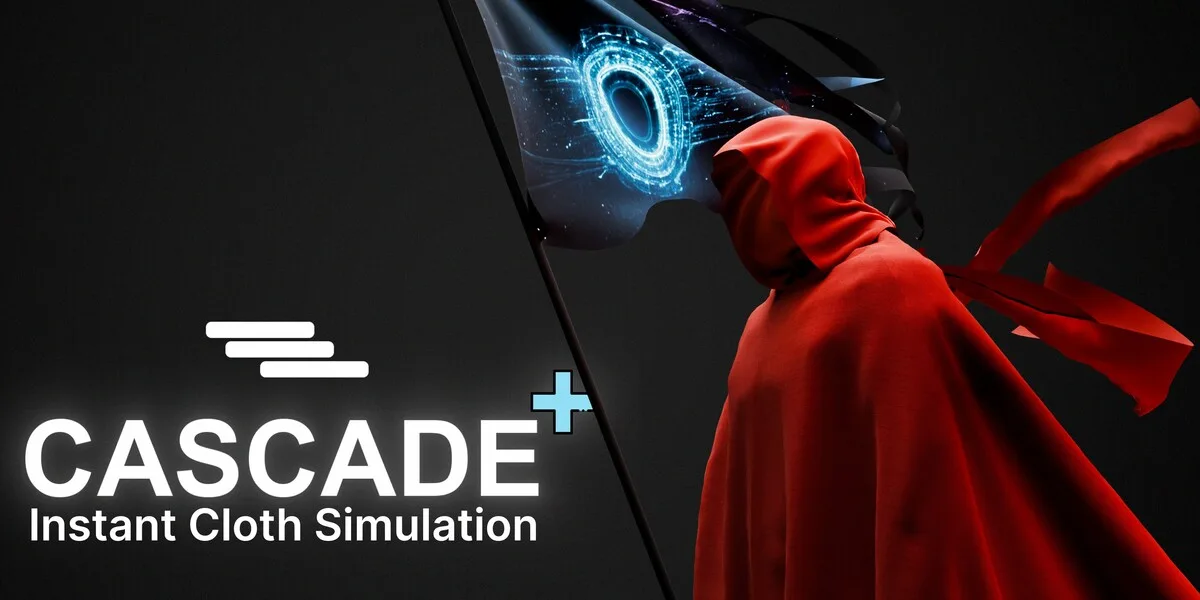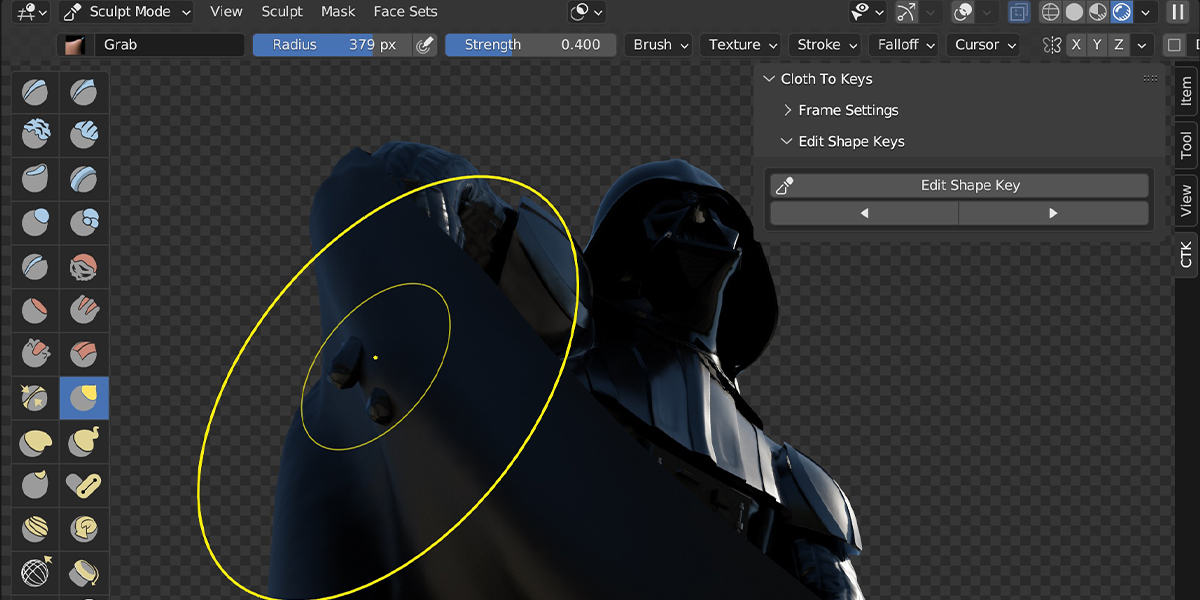
Cloth To Shape Keys - Fix Cloth Animation converts Blender Cloth, Softbody, and MeshSequenceCache animation into shape keys you can edit in Sculpt Mode or Edit Mode. Move to a frame where the cloth needs correction, edit its shape, and repeat on other problem frames. MeshSequenceCache support covers Alembic imports, including cloth from Marvelous Designer.
Animation types and object handling
The add-on works with three modifier types:
- Cloth for Blender cloth simulations.
- Softbody for softbody simulations.
- MeshSequenceCache for animated meshes imported from Alembic, including Marvelous Designer cloth.
The product listing says conversion duplicates the object. In version 1.2.0, you can choose whether to keep or remove that duplicate, including adding shape keys directly to the cloth mesh. Blender 3.0 to 5.3 is the listed range; the version 1.2.0 change log says it adds Blender 5+ support. Check the current product listing for compatibility with your Blender release.
Basic repair workflow
The product documentation gives a loop for correcting a simulation or cache:
- Make sure the scene has a Cloth simulation, Softbody simulation, or Alembic MeshSequenceCache.
- Select the cloth object and click the Method 01 button.
- Move to a frame where the animation needs correction.
- Click Edit Shape key, then edit or sculpt the mesh.
- Repeat on other frames that need adjustment.
The add-on also has a step value for skipping frames during conversion. Its previous and next shape key controls use Mouse Button4 and Mouse Button5 by default, and you can change those hotkeys.
Subdivision and processing time
You can apply a Subdivision Surface modifier to the converted mesh and retain the shape keys with the animation. More subdivision levels across more shape keys take longer to apply. Blender may appear to stop responding during the operation; wait for it to finish.
The product listing identifies the license as GPL.