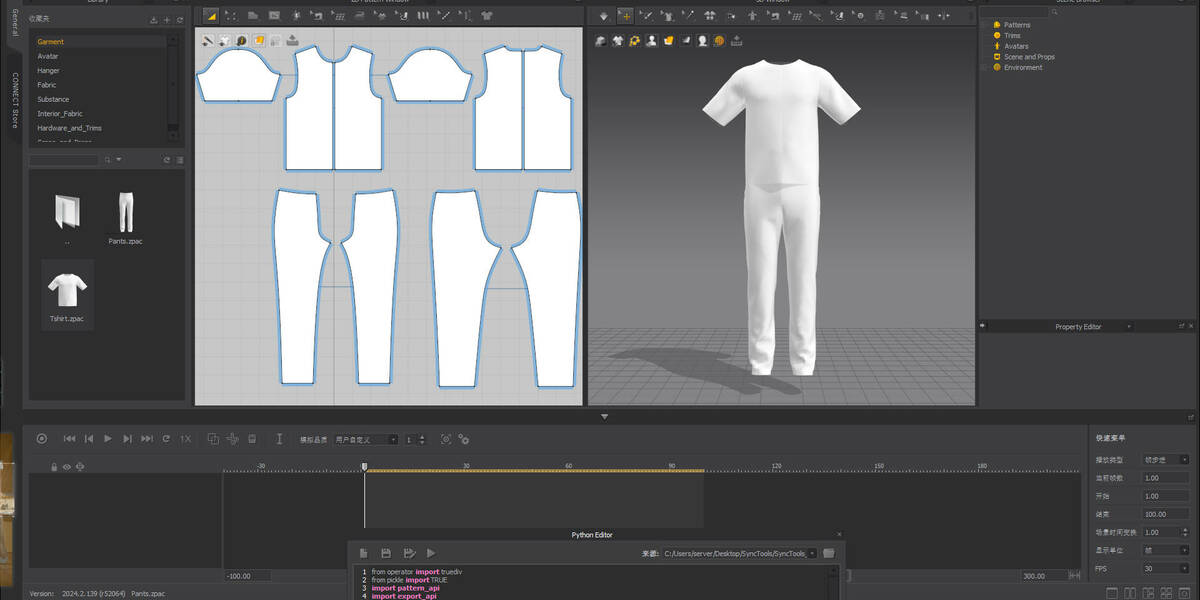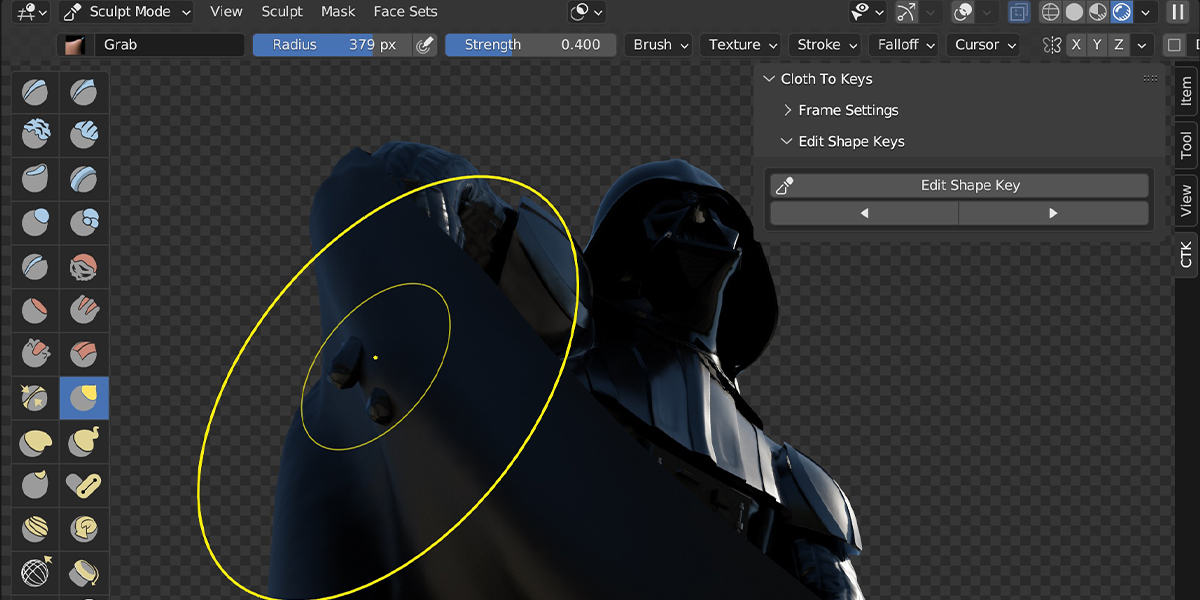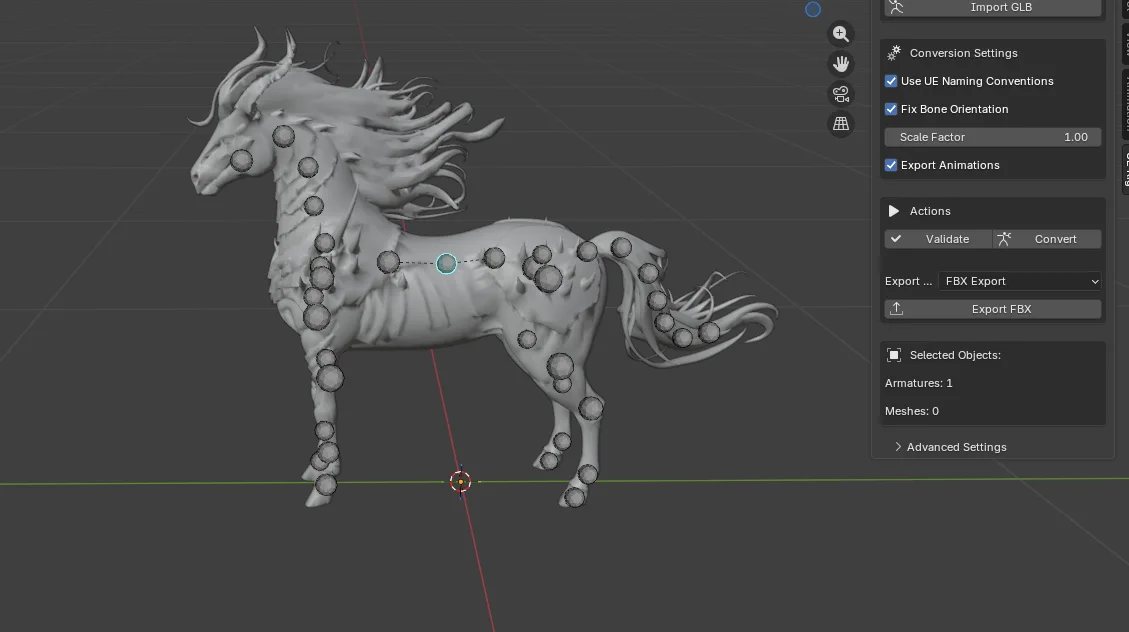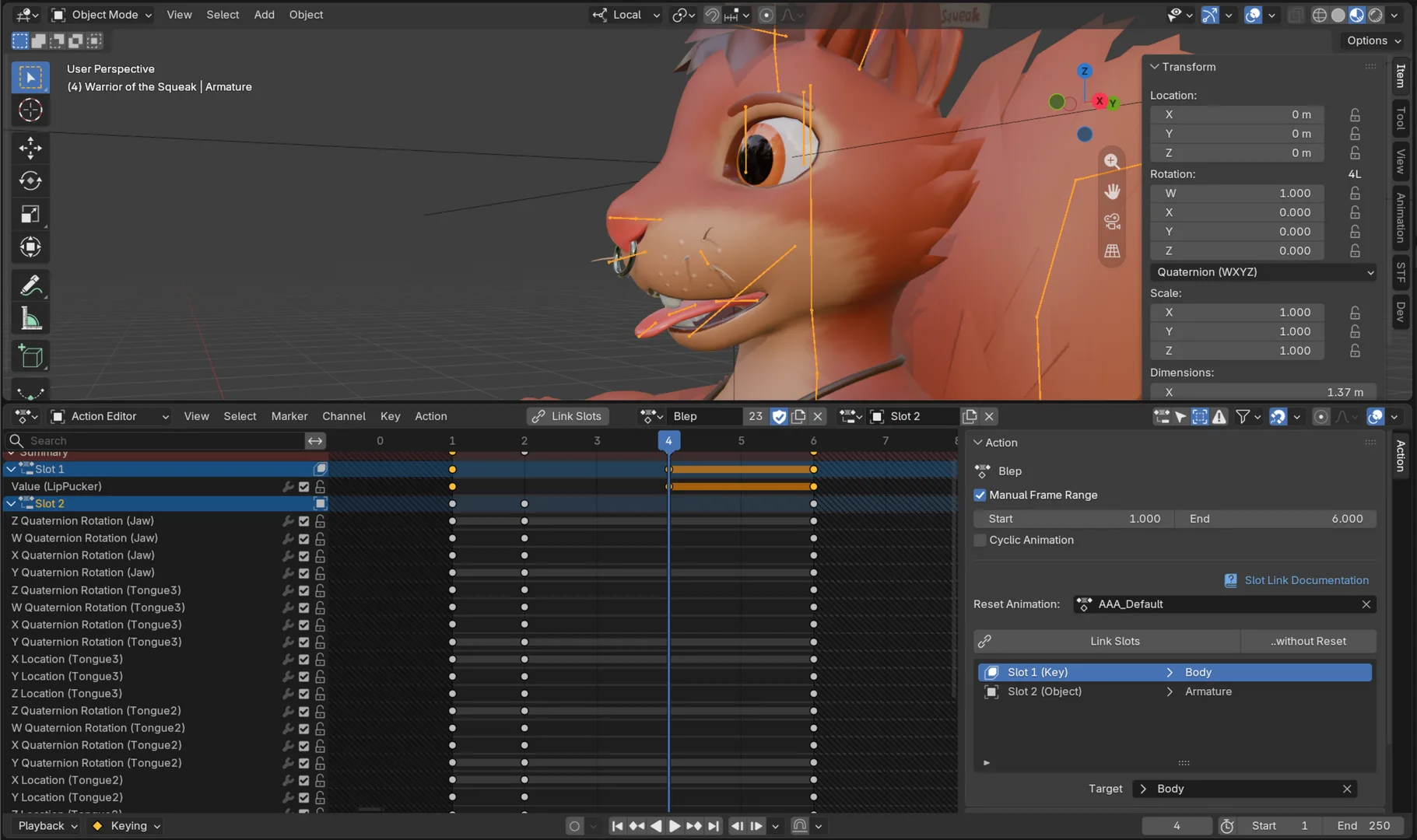
Synctools Pro For Marvelous Designer connects Marvelous Designer and Blender through a copy/paste workflow. Copy a garment selection in Marvelous Designer with Ctrl + Shift + C, then paste it in Blender with Ctrl + Shift + V. The exchange uses an FBX-based protocol and also works in the reverse direction.
What transfers between the apps
The product listing describes garment meshes, the preserved Marvelous Designer UV layout, basic material data, garment groups and baked cloth results; the documentation lists UV-map support for up to four channels. Animation transfers as baked keyframes, while cloth simulation results can arrive as cached geometry. The transfer does not turn Marvelous Designer's live simulation solver or garment construction settings into native Blender simulation settings.
You can choose whether garments, UVs and materials come across. Automatic unit matching is intended to keep dimensions consistent; the documentation recommends metric units (meters). Shortcuts can be remapped separately for each application, and the developer describes a shared cache directory for character or motion graphics collaboration.
Who may find it useful
The workflow is aimed at character artists who simulate clothing in Marvelous Designer and then shade, light or render in Blender. It may also suit motion graphics artists moving fabric simulations into Blender for flyovers. SyncTools Pro moves prepared garment and simulation data between the two apps without requiring a manual FBX export setup each time.
Compatibility and installation
The current product listing recommends Marvelous Designer 11 or newer and lists Blender 3.0 or newer, Windows 10 or 11, and macOS 13 or newer. The product page's Details field lists Blender 3.6 through 5.2, conflicting with its Compatibility text; the listing does not establish which range applies to the current release. Its quick start describes installing the included plugin folder in Marvelous Designer, restarting the app, then installing the SyncTools ZIP through Blender's add-on preferences.
The linked documentation lists Marvelous Designer 10 or newer and Blender 3.4 or newer for Windows, and describes an alternate Marvelous Designer script installation route. It advises checking release notes for the latest compatibility updates.