Alembic to Editable Mesh is a Blender add-on by Dani K Daniel that turns an animated mesh cache into an editable mesh with shape key animation. It captures the mesh across selected frames, creates shape keys and keyframes for those samples, and leaves the original object in the scene, according to the product documentation.
How the conversion works
Install and enable the add-on in Blender through Edit → Preferences → Add-ons. In the 3D View, press N to open the sidebar and choose the Alembic Tools tab. Import an Alembic file, select its mesh object, then choose Convert to Editable Mesh. You can adjust the conversion settings before confirming. The add-on reports progress and supports undo.
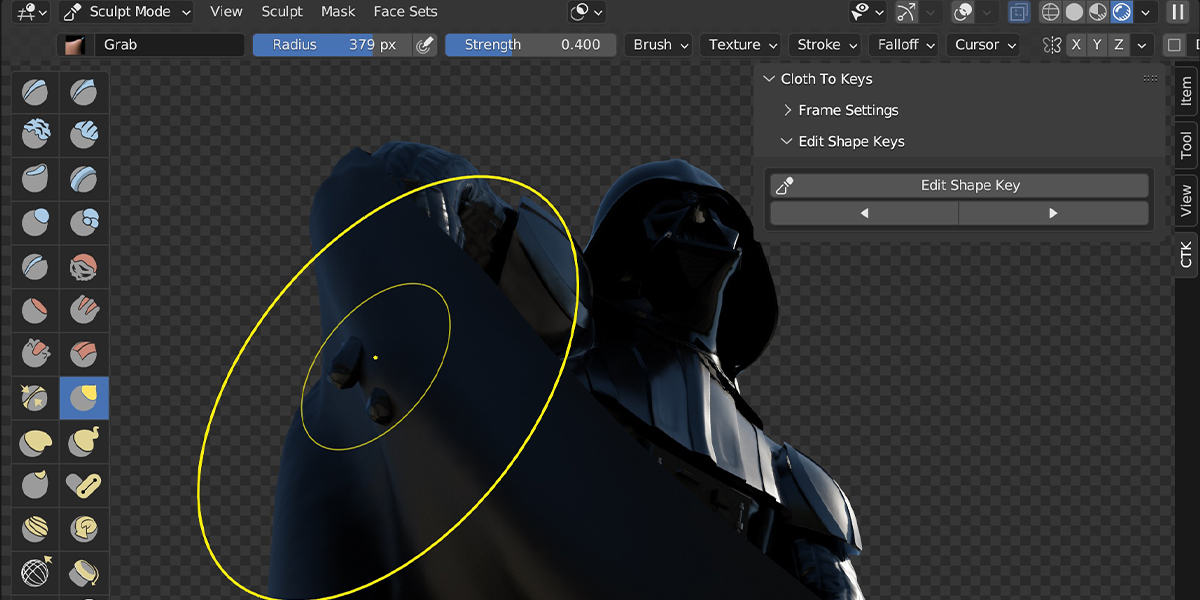
The output is a new mesh object whose captured poses are stored as shape keys. This gives you access to mesh editing tools for tasks such as sculpting, adding detail, UV work and weight painting while retaining the sampled motion. The creator describes use cases such as fixing cloth intersections or adjusting cached hair and fluid meshes.
Set the frame range and sampling step
You can use the scene's frame range or enter custom start and end frames. Frame Step sets the interval between captured frames: a step of 1 captures every frame, while larger steps create fewer samples and shape keys. That can reduce the size of a long conversion, but the resulting animation follows the frames you captured. The documentation says the add-on captures whole frames and does not create sub-frame interpolation.
The documentation recommends keeping the result near 1,000 shape keys because larger sets can slow Blender's interface. For a long cache, try a short frame range first and increase the step if the conversion is too large for your scene.
Check these limits before converting
The source mesh needs consistent topology, including the same vertex count across frames. The add-on also does not copy the original object's location, rotation or scale. If the animation depends on those object transforms, plan to handle them separately. Keep the original cache available so you can compare the converted motion and return to the source if needed.
Compatibility and terms
The documentation identifies version 1.0.0 and says Blender 2.80 or later. The marketplace details panel lists Blender 4.2–4.5, while its overview describes support for 2.80 and later. These compatibility statements differ, so check the current listing and test with your Blender version before relying on it in a production pipeline.
AnyPlugins lists the add-on as free. The marketplace details list GPL, and the documentation says it is free for personal and commercial use. Check the current license terms if you need to redistribute the add-on.