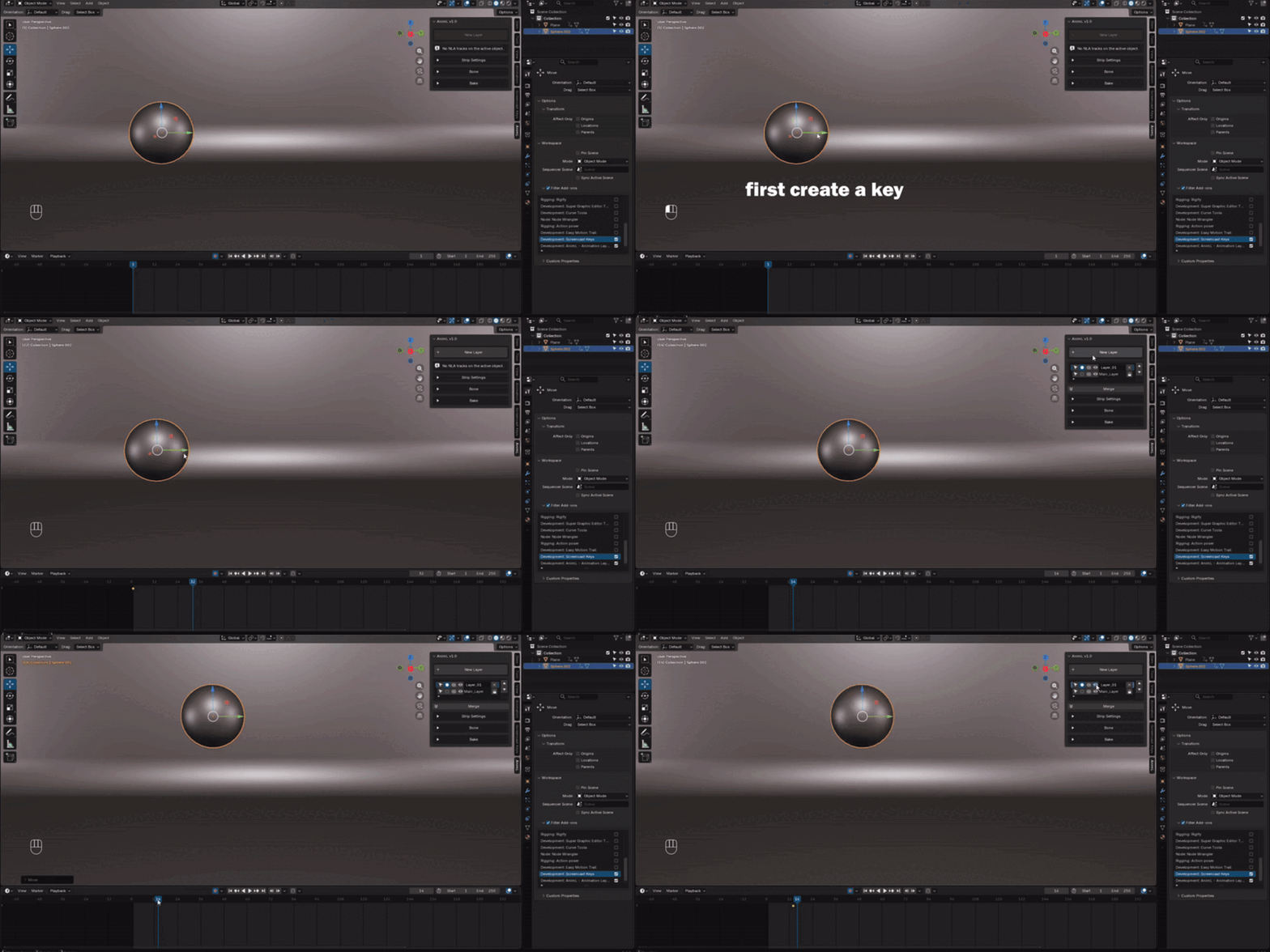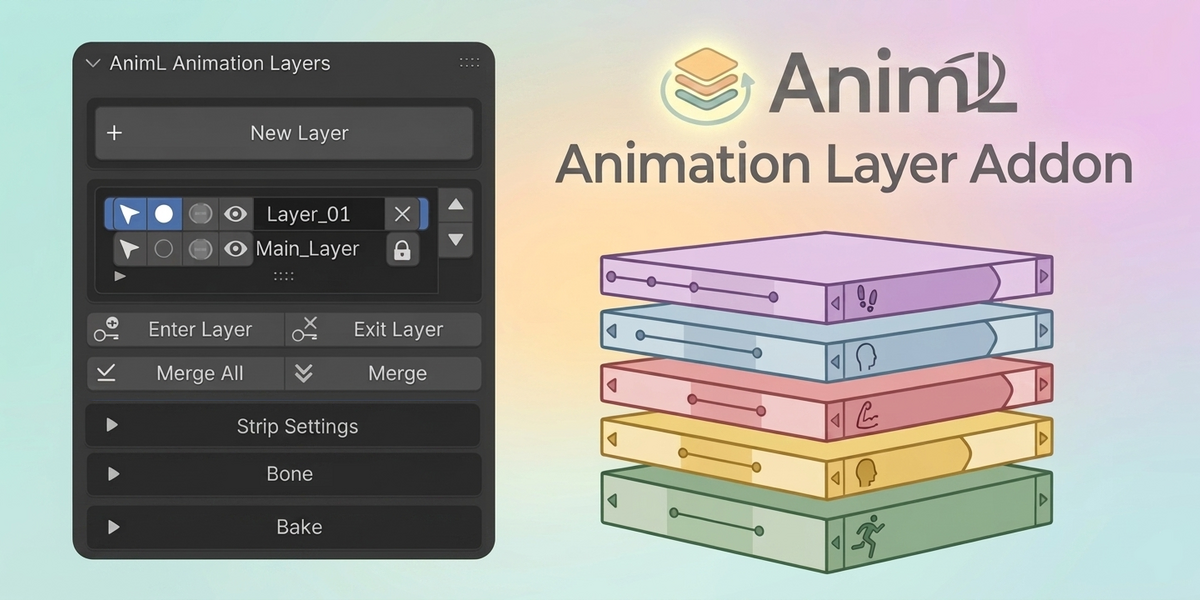
AnimL Animation Layers adds a layered workflow to Blender's NLA system. Each layer uses an NLA track with a strip that references an action. You can place new motion over existing animation and edit it without changing the base layer until you explicitly consolidate the stack.
Build and edit animation layers
Select an object or armature that already has animation, then create a layer and add keyframes in Blender. AnimL supports both object and armature animation. Its Full Stack Tweak Mode previews the complete layered result while you edit a strip, with keys available in the Dope Sheet and Graph Editor. The add-on can also create a layer for multiple objects in one action.
AnimL consolidates results into Main_Layer, the bottom track for the base animation. If an existing project has NLA tracks but no Main_Layer, rename the bottom-most track to Main_Layer before consolidating. Additional layers sit above it and can change the combined motion, so a pose adjustment or timing change can stay on its own layer during review.
Choose Merge or Bake
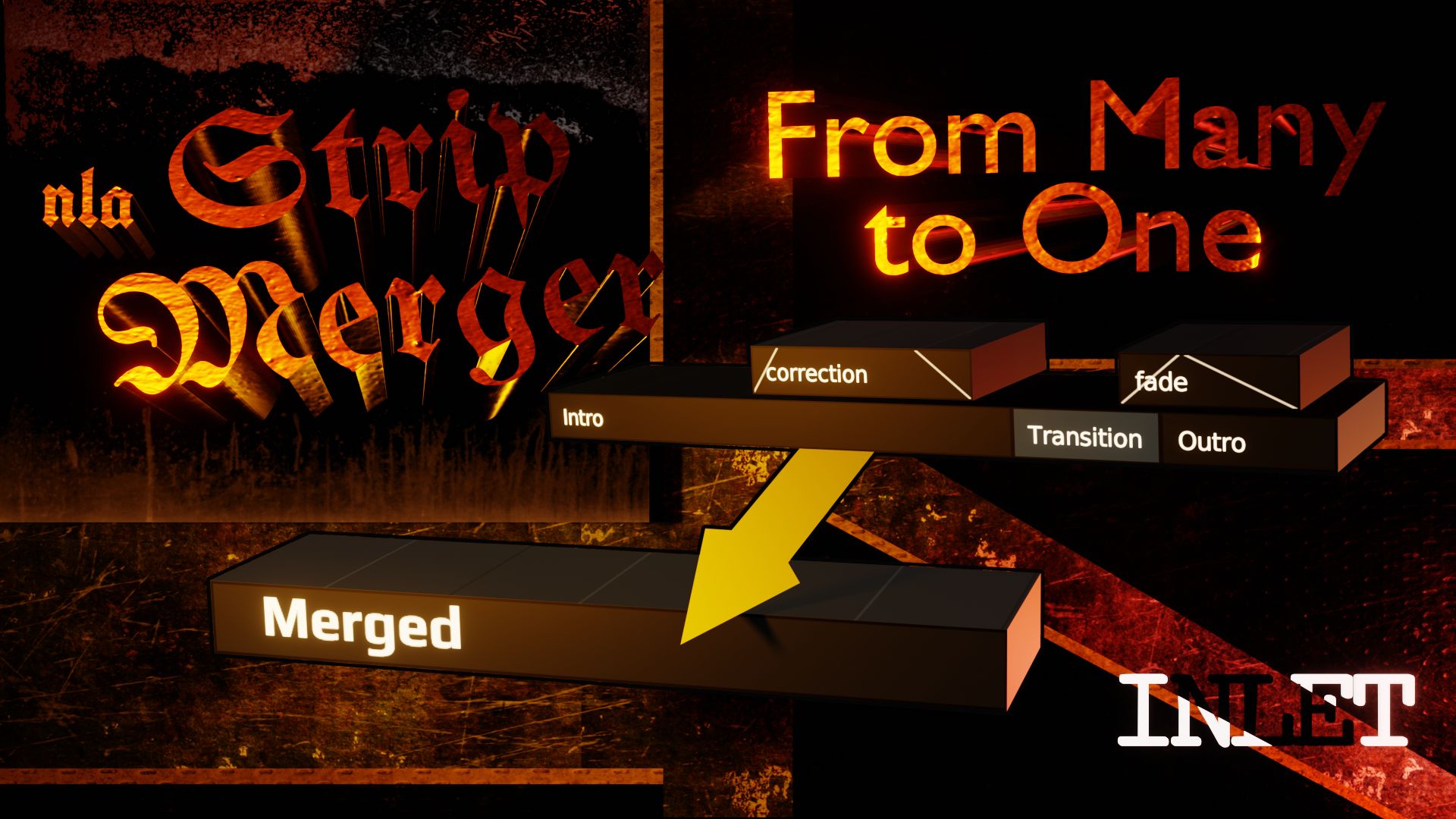
Merge transfers the selected layer's contribution into Main_Layer without a full per-frame bake. Bake evaluates the motion and writes keyframes for the chosen range, which can help when constraints, drivers, or other complex evaluation are involved. Both operations consolidate into the base layer and remove the source layer.
For a short animation section, use Bake Start/End or Set Range. Bake Start/End limits the operation to that interval, preserving base-layer keys outside it. Set Range uses the preview range or a range derived from the NLA selection, so check the interval before baking.
Inspect and clean up the result
The NLA Ghost overlay shows strip details in the 3D Viewport, including repeat divisions, blend curves, animated influence, an optional display of playback scale, and layer names. The layer names stay synchronized with NLA track names, and the overlay's font size is adjustable in the add-on preferences.
Baking can produce dense keyframes. Decimate reduces the density of selected keys, while Redundant removes selected keys that do not contribute to motion. Select the curves and keys you intend to change before using either tool.
Compatibility
Superhive's listing reports Blender 3.6 through 5.3 compatibility and notes a Blender 5.2 compatibility update. Check the AnimL product listing for the current range, and consult the documentation for workflow details.