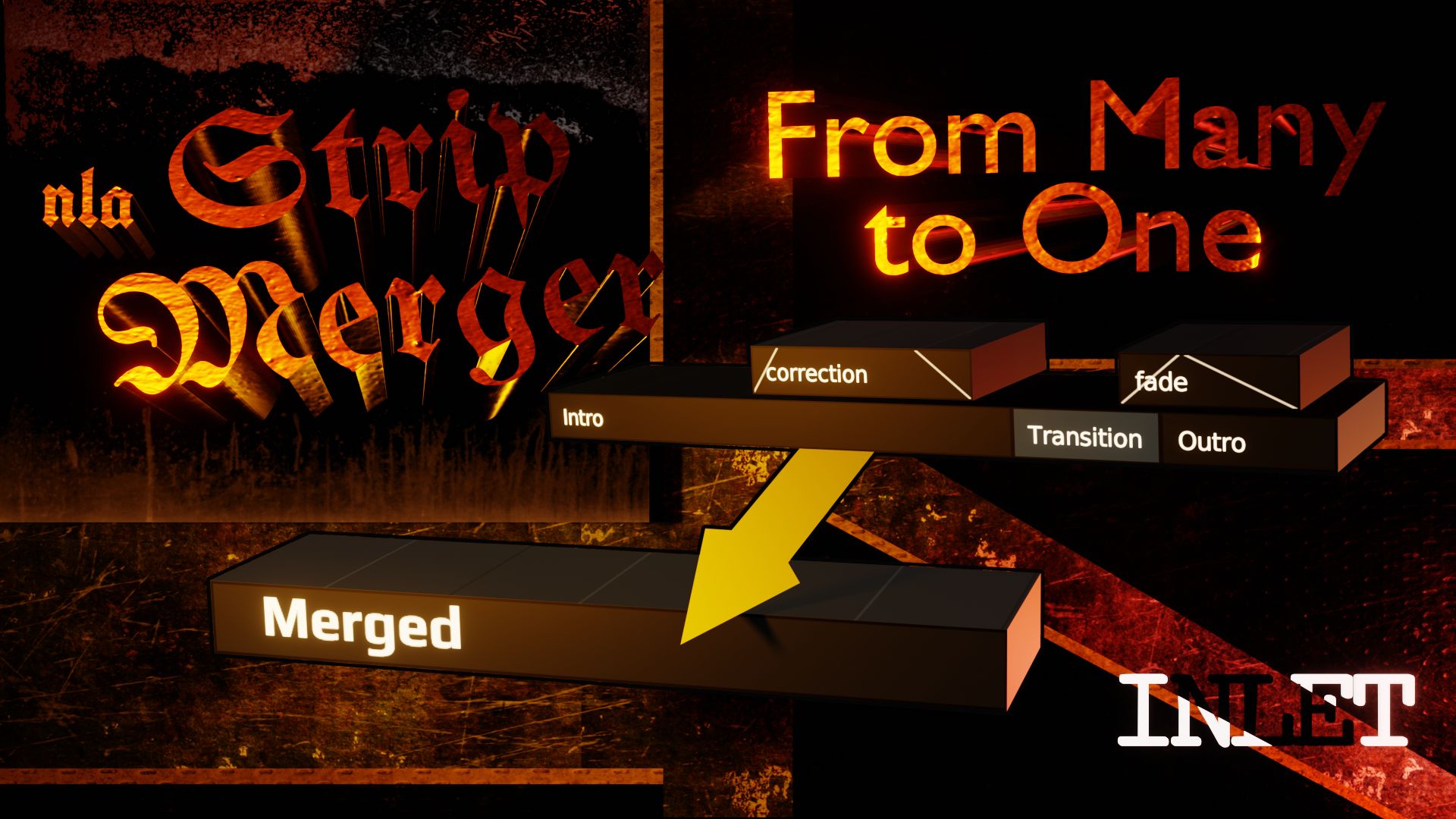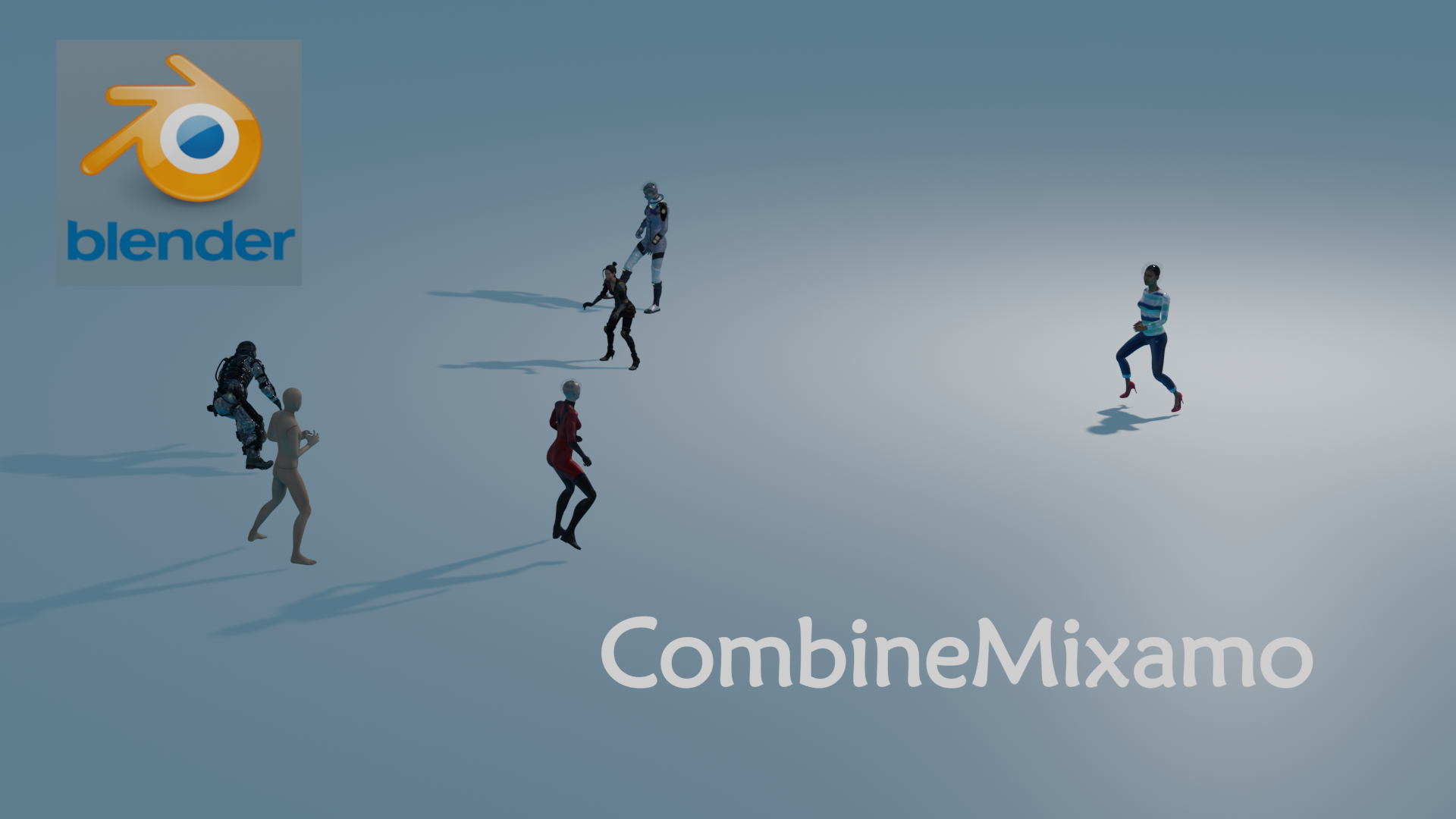
CombineMixamo is a Blender add-on by Derek Wang for combining Mixamo character animations. Its workflow brings a character into Blender, combines multiple animations with the NLA, handles position transitions between animations accurately, and bakes the NLA strips into one action for export as an FBX animation file.
Combine animations with NLA
- Import a Mixamo character into Blender.
- Combine multiple Mixamo animations with NLA.
- Bake the NLA strips into one action and export it as an FBX animation.
Find animation files by keyword
The “Search by keywords” panel searches for FBX files in a directory you select. Enter a term such as walk, talk, kick, or fly, review the matching files, and choose which ones to keep in the final selected list. In Preferences, you can create a subdirectory inside the Mixamo Animation FBX folder for animations you want to keep together.
Two-character setup and included animation packs
A dual confrontation button generates two Mixamo characters facing each other, using the current interface configuration. The product listing also describes an fbxanimation.zip archive containing 17 Mixamo animation packs, including Breakdance and Capoeira. It says you can get additional Mixamo characters and animations from the Mixamo website.
Compatibility and license
The Superhive product listing states that CombineMixamo supports Windows and lists Blender versions 3.6 to 4.5. It specifies an MIT license. Check the listing for current compatibility and license details before installing.