Batch Retopo is a 3ds Max script for retopologizing several objects in one operation. ScriptSpot lists version 1.3 as tested on 3ds Max 2024 and identifies SimonBourgeois as its developer.
Retopologize several objects in one pass
The script applies 3ds Max’s built-in retopology options across multiple objects. This suits scenes where you want to process several meshes together instead of repeating the operation one object at a time.
Choose a density approach
Surface-area-based density is designed to keep mesh density consistent across objects. The separate polycount option is also based on surface area, but adapts polygon density to object size: smaller objects receive smaller polygons than larger ones.
Use symmetry with the modifier stack
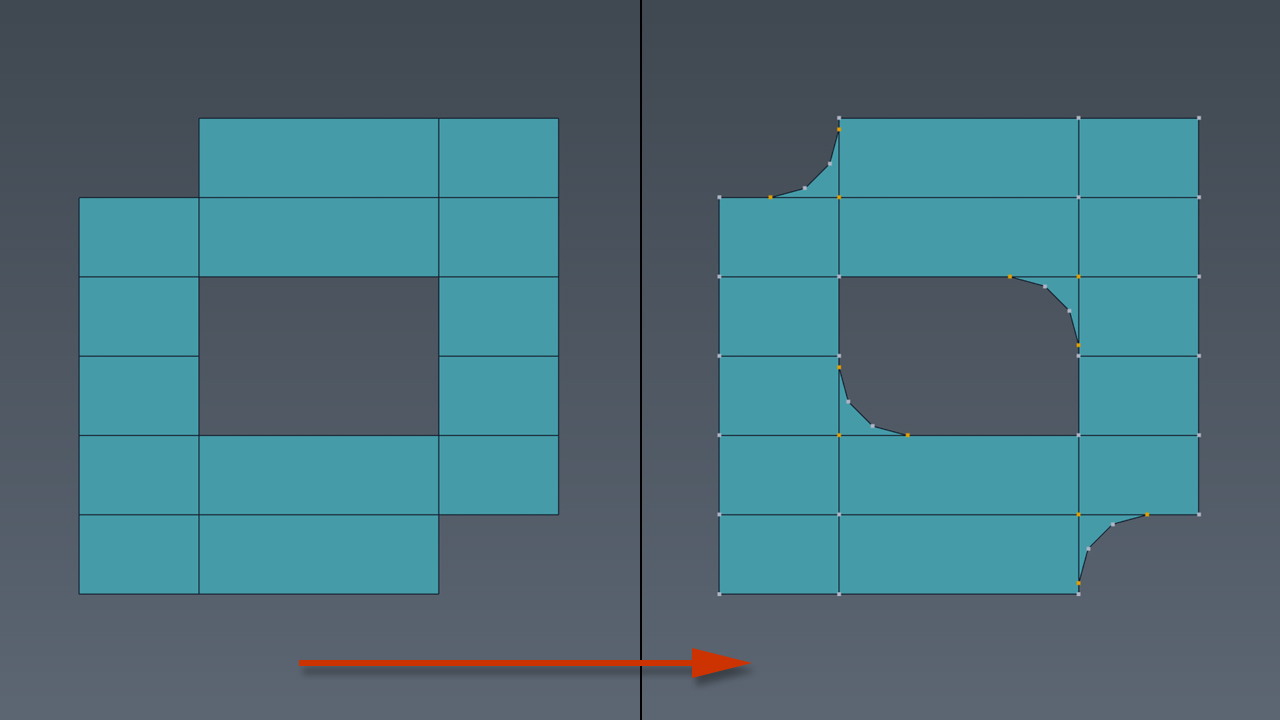
The symmetry option slices an object before retopology to produce symmetric topology. When symmetry is enabled and “Keep Modifiers Stack” is selected, Batch Retopo adds Subdivide and Vertex Weld modifiers to help avoid gaps along symmetry seams. ScriptSpot notes that this setup was needed because the built-in “Preprocess Mesh” did not work well on open surfaces.
Retopology methods and version notes
Batch Retopo includes the built-in retopology options. Its developer recommends “Reform,” which they say seems to produce better results. Update 1.1 fixed a crash that occurred when selecting an option other than the default, so the other options can also be selected.
Version 1.3 added support for the 3ds Max 2025 VDB option. In 3ds Max 2024, VDB mode adds a Boolean instead of a retopology modifier. On versions earlier than 2023, the script reports that the VDB option is unavailable. Symmetry options are unavailable in VDB mode: the symmetry operation slices the object, while VDB works with watertight geometry.
Stop a running script
Press Esc to stop the script if you need to interrupt a batch.
See the Batch Retopo release listing on ScriptSpot for its version details and linked download.