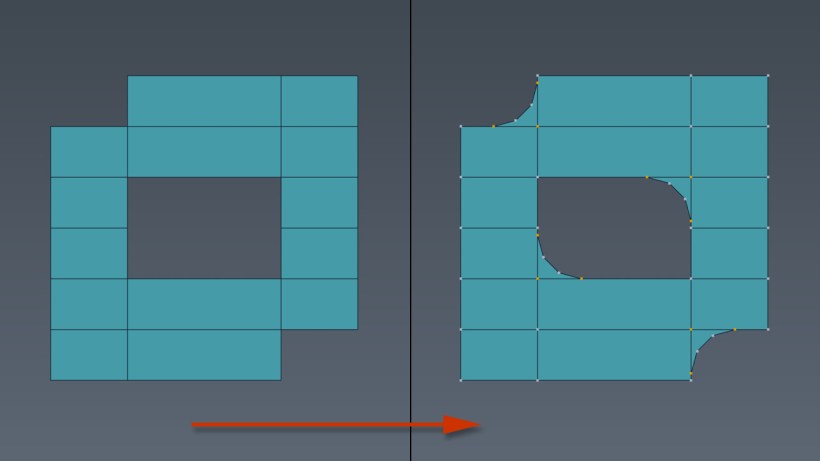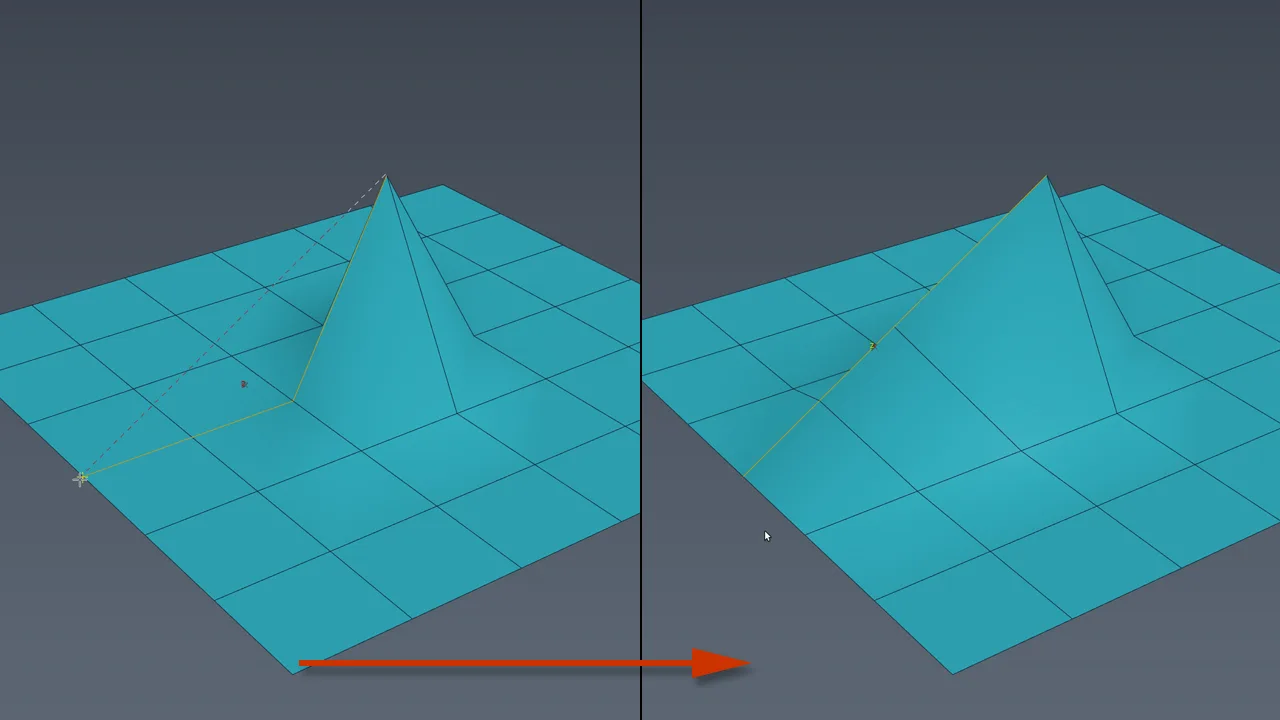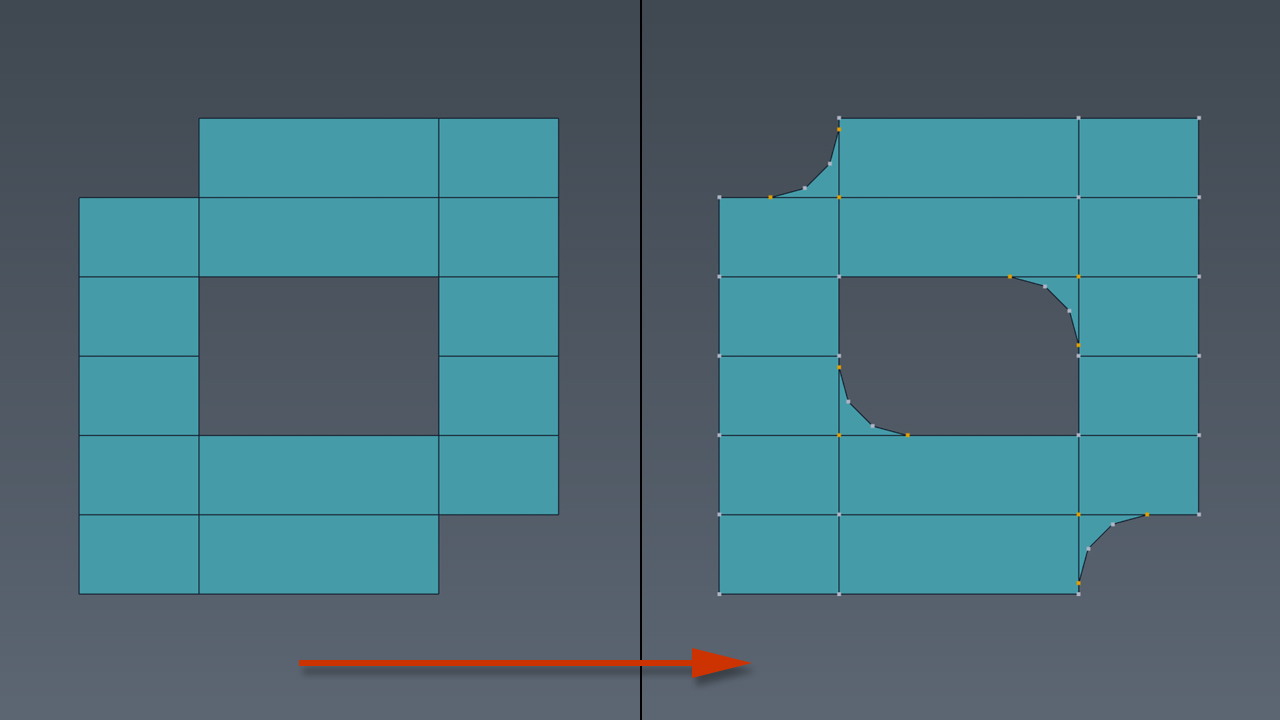
Inner Chamfer is a MAXScript for 3ds Max that creates chamfers in the inner-corner topology of Editable Poly objects. The developer describes it as a companion to 3ds Max’s vertex Chamfer, which handles outer corners. It is mainly intended for work on flat surfaces. See the developer’s page for the current download and release details, and Autodesk’s vertex Chamfer documentation for the built-in tool.
Controls and geometry
Amount sets the chamfer size, Segments sets the number of vertices, and Triangulate creates the chamfer polygon from triangles. The tool is intended for inner corners on Editable Poly geometry.
For surfaces created with Inner Chamfer, the developer describes retopology as a way to keep working with flat surfaces using OpenSubdiv or TurboSmooth.
Installation
- Drag the
.mcrfile into a 3ds Max viewport. - Open Customize > Customize User Interface and find the Veda3d.com category. Assign Inner Chamfer to a hotkey or another UI element.
Version and compatibility
Version 1.1.0 added the Triangulate option. Its release notes also mention a default value of 4 and saving the Triangulate and Value options in an .ini file. The initial version targeted 3ds Max 2025 and later; the developer says version 1.1.0 was tested in 3ds Max 2027. Check the developer’s page for current release information before installing.