What Straighten Edge does
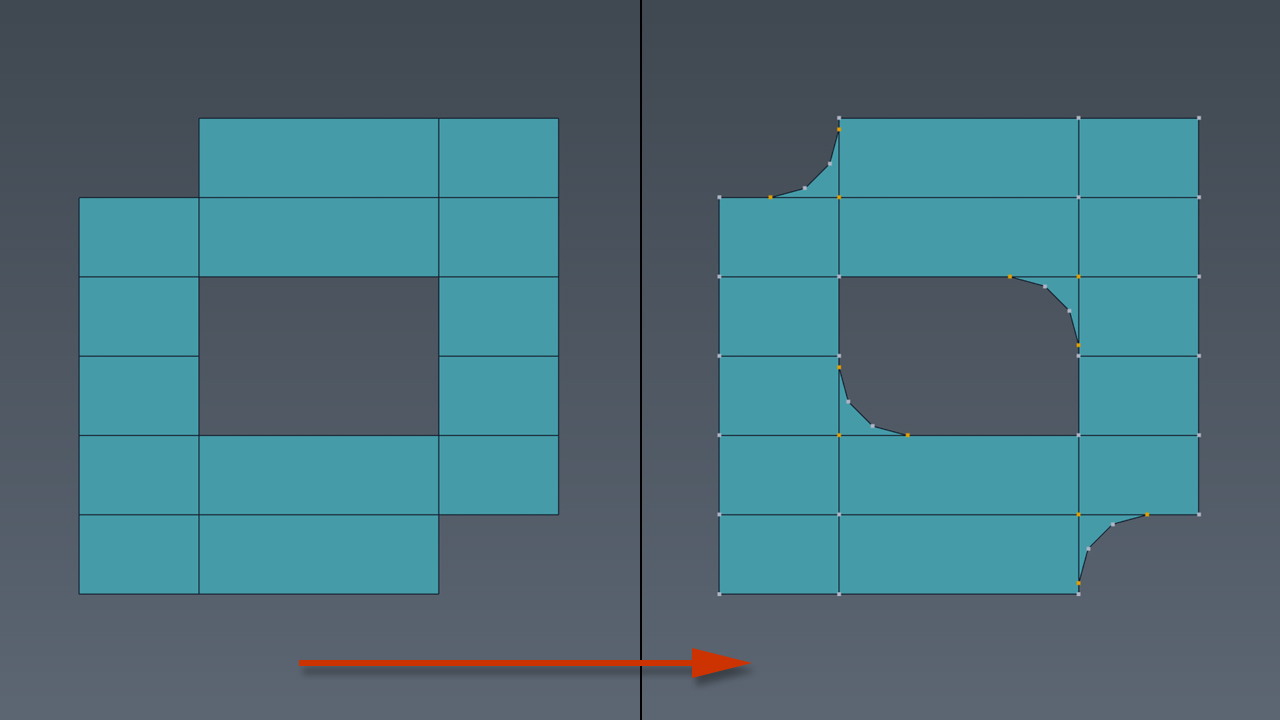
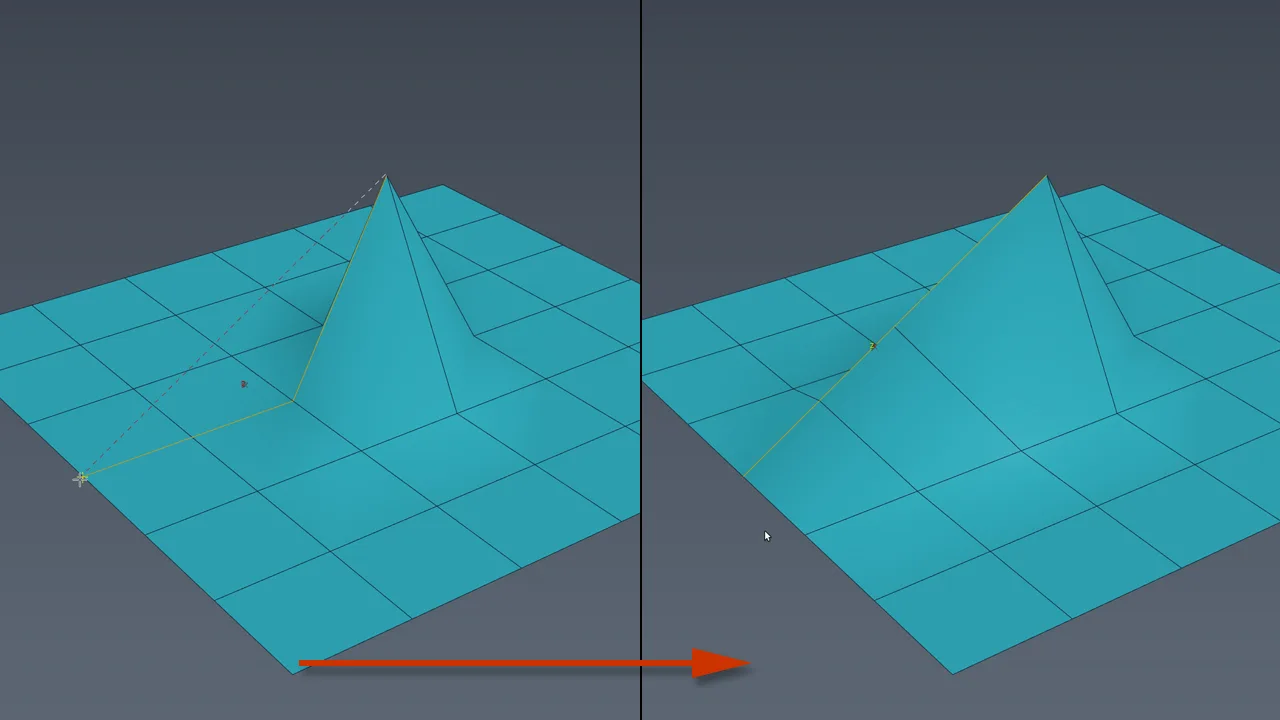
Straighten Edge is a MaxScript for 3ds Max that projects selected vertices or edges onto a straight line. A Veda3D post by RGhost describes defining that line with two clicks. The script works with Editable Poly objects, the Edit Poly modifier, Editable Spline objects, and Line objects, covering both polygon and spline editing. See the ScriptSpot listing for the current version details.
Axis constraints and normalization
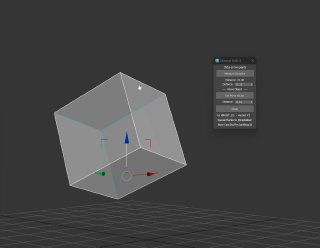
Hold SHIFT to straighten with axis constraints in the chosen Reference Coordinate System. ScriptSpot lists World, Working Pivot, Parent, and Screen. The AnyPlugins catalog listing also includes Links, so check the current developer release if Links support matters to your workflow. For general background, Autodesk’s Using the Axis Constraints help covers the 3ds Max feature.
Hold ALT to straighten and normalize vertices or edges by their distances or lengths. The product listing does not specify the normalization calculation in more detail, so consult the current release information if exact spacing is important.
What changed in version 2.0.0
Version 2.0.0 rewrote and improved the projection-to-line calculations and improved normalization. It added axis constraints for Working Pivot, Parent, Screen, and World, and removed the separate “Straighten Edge (Spline Undo)” script because it is no longer needed in modern 3ds Max versions. The code was also cleaned up and refactored.
Compatibility and availability
ScriptSpot lists version 2.0.0 for 3ds Max 2025 and later. AnyPlugins lists Straighten Edge as free. Check Royal Ghost’s developer page for the current download and terms.