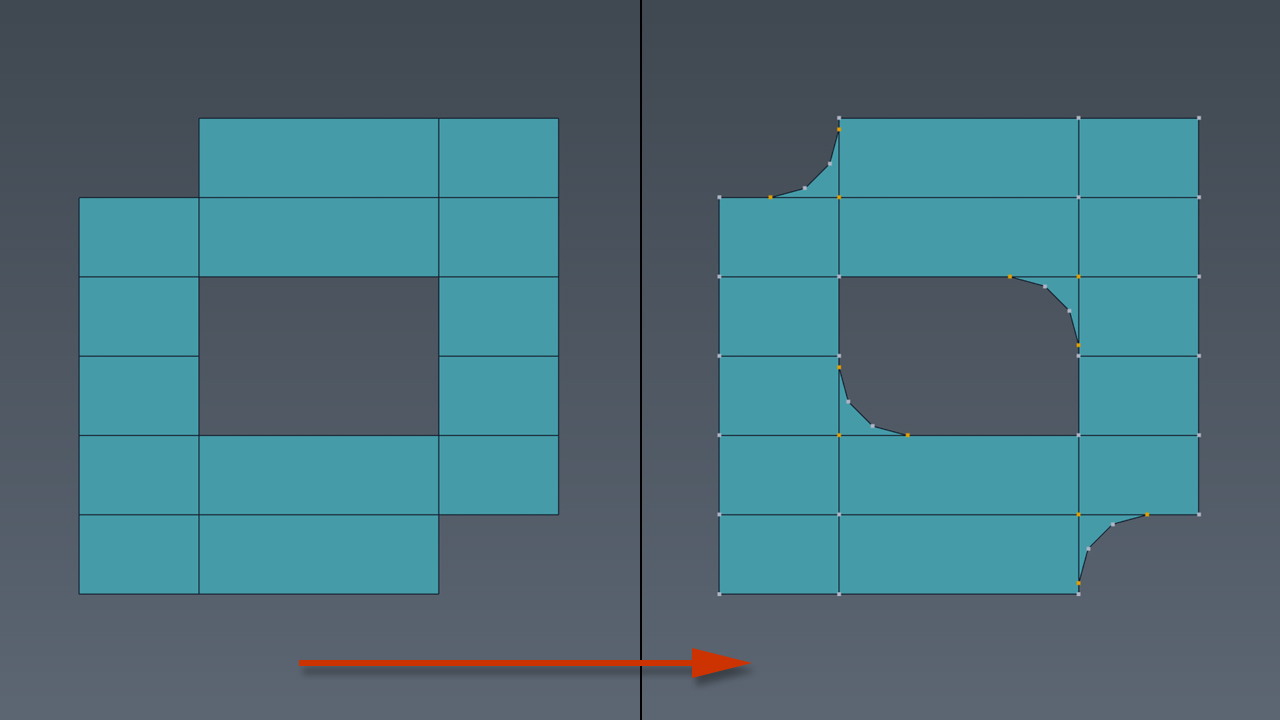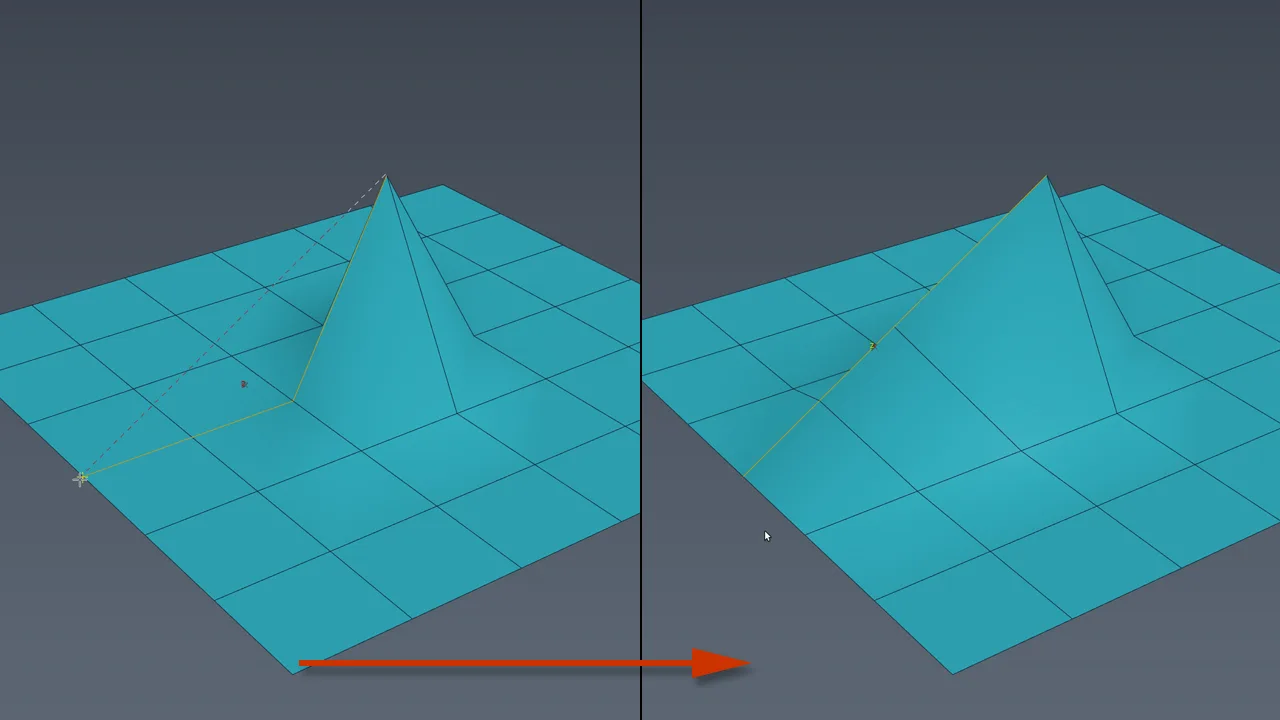
px3DDisplacer is a scripted utility for 3ds Max by Denys Almaral. It changes Editable_Poly vertices directly, using another geometric object to define the displacement shape instead of a grayscale map.
How px3DDisplacer works
Choose an Editable_Poly surface as the target, then place a geometric object very close to it so the objects interpenetrate. Click the Apply button. The script modifies the target vertices so the surface takes on the volume shape of the displacer object.
The position and size of the displacer affect the result. ScriptSpot warns that an object extending across both sides of the target surface can produce unwanted results, so keep it focused on the area you intend to shape.
Compatibility and file
The ScriptSpot listing identifies version 1.0 and gives a required range of 3ds Max 5.1 to 9.0. It also makes a broad claim about working in most versions, including future releases, but does not name newer releases. Check the script in your target version before relying on it in a production scene. The listing dates from 2008.
The script is distributed as px3DDisplacer.ms. ScriptSpot describes it as free, and a developer comment on the listing says the author's scripts are free. Check the listing for current availability and terms.
Known limitations
ScriptSpot notes that high polygon counts combined with enabled Undo changes can make the script slow and cause memory problems. In 3ds Max 9.0, viewport face normals may also fail to update after the Editable_Poly is modified; the listing's workaround is to select the Editable_Poly and then open the Modify panel.
The original script attachment and the author's notes appear in the ScriptSpot px3DDisplacer listing.