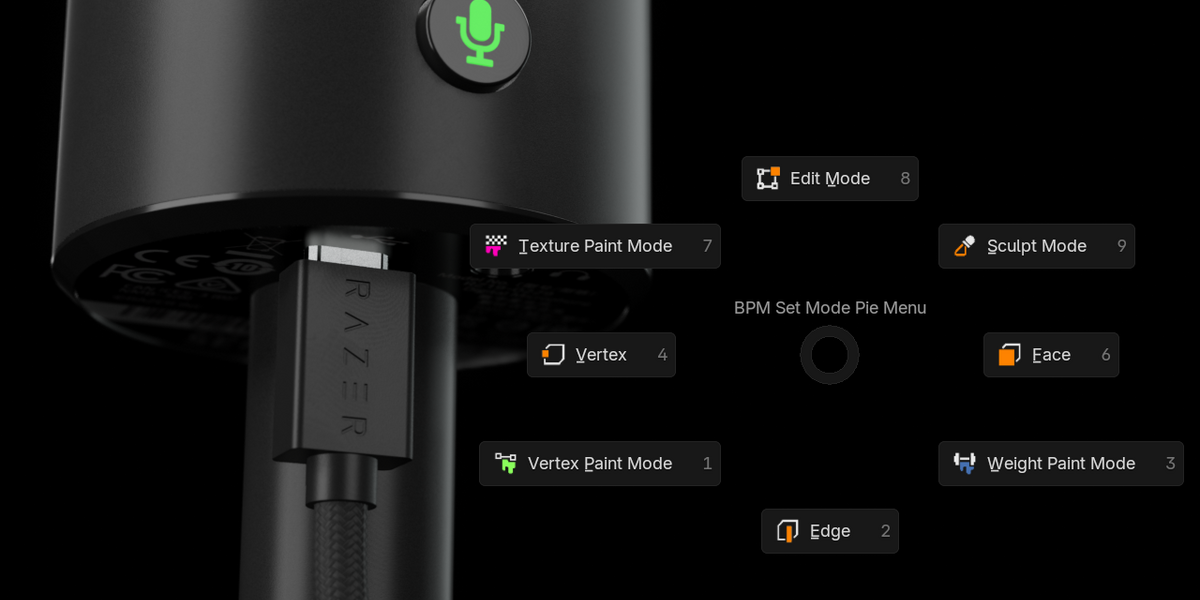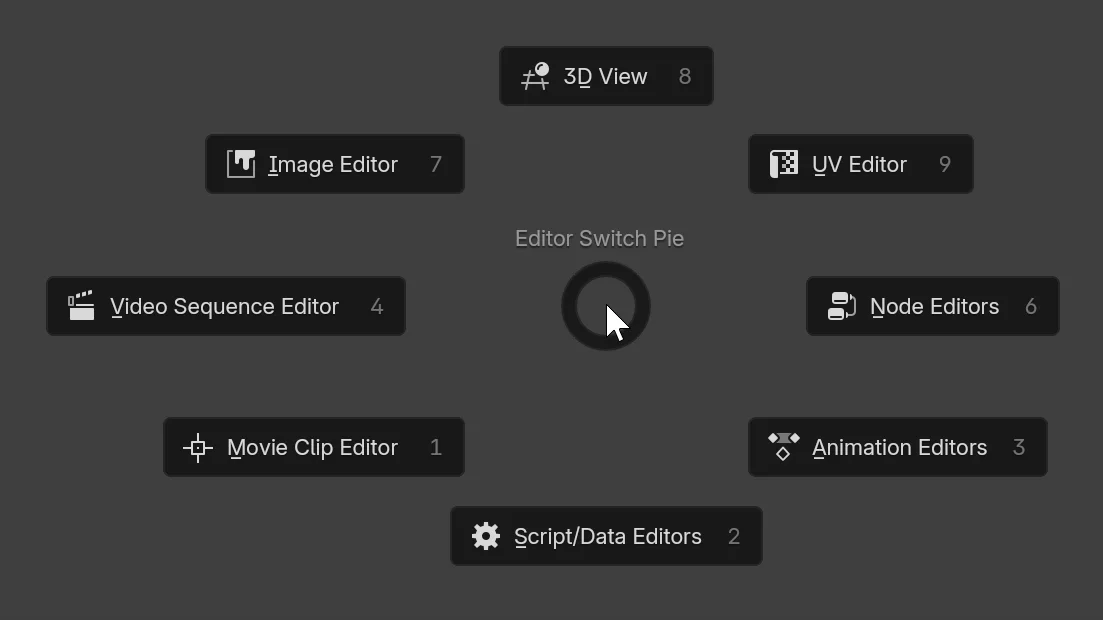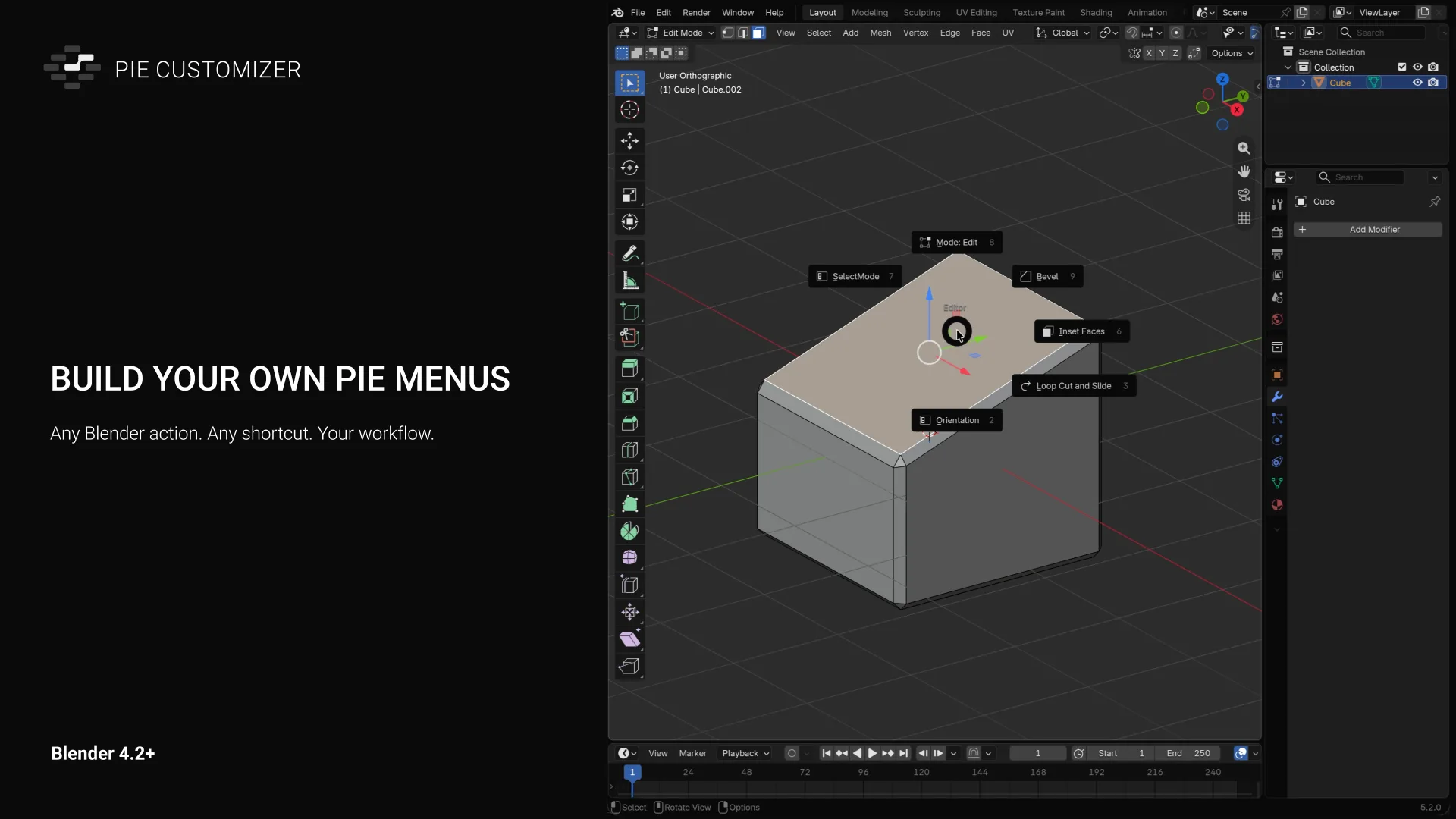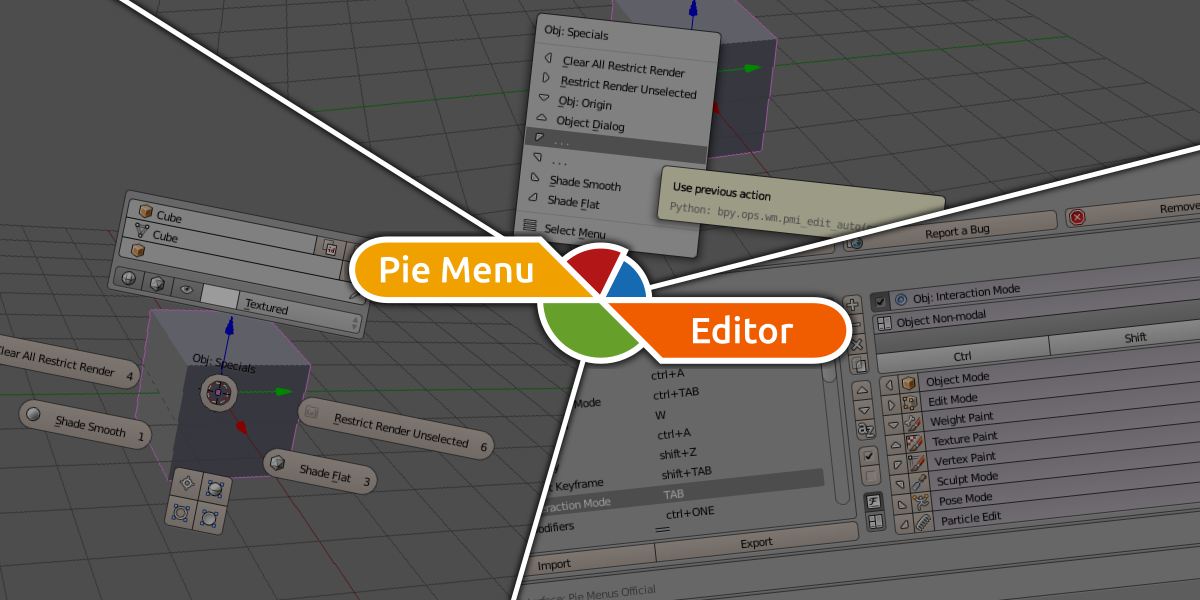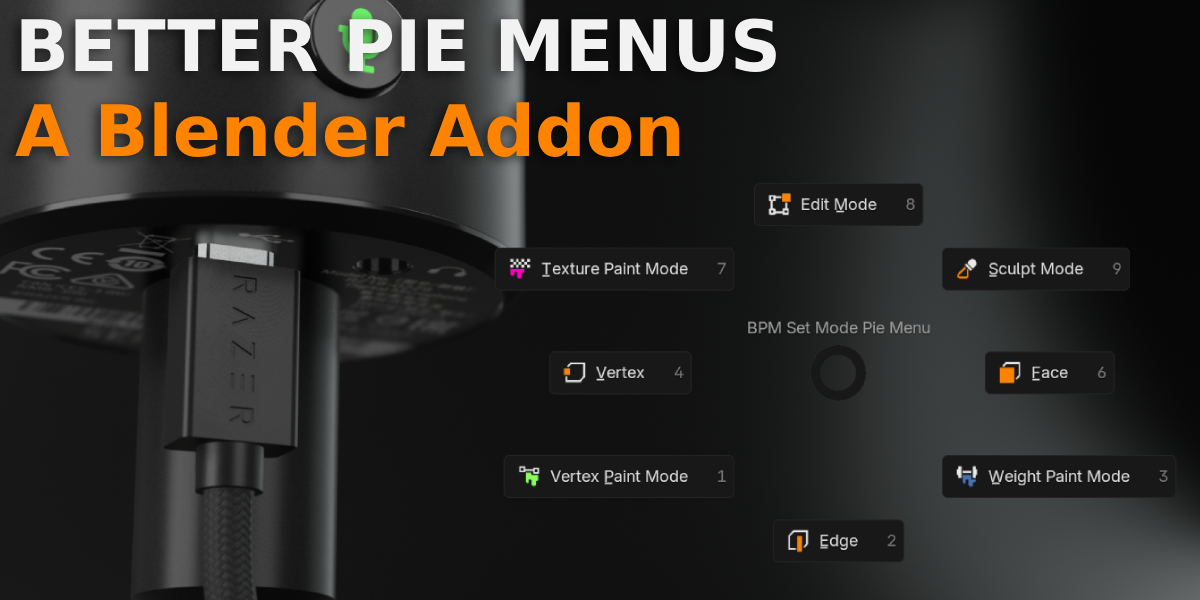
Better Pie Menus is a Blender add-on by Pitiwazou that brings pie menus, smart menus, and popups for common modeling and scene tasks. Its pie and smart menus change with the object type and mode,
Menus for modeling and editing
For mesh work, Smart Menus respond to the selected component and selection. Customizable pie menus cover Mesh, Curves, Grease Pencil, Editors, and Workspace. The Modifier Popup edits object modifiers, while the Material Popup includes presets. Both also work with Curves and Grease Pencil. A Shading Popup provides controls for viewport and object shading, and the PIE Editor lets you change the view and switch to another editor.
The add-on also includes UV pie menus, custom primitives with widgets, and a Pie Menus Creation tool. These sit alongside the context-sensitive menus, so the package covers both quick access to existing tools and menu creation.
Choose which menus to use
You can disable each pie menu in the add-on preferences. Editability has a limit: only the menus listed there can be customized. Check that list if you want to change a particular menu before building it into your workflow.
Other included tools
- The Better Modifiers/Constraints Popup includes options such as Add with Target, copy or delete by type, favorites, and list mode.
- A Backup Mesh system and Autosaves provide additional ways to preserve work.
- Store Mesh Selection can automatically update Attributes and Vertex Group information.
- A Lights Manager, an Isolate tool, stored views and camera views, a visible objects list, and stored selection round out the listed tools.
Compatibility and documentation
The Superhive listing states Blender version support from 4.0 through 5.2 and lists the GPL license. For setup details, see the developer documentation. Check the listing for current compatibility and download terms.