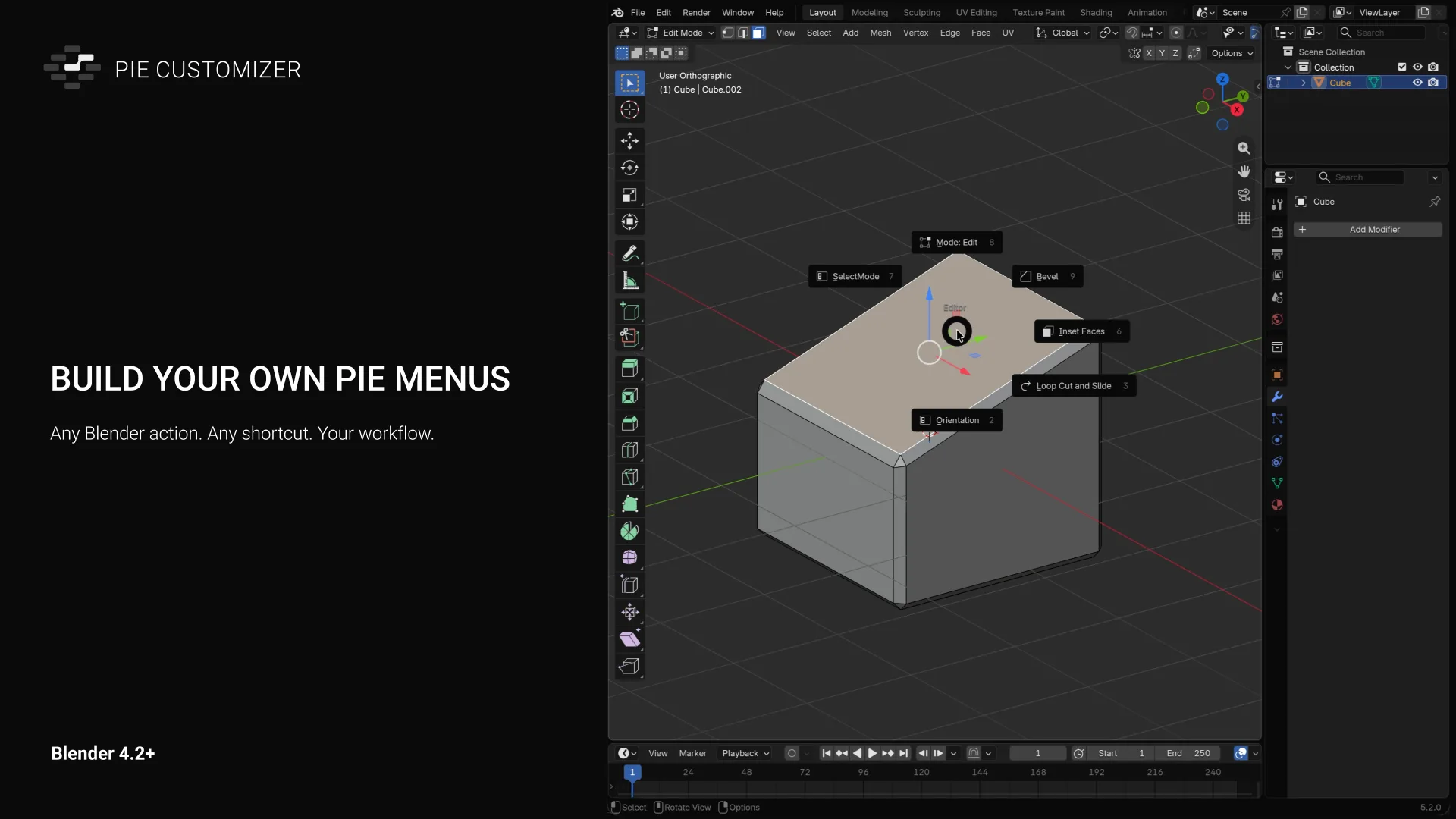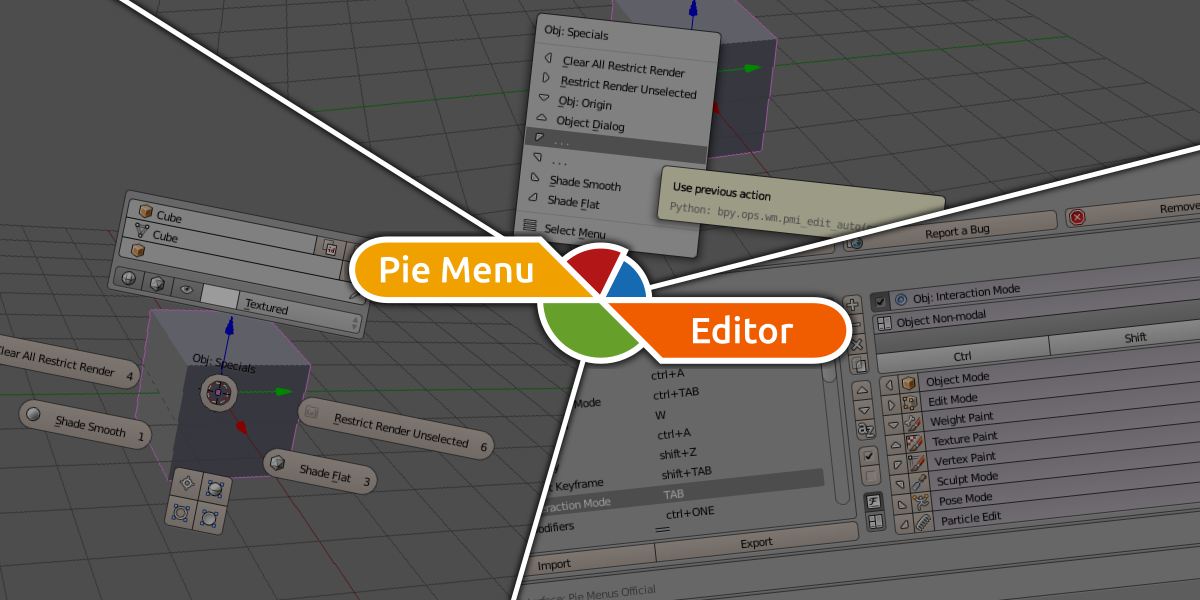
Pie Menu Editor is a Blender add-on by roaoao for creating pie menus, regular menus, popup dialogs, side panels, and toolbars without coding. The seller's listing identifies version 1.18.8 and names Blender releases through 4.3. Check the product listing for current compatibility details before installing with a newer Blender release.
Editors for menus, operators, properties, panels, and toolbars
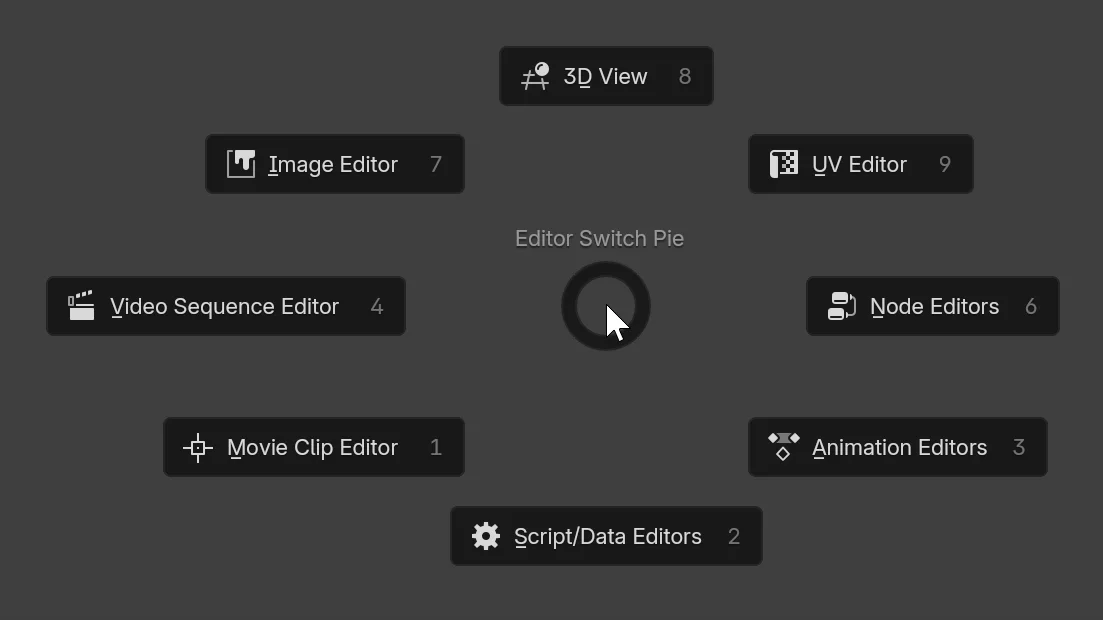
Its editors cover menus, dialogs, operators, properties, side panels, and toolbars:
- Pie Menu Editor and Regular Menu Editor
- Pop-up Dialog Editor
- Macro Operator Editor and Modal Operator Editor
- Property Editor
- Side Panel Editor
- Toolbar Editor
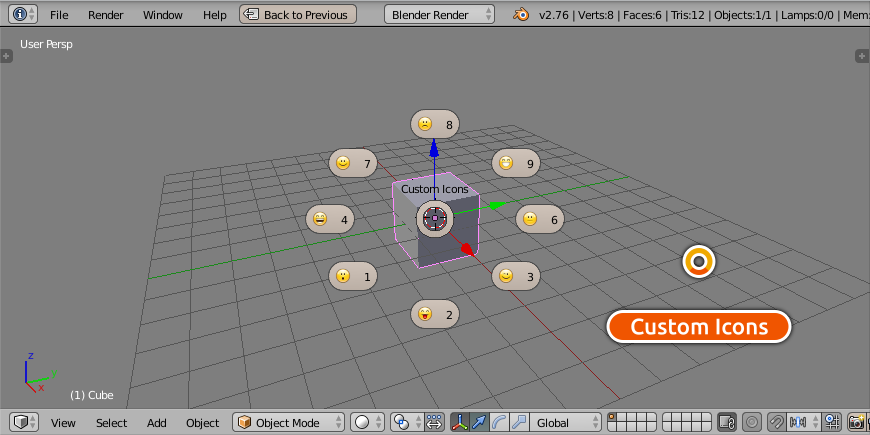
It also lists options for hiding, extending, and floating panels, creating pie menus with 8 or more buttons, Sticky Keys, Stack Keys, and custom icons.
Who may find it useful
Blender users planning custom menus, dialogs, panels, or toolbars can compare the relevant editor with the product documentation and examples linked from the seller's page.
Version and installation details
The seller's listing names version 1.18.8 and lists Blender 2.79, 2.8, 2.81, 2.82, 2.83, 2.9, 2.91, 2.92, 2.93, releases 3.0 through 3.6, and releases 4.0 through 4.3.
The seller's listing gives a File > User Preferences > Add-ons > Install Add-on from File route, then says to install and enable the add-on. Blender's 4.2 and 4.3 manuals document Install from Disk under Preferences > Add-ons for legacy add-ons; select the add-on's .py file if it has only one, or its .zip file, then enable it. Use the instructions matching your Blender release because the menu labels differ.
Back up menus before an update
Before reinstalling the add-on, you can use its Export button to back up your pie menus. The seller describes this backup as optional. Then reinstall the add-on using Install Add-on from File and restart Blender. Exporting first gives you a copy to restore if you need it after the update.