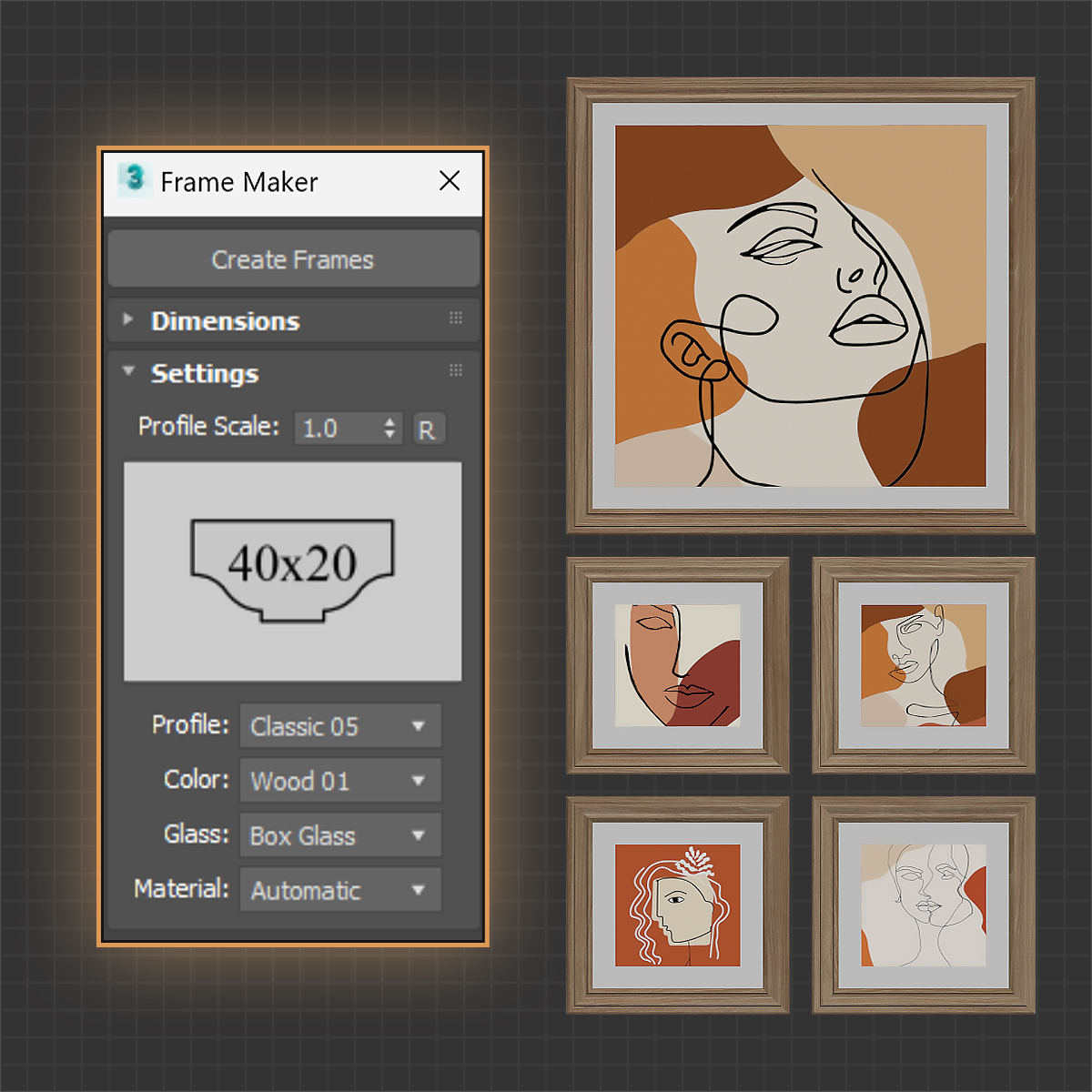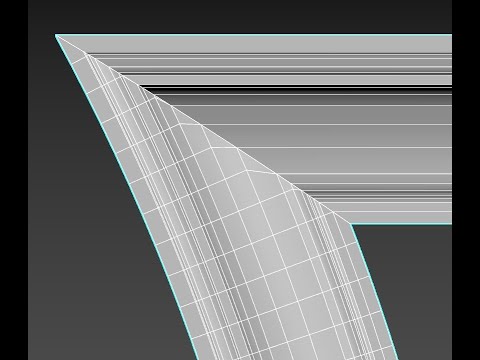
Bevel Profile is a 3ds Max script for working with the Bevel Profile modifier. It converts a Sweep modifier to Bevel Profile, or lets you apply a section shape directly and adjust its position, rotation, and scale. You can also replace the section with another profile shape.
ScriptSpot lists version 1.07, updated June 16, 2022. Check the ScriptSpot listing and the developer’s Gumroad page for current release information and availability.
Use Sweep Profile or choose a section
If Kstudio’s Sweep Profile is installed, the Open Sweep Profile control launches it. Apply a section there, then use Sweep to Bevel Profile to convert the Sweep. Sweep Profile is optional: Bevel Profile also supports Sweep’s built-in sections and lets you choose a profile shape directly. Fast Minimum and Maximum alignment and Fast 90 CW/CCW rotation provide shortcuts for positioning the profile.
Adjust and retain profile shapes
Move, rotate, or scale a section, or replace it with another shape. The script can place a section in a hidden layer named Bevel_Profiles; checkboxes control hiding that layer when the script closes. Each Bevel Profile applied by the script can remember its section shape for later editing.
Split the result by section IDs
The S button applies an Edit Poly modifier and splits the object into elements according to section IDs. Assign the IDs manually on the Edit Poly elements before using the split control.