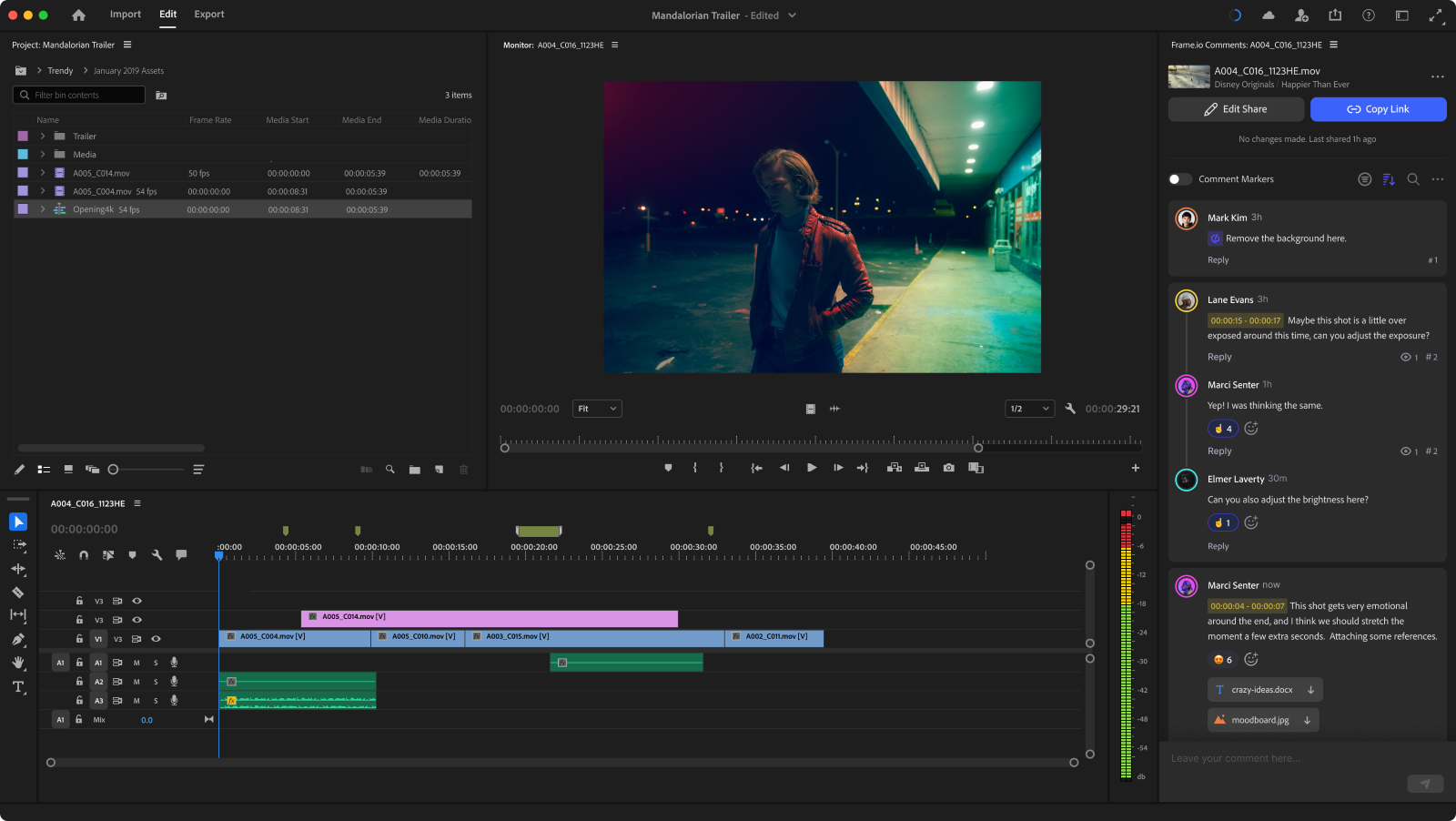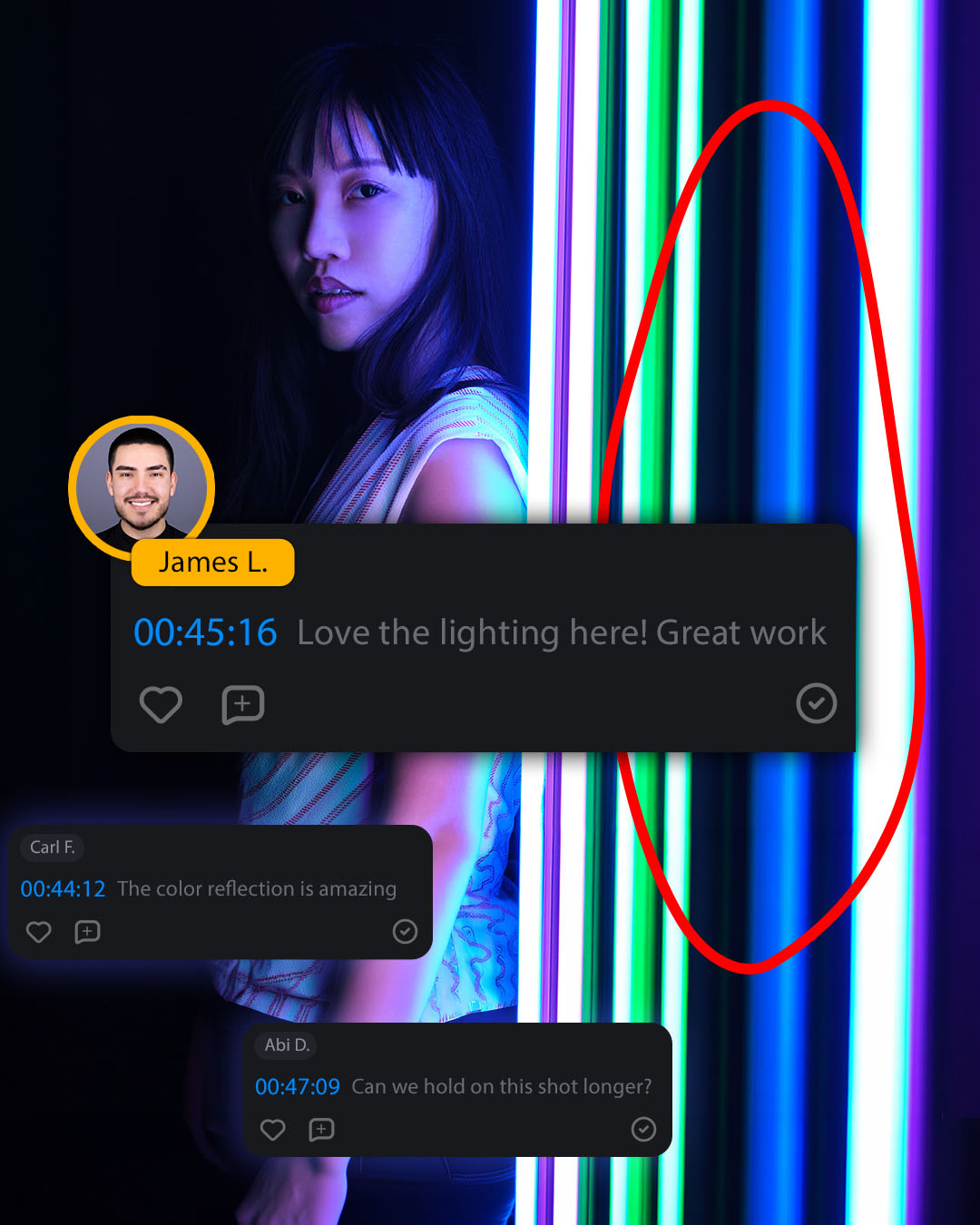
BirdDog Connect adds an Adobe Premiere Pro panel for live remote review. An editor can stream timeline output to a producer, director or client while the edit is open, so reviewers can respond without waiting for a rendered review copy. BirdDog says sessions carry audio and timecode, and viewers can pause, annotate, talk back and approve a sequence.
How the Premiere Pro panel works
BirdDog’s post-production workflow starts with GO LIVE. The session becomes viewable without an export or upload step. Reviewers can follow the edit remotely and give feedback while the editor works in Premiere Pro.
The panel is useful when a production team needs to discuss a cut, check timing or get an approval from someone in another location. It sends the timeline output for review, with audio and timecode included. BirdDog says Connect supports Adobe Premiere Pro and Avid Media Composer, with a panel for Premiere Pro.
Free plan and connection limits
BirdDog’s pricing page lists the Free plan at $0, includes the Adobe Panel and provides two connections. BirdDog counts each created connection as one license against the plan. An outgoing feed plus a return feed uses two connections, while a multiview output counts as one. Check the current plan terms if your review workflow needs more connections.
Security and setup
BirdDog’s technical overview lists AES encryption for NDI Bridge, SRT and WebRTC/Webstream, as well as end-to-end encrypted WebConnect sessions. Check the connection type and its security details when planning a review involving sensitive footage.
Panel listing data gives version 1.1.0, updated July 14, 2025, and Premiere Pro 7.0+ compatibility. Confirm the current release and requirements on the Adobe Exchange listing before installing. BirdDog’s tutorials include a walkthrough for installing the Adobe Premiere Pro panel.