BlToMar is a Blender plugin for preparing object names and baking groups, then exporting a saved scene to Marmoset Toolbag 4. Its tools are aimed at artists who organize low- and high-poly objects in Blender before baking.
Rename and organize objects
The plugin can add or clear name suffixes, detect names as you select objects, and batch rename objects. With dynamic detection enabled, double-clicking an object whose name contains “low” fills the Custom Name Column. Selecting another object does not replace that name unless you select another low-named object. Double-click empty space to clear the column. The creator’s suggested workflow is to select the low object, then select its counterpart and use Add high suffix.
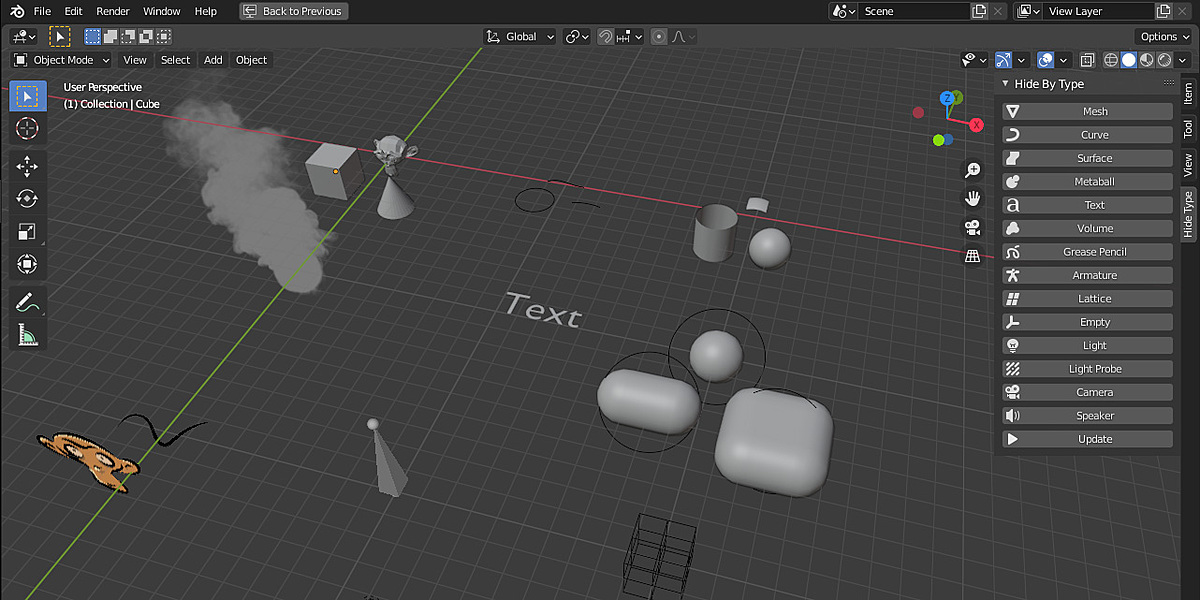
BlToMar can also show or hide objects by suffix. Its baking-group tools create, delete and name scene collections. Select a group and a low- or high-named object, then use Add or Remove to include or remove the matching object from that group.
Export to Marmoset Toolbag 4
- Set the Marmoset Toolbag 4 path in the plugin panel.
- Save the Blender file.
- Click Export.
The product FAQ identifies saving the .blend file first as the fix for an export error.
Compatibility and license
The Superhive listing names Blender 2.9, 2.91, 2.92, 2.93 and 3.0 through 3.6, and states that the plugin uses the MIT license. It does not list compatibility beyond Blender 3.6 or give a plugin release number. Check the creator-linked GitHub repository for current details before using it with a newer Blender release.
Price note
The listing describes BlToMar as free, but its pricing note says the marketplace requires a minimum $0.51 price for non-subscription creators. The creator says product sales will go to the Blender Development Fund before the plugin can be free. Check the listing for the current checkout price.