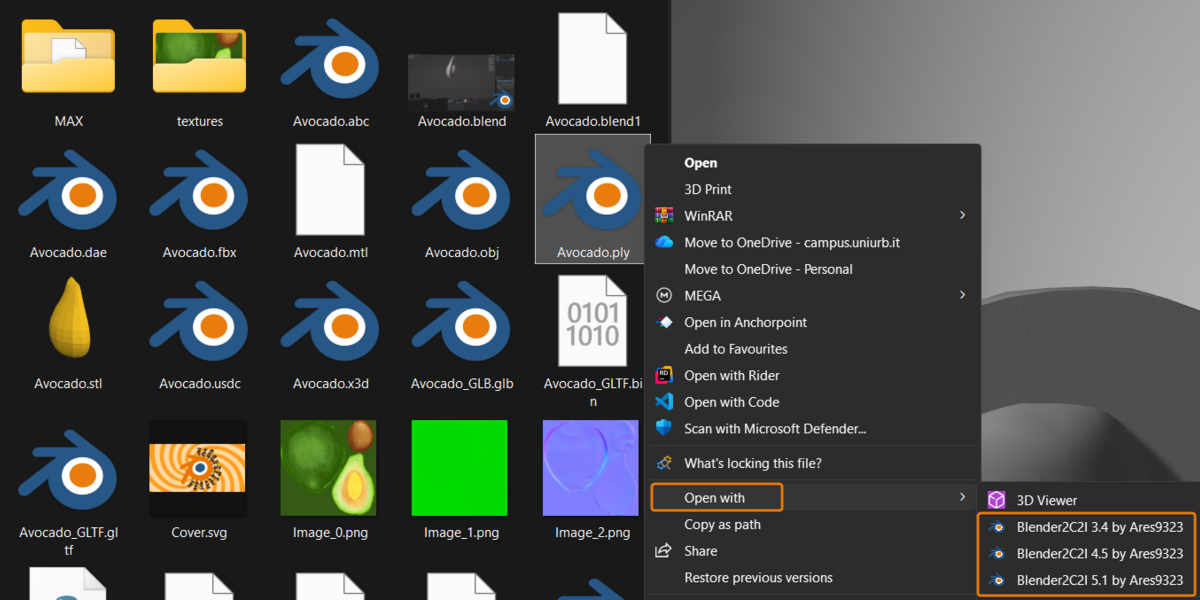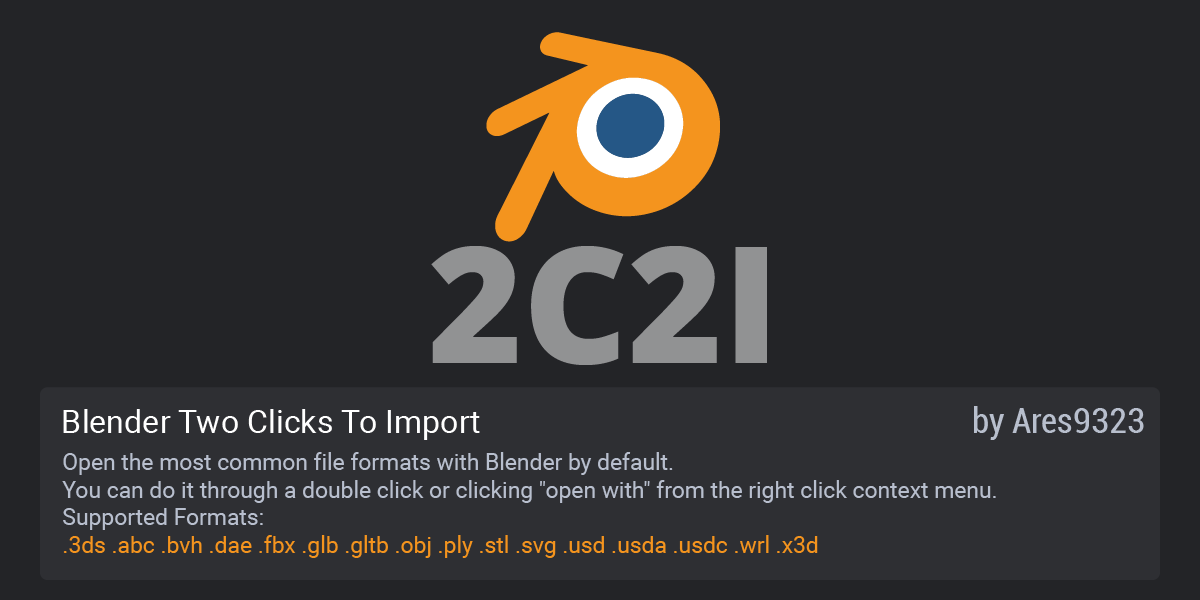
Blender 2 Clicks 2 Import (Blender2C2I) is a Windows utility by Ares Tech that opens compatible files in Blender from the Windows file menu. You can make it the default app for file types you use, then double-click a file, or keep your existing default viewer and choose Blender2C2I from the right-click menu. The product page describes opening files in Blender's currently active window without dragging and dropping. See Ares Tech's Superhive product listing.
Choose how Windows opens files
Assign Blender2C2I as the default program for a supported extension when you want double-clicks to open those files in Blender. If you want another viewer to remain the default, use the context menu's Open with option. The right-click menu can also let you choose between multiple Blender versions, and the utility is described as compatible with Blender forks.
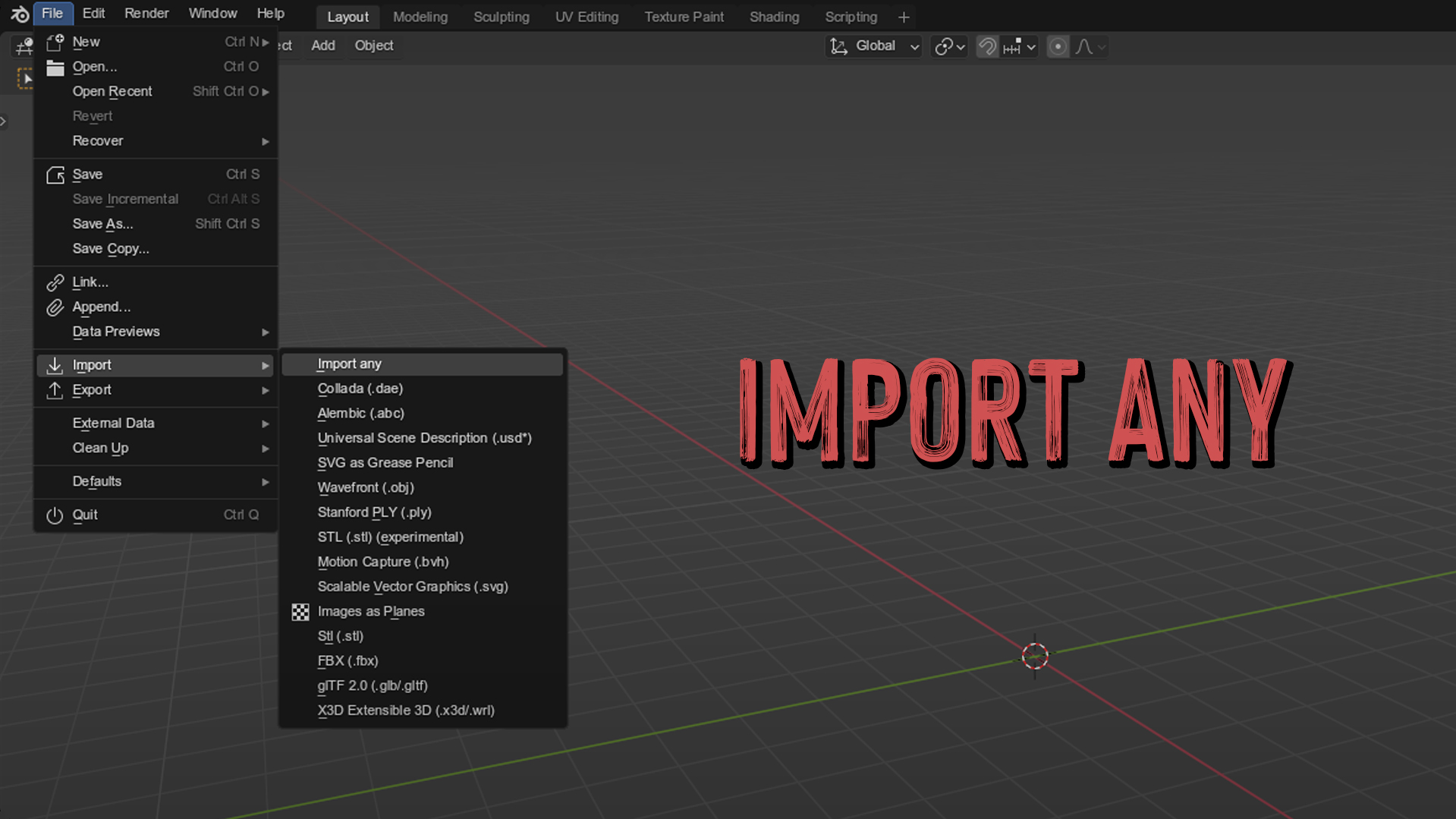
The listed formats include .fbx, .obj, .glb, .gltf, .stl, .ply, .abc, .usd, .usda, .usdc, .dae, .bvh, .svg and .blend. The product page also lists .x3d, .wrl, .3ds, .dxf, .ifc and .skp, with version or add-on requirements for some of them. For .blend files, the settings can determine whether Blender uses the layout saved in someone else's file or keeps your preferred layout.
Check format and Blender version requirements
Ares Tech lists Windows 10 or 11 and Blender as requirements. The product page reports testing with Blender 2.79, 2.83, 2.91.2, 2.92, 2.93, 3.0, 3.1, 3.3, 3.4, 3.6, 4.0, 4.2, 4.3B, 4.5, 5.1 and 5.2. Some formats depend on import add-ons: the 3DS add-on was removed after Blender 2.79; Blender 4 and later no longer include the io_scene_x3d module for X3D and WRL; DXF requires the Import AutoCAD DXF add-on; IFC requires BlenderBIM; and SKP requires SketchupImporter. Check the needed importer in your Blender installation before relying on a format.
Adjust import and window settings
Edit Blender2C2I.py in Blender's default directory to change import defaults. The product page says its settings are commented and can be edited in a text editor. Blender2C2I.config controls startup window size and position, maximized or fullscreen mode, and whether a console window appears. These options can help if Blender starts on the wrong monitor. Version 2.1 changed the default to hide the console; set showConsoleWindow=true in the config to show it.
Version 2.0 added an optional Blender add-on for opening files in the current session. It must be activated in the add-on settings. The product page lists a May 23, 2022 known issue: the utility will not work when an opened file's path contains an ampersand.