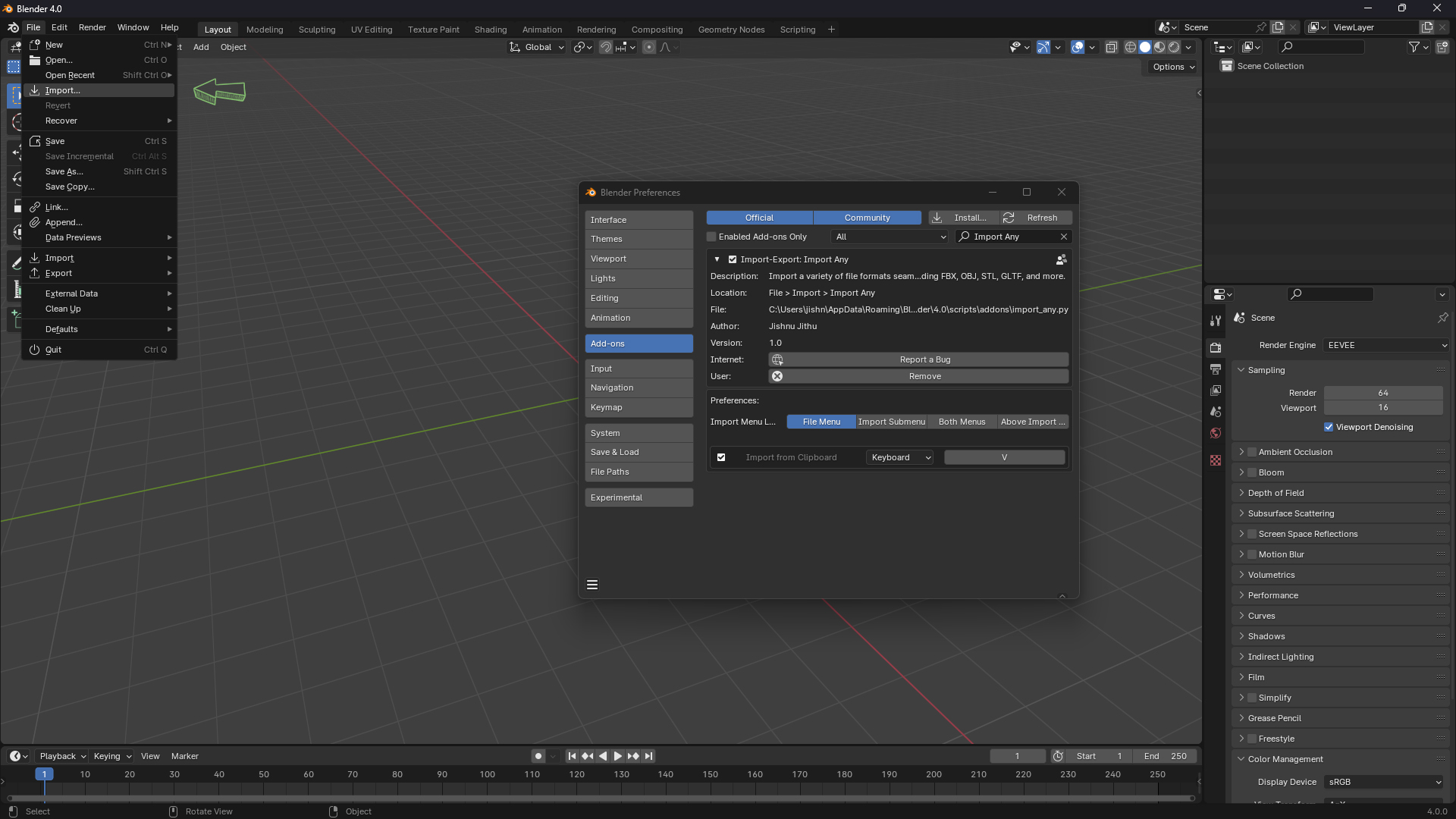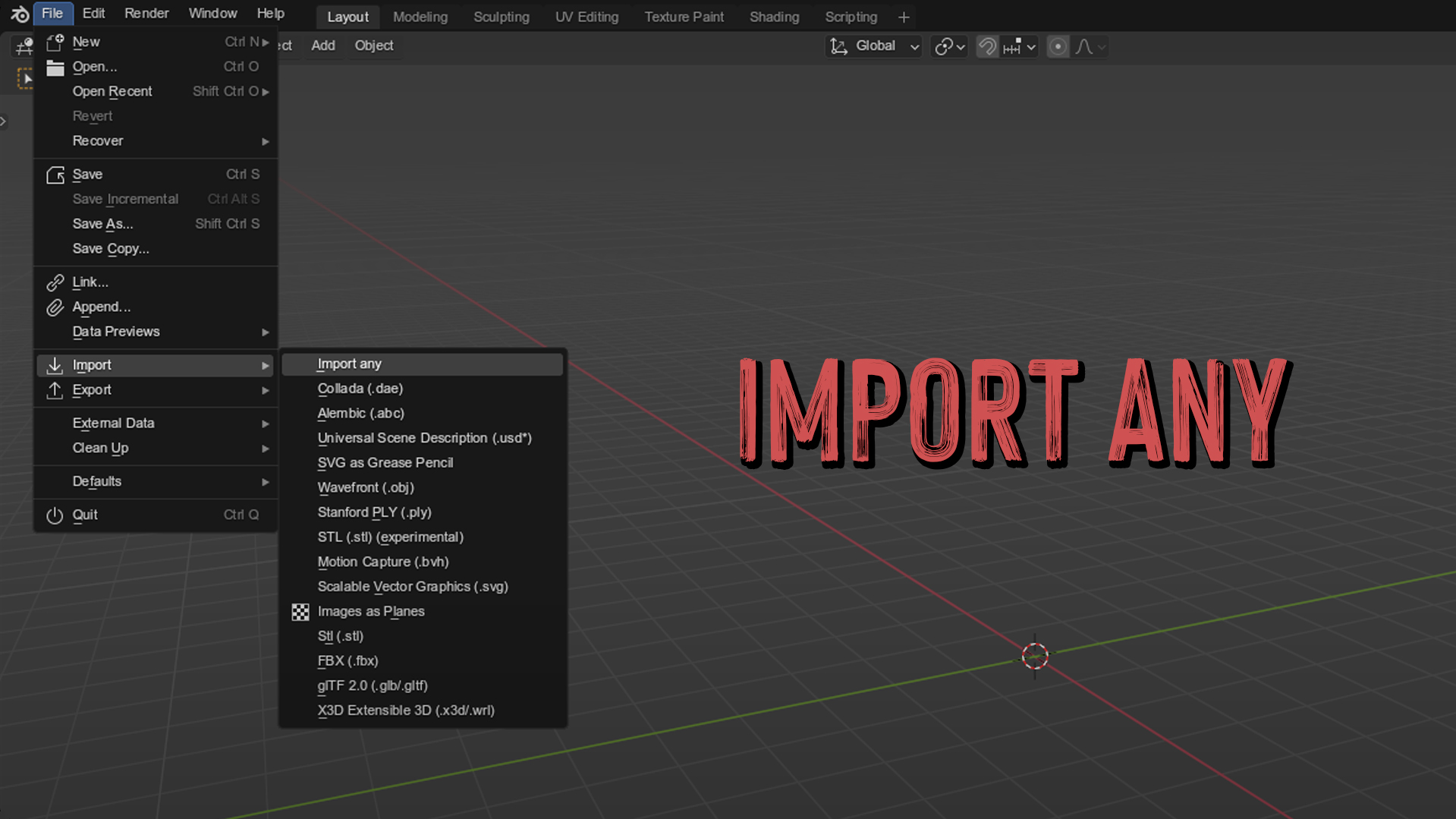
Import Any is a Blender add-on that brings supported file imports into one menu, so you can select files without switching between separate import menus. The Superhive listing identifies Jishnu Jithu as the developer and gives the license as GPL. View the Import Any listing.
Supported file formats
The listing names FBX, OBJ, STL, glTF, GLB, DAE, USD, USDA, USDC, USDZ, BVH, X3D, 3DS, PLY, PDB, DXF and CHAN. It also lists JPG, JPEG, PNG, MP4, PSD, PY and TXT files. The listing does not describe how each format is handled after import.
Import from the menu or clipboard
From Blender, open Import > Import Any, choose one or more files and click Import. You can optionally create collections to keep imported files grouped.
For clipboard import on Windows, copy a file path in File Explorer using Copy as path or Ctrl+Shift+C. In Blender, press V to open the Import Any menu, then select files or choose Import All to bring in the copied paths. The version 1.3 popup lets you adjust settings, including whether to create collections, and set offsets before importing.
Batch importing and preferences
Batch importing handles multiple files in one pass. For 3D models, an offset along the X, Y or Z axis can space imported models apart. You can set default offset values in the add-on preferences or change them in the clipboard import panel.
The preferences also let you change the menu location and its shortcut. Import Any supports default settings and custom presets. The version 1.5 changelog adds an option to import an image as a brush texture.
Version and compatibility details
Superhive lists version 1.5 and Blender versions 3.0 through 4.3 as compatible. Check the current Superhive listing for updated compatibility, documentation and purchase details.
Who may find it useful
Import Any may suit Blender users who regularly bring in several file types or need to import multiple files together. Its single menu, clipboard path workflow and optional collection and offset controls can make those imports easier to organize.