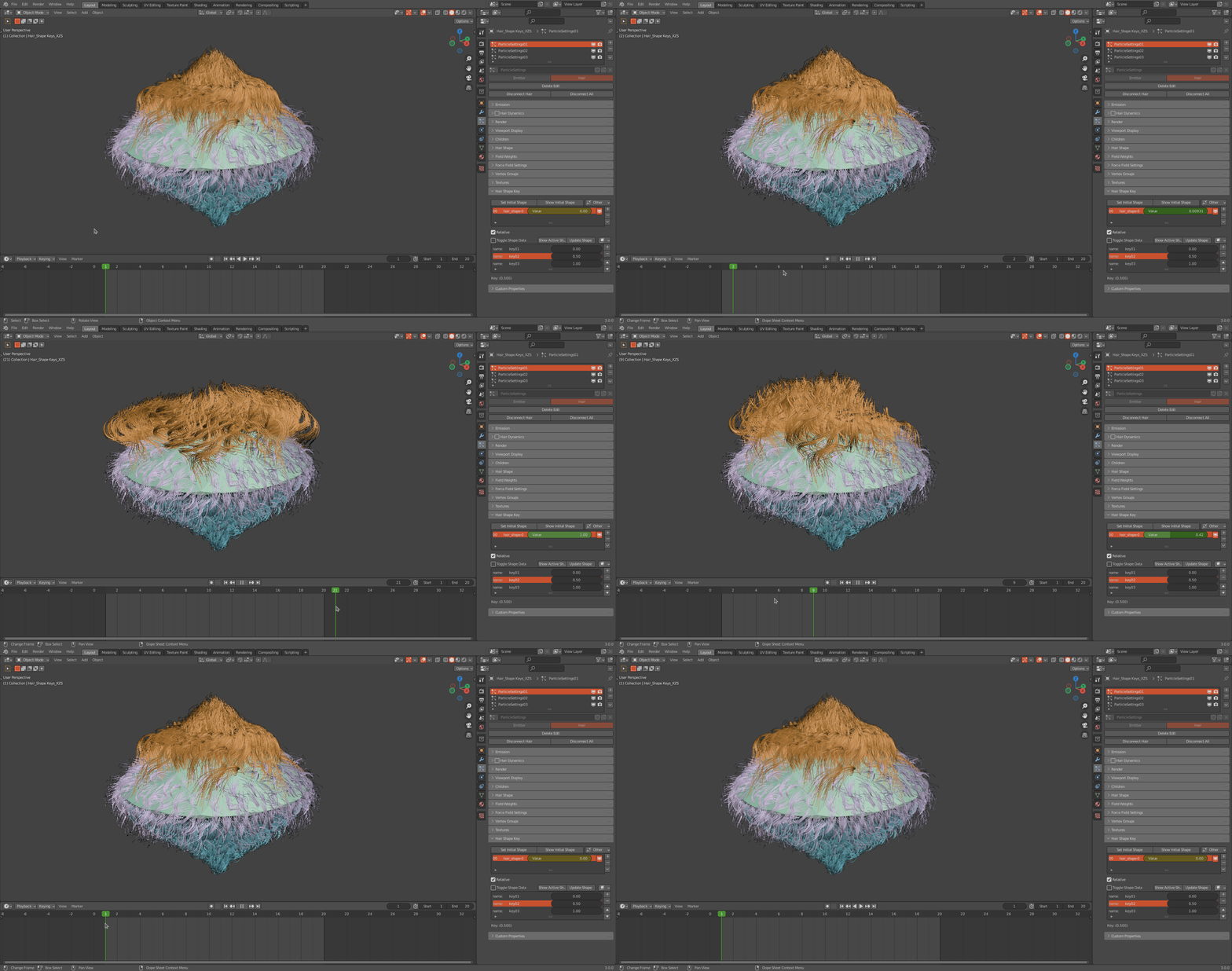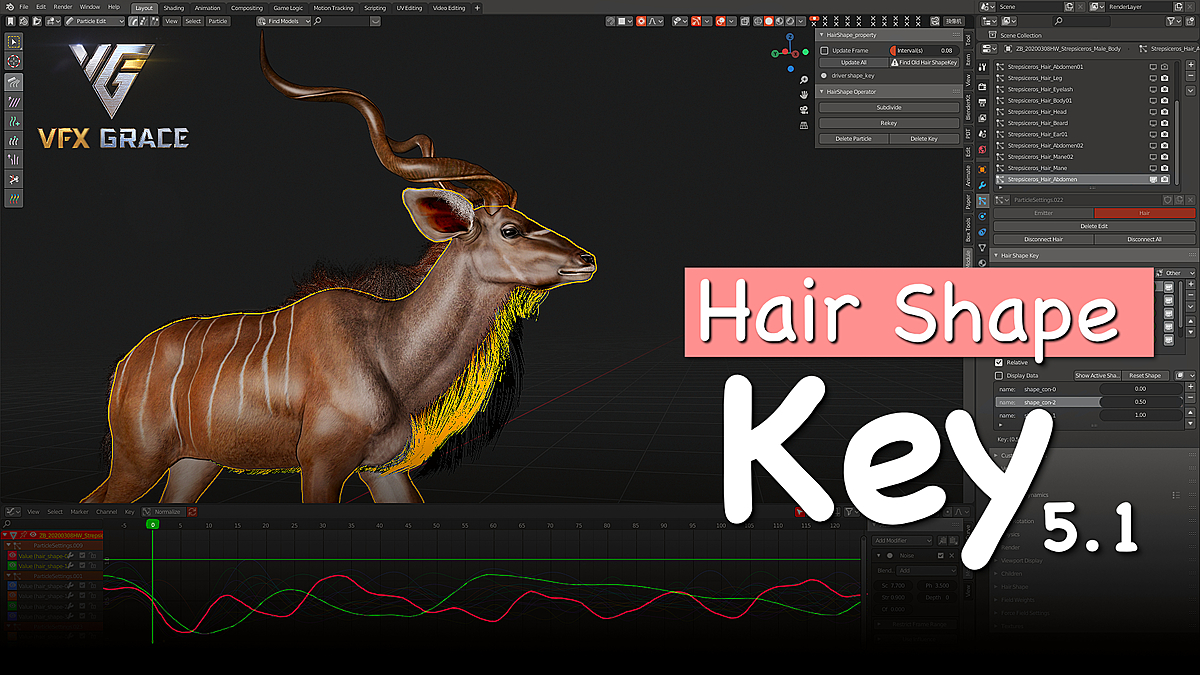
Hair Shape Key is a Blender add-on from VFX Grace for creating shapes for hair and animating transitions between them. You can switch between shapes and keyframe the changes. See the product listing for the current release details.
Create and animate hair shapes
It can work with Blender’s Noise modifier and uses a driver to control animation. The product listing names Cycles and Eevee as render engines used with the add-on.
The listing does not explain the driver setup in detail. VFX Grace’s Hair Shape Key documentation has the tutorial and usage details.
Check compatibility before installing
The product details list Blender 3.0–5.2. The requirements section specifies Windows 10 or 11 with Blender 2.81a or later; Ubuntu 18.04 or 20.04 with Blender 2.81a or later and GCC 7.4 or later; and macOS 10.14 or later with Blender 3.3 or later.
The catalog record lists version 6.7, while the product listing’s changelog lists version 6.8, dated July 22, 2026, with Blender 5.2 support; its 6.7 entry names Blender 5.1. Check which release is available and confirm its requirements for your system before installing.
Installation
In Blender, open Edit > Preferences > Add-ons, choose Install, and select the downloaded ZIP file. The product listing notes that compatibility with previous versions was fixed and points to the tutorial for details. It also lists a GPL license and 12 months of support and product updates from VFX Grace. Check the current listing and documentation for the terms that apply to your download.